
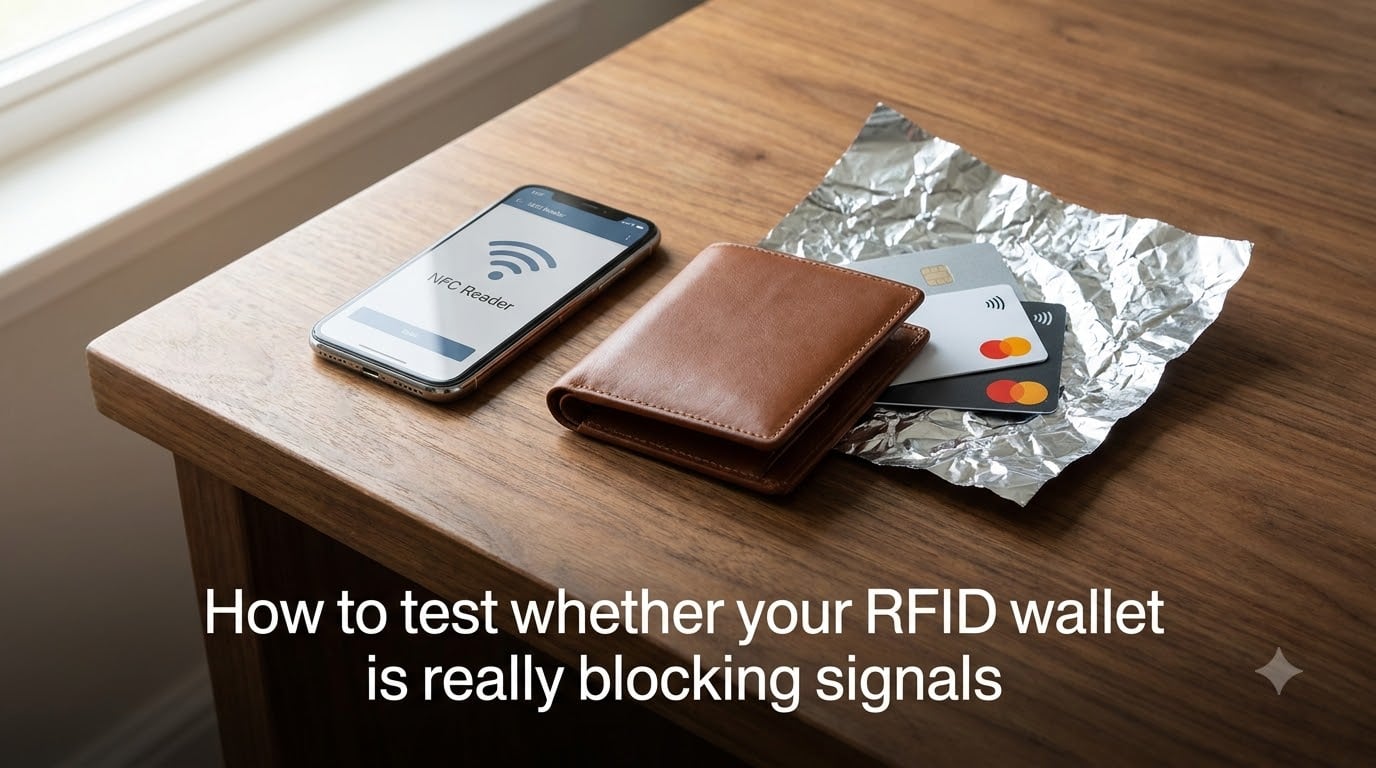
You bought an RFID-blocking wallet, but have you ever wondered if it actually works? I asked myself the same question before a trip last year, and the answer surprised me. My “protected” wallet blocked my credit card just fine, but my bus pass scanned right through it.
Learning how to test whether your RFID wallet is really blocking signals gives you confidence instead of guesswork. I will walk you through four practical methods anyone can try at home or at a store, plus explain why some wallets block one card but not another.
The process takes about 10 minutes and requires nothing more than your phone, your cards, and the wallet you want to verify. Let’s get into it.
Table of Contents
- What RFID Blocking Actually Does?
- Why Different Cards Give Different Results? (HF vs LF Explained)
- How to Test Whether Your RFID Wallet Is Really Blocking Signals: Method 1, Smartphone NFC Test
- Method 2: Real-World Payment Terminal Test
- Method 3: DIY Aluminum Foil Test
- Method 4: Commercial RFID Reader or App Test
- Signs Your RFID Wallet May Not Be Working
- What Materials Actually Block RFID Signals?
- When You Actually Need RFID Protection
- FAQs
- Conclusion
What RFID Blocking Actually Does?
RFID stands for Radio Frequency Identification. Your contactless credit cards, building access badges, and passport all carry tiny RFID chips that respond to radio waves from a reader. When a reader sends the right frequency, the chip powers up and transmits data.
An RFID-blocking wallet works by sandwiching a conductive material (usually metallic fabric or an aluminum layer) between your cards and the outside world. That material creates a Faraday cage effect that absorbs and reflects the radio waves before they reach your chip.
If the shielding is complete, no signal gets in and no data gets out. If the shielding has gaps, worn areas, or only covers certain frequency bands, parts of your data remain exposed. That is why testing matters.
Why Different Cards Give Different Results? (HF vs LF Explained)
This is the single most common confusion point I found across Reddit threads and the GRC security forums. Here is the short version.
Contactless payment cards run on the HF (High Frequency) band at 13.56 MHz, following the ISO 14443 standard. Most older building access badges and some bus passes use the LF (Low Frequency) band at 125 kHz. These are physically different wavelengths.
Most RFID wallets are designed and tested only against the 13.56 MHz payment-card frequency. If your office badge or transit card uses 125 kHz, the wallet’s shielding might not cover that band. This is exactly why a user on Security StackExchange reported their wallet blocking a credit card but letting a bus pass scan through.
So when you test, check every card type you carry. A wallet that passes one frequency may fail another.
How to Test Whether Your RFID Wallet Is Really Blocking Signals: Method 1, Smartphone NFC Test
This is the most popular home method, and it works because almost all modern phones have an NFC (Near Field Communication) reader built in. NFC operates on the same 13.56 MHz band as contactless payment cards, so it is a solid proxy test.
Step 1. Install a free NFC reader app. On Android, search the Play Store for “NFC Reader” or “NFC Tools.” On iPhone (iPhone 7 or newer running iOS 14+), apps like “NFC for iPhone” or the built-in Shortcuts app can trigger a read.
Step 2. Place your contactless card flat on a table and hold your phone over it. The app should detect the card and display its UID or type. This confirms your phone can read it.
Step 3. Now put the card inside your RFID wallet, close the wallet fully, and hold your phone over it the same way.
Step 4. Try reading again. If the app finds nothing after several attempts, the wallet is blocking the 13.56 MHz signal. If it still reads the card, your wallet has a gap in its shielding or does not cover that frequency.
One caveat: phone NFC range is short, about 1 to 4 cm. Move slowly and try multiple angles so you do not get a false negative.
Method 2: Real-World Payment Terminal Test
The GRC forum users ranked this as the most trustworthy method, and I agree. It tests your wallet against the exact hardware a thief would use: a real payment terminal.
Step 1. Go to a store with a contactless reader and let the cashier know you want to do a quick test. Most are fine with it.
Step 2. Hold your closed wallet (with the card inside) against the PayPass or contactless symbol on the terminal.
Step 3. Wait 3 to 5 seconds. If the terminal does not beep or light up, the wallet blocked the signal.
Step 4. As a control, take the card out and tap it directly. The terminal should respond immediately. This confirms the card itself works.
This method only tests the 13.56 MHz payment band. For access cards or transit passes, repeat the test at the relevant reader (office door, turnstile).
Method 3: DIY Aluminum Foil Test
This method does not test your wallet directly. Instead, it proves the concept and gives you a known-good shielding baseline to compare against.
Step 1. Wrap your contactless card completely in two layers of standard aluminum foil. Fold the edges so there are no gaps.
Step 2. Try to scan the wrapped card with your phone NFC app or a payment terminal. It should fail completely. Aluminum foil is a proven RFID blocker.
Step 3. If your foil-wrapped card does not scan but your wallet-wrapped card does, your wallet’s shielding is weaker than basic foil. That is a red flag.
This test answers a question I see constantly: does aluminum foil block RFID? Yes, it does, very effectively, as long as the wrap is sealed.
Method 4: Commercial RFID Reader or App Test
If you want a definitive, repeatable result, use a dedicated RFID reader. Hobbyist readers like the ACR122U connect via USB and show you exactly what frequency and tag type they detect.
Step 1. Plug the reader into a laptop and open a free tool like PC/SC Diagnostic or MIFARE Classic Tool on Android.
Step 2. Place your card on the reader and confirm it reads.
Step 3. Place the card inside your wallet and set it on the reader.
Step 4. If the reader shows no tag, the wallet is blocking that frequency. Swap in a 125 kHz LF card and repeat to test the other band.
For a quick option, dedicated RFID-blocking test cards exist that flash an LED when they receive a signal. Some are sold as marketing demos for RFID wallet brands, and they make verification visual and instant.
Signs Your RFID Wallet May Not Be Working
Even a well-made wallet can fail over time. Watch for these signs.
If your phone NFC app reads a card through the closed wallet, the shielding is compromised. If a payment terminal lights up when you tap the whole wallet, same problem. If different cards give inconsistent results, you are likely dealing with a frequency mismatch rather than a defect.
Physical damage is another culprit. A cracked carbon-fiber plate, a torn metallic fabric layer, or a stretched elastic band that leaves the wallet slightly open all create signal gaps. Inspect the interior lining for tears or thin spots.
Reddit users on r/RFID consistently report that cheap knockoff wallets have inconsistent shielding batch to batch. A brand-name wallet from Secrid, Bellroy, or Axwell is more likely to have quality-controlled shielding, but you should still test it.
What Materials Actually Block RFID Signals?
The effectiveness of any RFID wallet comes down to its shielding material. Here is what actually works.
Aluminum and copper foil or mesh are the most common, effective blockers. Carbon fiber provides moderate shielding depending on thickness. Metal alloys like the ones used in rigid metal cardholders (aluminum, titanium, steel) block very well when the lid is closed.
Leather, fabric, and plastic alone do almost nothing. A wallet only qualifies as RFID-blocking if it has a dedicated conductive layer, usually a metallic fabric sewn or bonded inside. If you can see or feel a thin foil-like sheet when you open the lining, that is the shield.
Thickness matters too. The closer the shield is to a complete enclosure with no gaps, the better the attenuation. Open-top card slots are weaker than fully enclosed designs.
When You Actually Need RFID Protection
RFID skimming is real but rare in practice compared to other forms of card fraud. You benefit most from RFID blocking if you carry contactless payment cards in crowded transit hubs, airports, or tourist areas where a thief with a concealed reader could get close to you.
If you carry only chip-and-PIN cards without contactless capability, or you use a phone-based wallet like Apple Pay or Google Pay, your exposure is minimal. Newer chipped cards in the US are increasingly contactless by default, though, so check your card for the four-wave contactless symbol.
For passports, the e-passport chip requires the book to be open to scan in most cases, which lowers the risk. Still, many travelers prefer the extra layer.
The bottom line: testing costs you nothing and gives you certainty. Spending two minutes with your phone tells you more than any marketing claim on the box.
FAQs
How to know if a wallet is actually RFID blocking?
Place a contactless card inside the closed wallet and try to scan it with a phone NFC app or a payment terminal. If nothing reads, the wallet is blocking the signal. Check the interior for a metallic or foil-like layer, which indicates shielding material.
How do I test my RFID blocking wallet?
Use four methods: a smartphone NFC app, a store payment terminal, an aluminum foil comparison test, or a dedicated USB RFID reader. Test each card type separately because different cards use different frequencies.
Can I use my phone to test an RFID wallet?
Yes. Install a free NFC reader app on Android or iPhone, confirm it can read your card directly, then place the card inside the closed wallet and try again. If the app cannot read it, the wallet is blocking the 13.56 MHz signal used by contactless payment cards.
Can my debit card be scanned while in your wallet?
It depends on the wallet. If the wallet has intact RFID shielding designed for the 13.56 MHz band, the card cannot be scanned while closed. If the shielding is damaged, incomplete, or only covers a different frequency, the card may still be readable.
Conclusion
Now you know how to test whether your RFID wallet is really blocking signals using four practical methods. The smartphone NFC test is the fastest, the payment terminal test is the most realistic, the foil comparison gives you a baseline, and a dedicated reader gives you certainty across both frequency bands.
The most important takeaway from my testing and the forum research is this: test every card type you carry, not just your credit card. A wallet that blocks 13.56 MHz payment cards may still let a 125 kHz access badge through, and that gap is invisible until you check.
Spend ten minutes this week running these tests. If your wallet passes, you travel with confidence. If it fails, you have the information you need before someone else finds out for you.