
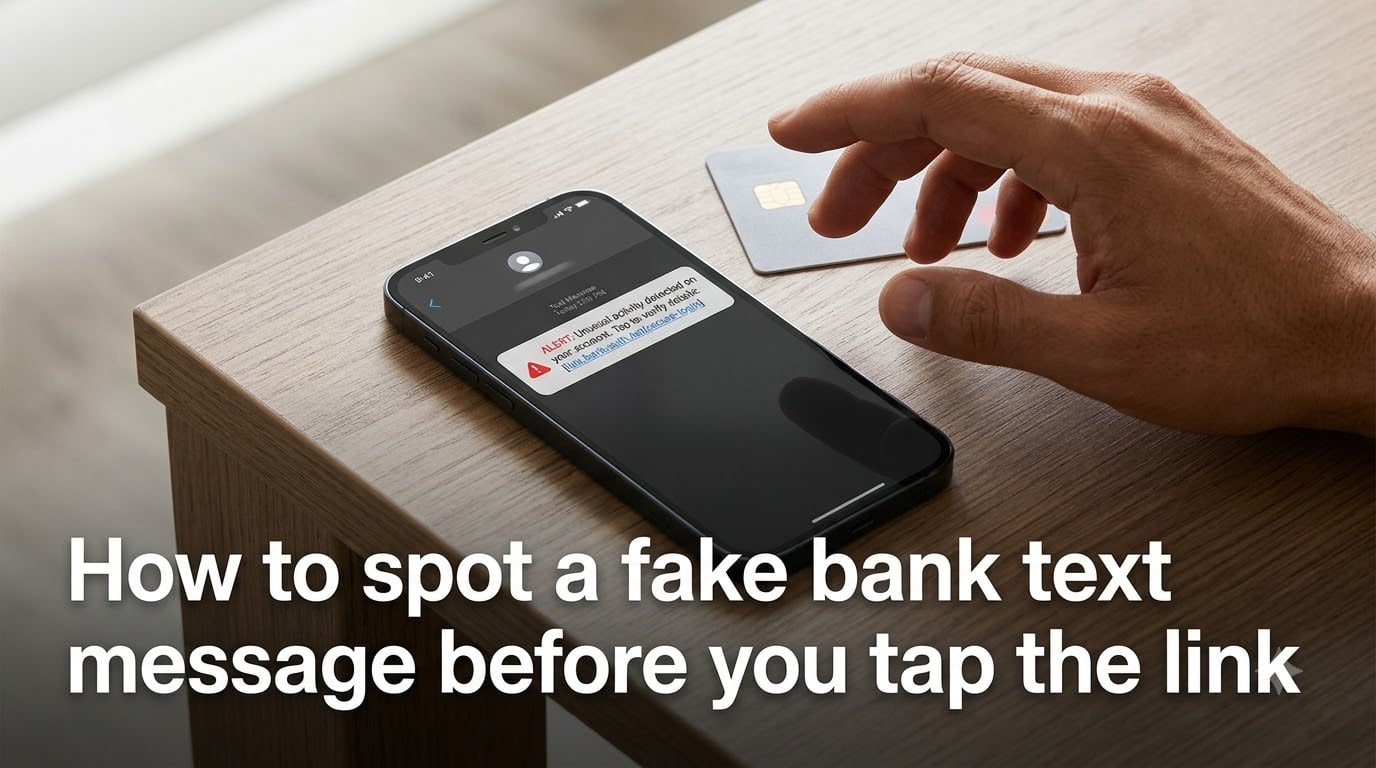
Imagine this: your phone buzzes at dinner and the message looks urgent. “Your account has a $427 charge at Best Buy. If this wasn’t you, verify here: [link].” Your stomach drops, your thumb hovers, and you almost tap. That moment of panic is exactly what scammers are counting on.
Knowing how to spot a fake bank text message before you tap the link can save you from identity theft, drained accounts, and weeks of recovery headaches. In this guide, I’ll walk you through the exact warning signs to watch, real examples of scam wording pulled from people who received them, and the immediate steps to take if you already clicked.
By the end, you’ll have a simple mental checklist that takes five seconds and makes you a much harder target.
Table of Contents
- What Is Smishing and Why Fake Bank Texts Work?
- 8 Warning Signs of a Fake Bank Text Message
- Real Examples of Fake Bank Texts to Watch For
- How to Verify a Bank Text Message in 3 Steps
- What to Do If You Already Tapped the Link?
- How to Report Fake Bank Texts?
- Prevention Tips to Keep Your Bank Account Safe
- FAQs
- Conclusion
What Is Smishing and Why Fake Bank Texts Work?
Smishing is SMS phishing, a scam where criminals send fake text messages pretending to be your bank, a delivery service, or a government agency to steal your personal information or install malware on your phone. The word combines “SMS” (the technical name for text messaging) and “phishing.”
Fake bank text messages are the most effective form of smishing because they exploit two things at once: your trust in your financial institution and your fear of losing money. When a message claims someone just spent hundreds of dollars from your account, your brain switches into panic mode before your logic kicks in.
Scammers know this. In discussions across Reddit’s r/Scams community, users describe receiving texts that look identical to legitimate fraud alerts, complete with real-looking phone numbers and correct bank branding. Some scammers even reference actual recent purchases, which makes the message feel authentic and lowers your guard.
Why does this work so well? Because legitimate banks also use urgency. Real fraud alerts genuinely ask you to act quickly. That overlap creates exactly the kind of confusion scammers need to slip through your defenses.
8 Warning Signs of a Fake Bank Text Message
Here are the red flags I tell everyone to memorize. If a bank text shows even one of these signs, stop and verify through official channels before doing anything else.
1. The message creates intense urgency or fear. Phrases like “account suspended in 24 hours,” “immediate action required,” or “final notice” are designed to short-circuit your reasoning. Real bank fraud alerts are informational, not threatening.
2. The link looks slightly off. Scammers register domains that look almost right, like “chase-bank-verify.com” instead of “chase.com.” Look for extra words, hyphens, or unusual domain endings (.xyz, .top, .click).
3. It asks for personal or account information. No legitimate bank will ever text you asking for your password, PIN, full account number, Social Security number, or one-time verification codes. If a message requests any of these, it is a scam.
4. The sender’s phone number is suspicious. Real bank alerts typically come from official short codes (5 or 6 digit numbers) or registered sender IDs. A message from a 10-digit regular phone number claiming to be your bank is almost always fake.
5. There are spelling, grammar, or formatting errors. Capitalization mistakes, odd spacing, or awkward phrasing are common in scam texts. Banks have copy editors; scammers often do not.
6. The message references a bank you do not use. If you have never banked with Wells Fargo but get a “Wells Fargo fraud alert,” that is an obvious tell. Scammers send thousands of messages blind, hoping some land with actual customers.
7. It pressures you to reply YES or NO. One tactic scammers use is asking you to reply “YES” to confirm a charge. Once you do, they follow up with a phone call pretending to be the bank’s fraud department. That call is where the real theft happens.
8. The greeting is generic. Messages that say “Dear Customer” or “Dear Valued Member” instead of using your name are a classic sign. That said, be aware that some scammers do know your name from data breaches, so a personalized greeting does not guarantee the text is safe.
Real Examples of Fake Bank Texts to Watch For
Forums are full of people sharing the exact messages they received. Here are reconstructed examples based on real reports from r/Scams and consumer protection databases. Reading these builds your pattern recognition so the next scam text feels familiar, not frightening.
Example 1, the fake fraud alert: “FRM:Chase Bank. Did you attempt $1,299.00 at APPLE.COM? Reply YES or NO or call 855-XXX-XXXX.”
This one looks official because the bank name is correct and the amount is specific. The danger is in replying. Once you engage, the scammer calls you pretending to be a Chase agent and walks you through “reversing” the charge while actually draining your account.
Example 2, the verification trap: “Bank of America: Your online banking has been temporarily locked due to unusual activity. Verify your identity to restore access: [shortened link].”
Shortened links (bit.ly, tinyurl, or random character strings) hide the real destination. Tapping takes you to a login page that looks exactly like Bank of America’s site. Anything you type goes straight to the scammer.
Example 3, the package-and-bank hybrid: “USPS: Package held due to unpaid shipping fee of $1.99. Pay now to avoid return to sender: [link].”
This is not a bank text at all, but it uses the same urgency playbook. The link leads to a page that steals your card details. The lesson: any unexpected text demanding payment or verification is suspect, regardless of who it claims to be.
Example 4, the “you’ve been paid” bait: “You received $500 from Zelle. Log in to accept: [link].”
Zelle scams are rampant because the money transfer is instant and irreversible. The link takes you to a fake Zelle portal designed to capture your bank login.
How to Verify a Bank Text Message in 3 Steps
If a text from “your bank” raises any doubt, do not tap, reply, or call the number in the message. Follow these three steps instead.
Step 1: Open your banking app directly. Do not use any link from the text. Launch the official app you already have installed and check your account for the activity the message describes. If nothing looks wrong, the text was likely fake.
Step 2: Call the number on the back of your card. This is the single most reliable verification method. The number printed on your debit or credit card is guaranteed to connect you to the real bank. Ask whether they sent the text. If they did not, they will note it on your account.
Step 3: Check for an official short code. Most major banks send text alerts from registered short codes, not 10-digit phone numbers. You can verify your bank’s official short code by logging into your online banking portal and checking the text alert settings. If the message came from a different number, treat it as suspicious.
These three steps take about two minutes and eliminate nearly all guesswork. The key is never to use any contact information provided within the suspicious message itself.
What to Do If You Already Tapped the Link?
Do not panic. Acting quickly limits the damage. Here is the order of operations that gives you the best chance of protecting your accounts.
First, disconnect your phone from the internet immediately. If you tapped a link that may have installed malware, turning off Wi-Fi and cellular data stops any active data transfer.
Second, contact your bank using the number on the back of your card. Tell them you clicked a suspicious link and ask them to monitor or freeze your account. Most banks can place a temporary block within minutes.
Third, change your banking passwords from a different, trusted device. Do not use the phone you used to tap the link until you are confident it is clean. Enable or re-enable two-factor authentication as well.
Fourth, run a security scan on your phone. Install a reputable mobile security app and scan for malware or suspicious profiles. If you entered any information on a fake login page, assume your credentials are compromised and change them everywhere you reused that password.
Finally, report the scam (covered in the next section) and monitor your accounts closely for the following weeks. Some scammers wait days before attempting to use stolen information.
How to Report Fake Bank Texts?
Reporting helps authorities track scam campaigns and shut them down. It takes under a minute and makes a real difference.
Forward to 7726 (SPAM). Every major US carrier supports forwarding suspicious texts to 7726 at no cost. Your carrier uses these reports to identify and block scam numbers across their network.
Report to the FTC. File a complaint at ReportFraud.ftc.gov or call 1-877-FTC-HELP. The FTC collects these reports to build cases against scammers and alert the public about new tactics.
Notify your bank directly. Forward the fake text to your bank’s fraud department. Many banks have dedicated email addresses or in-app reporting tools for phishing attempts. This helps them warn other customers.
File with the FBI’s IC3 if you lost money. If the scam resulted in financial loss, file a report at IC3.gov. Include screenshots, phone numbers, and any details about where the link led.
Report to your state attorney general. Many states have consumer protection divisions that track and prosecute financial fraud. A quick web search for your state plus “report fraud” will get you to the right office.
Prevention Tips to Keep Your Bank Account Safe
The best defense is building habits that make you a hard target before a scam text ever reaches you. These are the practices I recommend based on what works in practice.
Use a password manager. Unique, randomly generated passwords for every financial account mean that even if one login leaks, the rest stay safe. A password manager removes the burden of remembering them all.
Enable two-factor authentication (2FA) on every account. Preferably use an authenticator app rather than SMS-based codes, since SIM-swapping attacks can intercept text codes. If your bank offers app-based 2FA, turn it on.
Set up in-app fraud alerts. Instead of relying on text messages for fraud notifications, configure push notifications inside your banking app. These are much harder for scammers to spoof because they come through the bank’s authenticated application.
Never reply to unexpected bank texts. Even replying “STOP” can confirm to scammers that your number is active and monitored, which makes you a target for more messages. Instead, block the number and report it.
Keep your phone’s software updated. Security patches close vulnerabilities that malware-laden links try to exploit. Enable automatic updates for both your operating system and your banking apps.
Register your number on the Do Not Call list. While this will not stop scammers who ignore the law, it reduces legitimate marketing calls and texts, making it easier to spot the ones that do not belong.
Learn your bank’s official communication style. Log into your online banking and review how they say they will contact you. Some banks never text at all. Knowing this eliminates uncertainty the moment a suspicious message arrives.
FAQs
What happens if you click a link on a fake text message?
Clicking a malicious link can install malware on your phone, redirect you to a fake login page designed to steal your credentials, or download tracking software. If you entered any information on the page that opened, assume your account is compromised and contact your bank immediately using the number on the back of your card.
Will a bank ever send you a text message?
Yes, many banks send legitimate text alerts for fraud detection, balance updates, and transaction confirmations using official short codes. However, no real bank will ever text you asking for your password, PIN, full account number, or a one-time verification code. If a text requests any of these, it is a scam regardless of how official it looks.
How to check if a text message is legit?
Open your banking app directly and check for the activity described in the text. Call the number printed on the back of your debit or credit card to confirm. Never use links or phone numbers provided within the suspicious message itself, as these are controlled by the scammer.
What are common signs of a fake text?
Common warning signs include urgent or threatening language, shortened or misspelled links, requests for personal or account information, messages from a 10-digit phone number instead of a short code, spelling and grammar errors, generic greetings, and pressure to reply YES or NO immediately.
Conclusion
The core lesson in learning how to spot a fake bank text message is this: pause before you tap. Every scam depends on speed and fear. The moment you slow down to verify through your banking app or the number on your card, the scam falls apart. Bookmark this page if it helps, and share it with someone who might need it. A two-minute read today can save someone weeks of recovery tomorrow.