
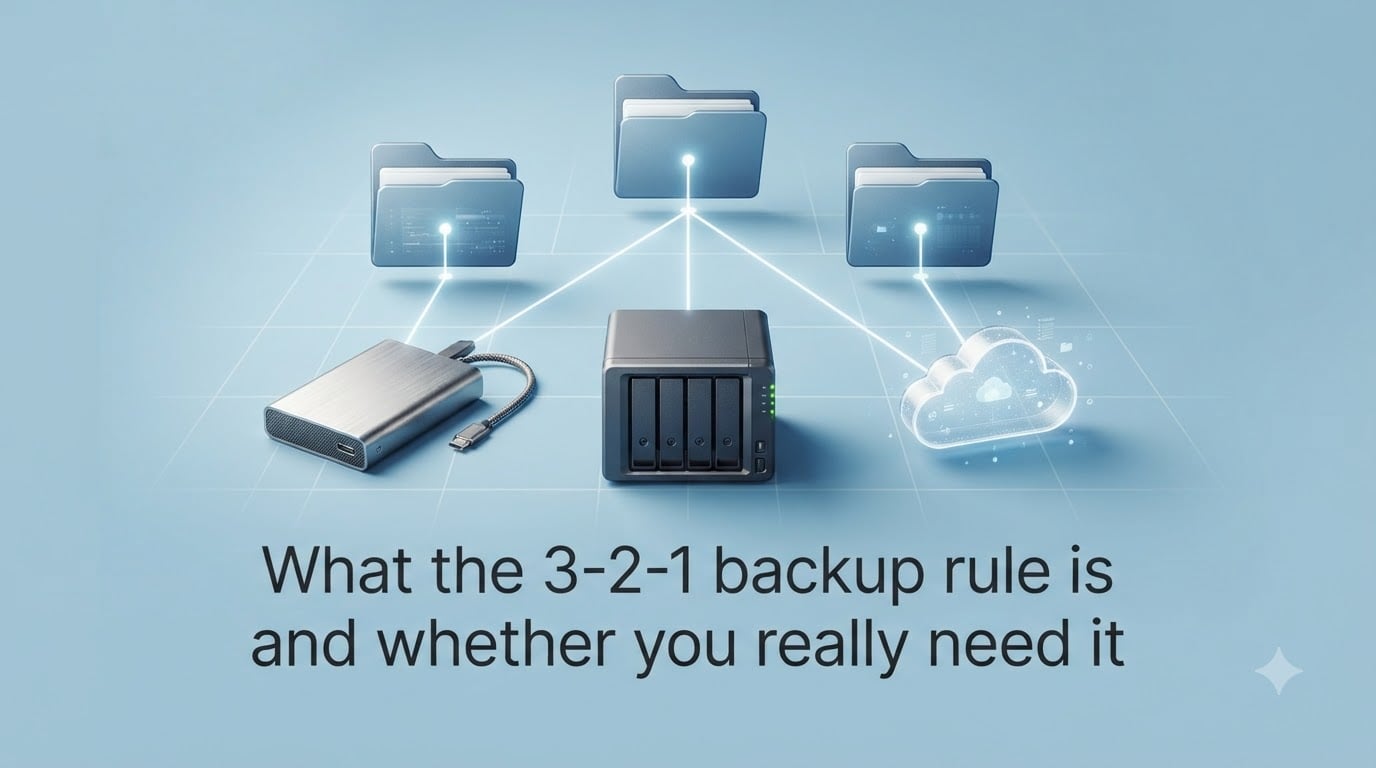
The 3-2-1 backup rule is a data protection strategy that recommends keeping three copies of your data on two different types of storage media, with at least one copy stored off-site. It is widely considered the gold standard for personal and business backup planning because it survives almost any single failure scenario.
I started using this rule myself after losing a year of photos to a dead laptop drive, and I have tested variations on it for both home and small-team setups over the last several years. In this guide, I’ll walk you through what the 3-2-1 backup rule is, how each piece works, and—more importantly—whether you actually need to follow it strictly in 2026.
Table of Contents
- What Is the 3-2-1 Backup Rule?
- How the 3-2-1 Backup Rule Works Step by Step
- Why the 3-2-1 Rule Matters
- Modern Variations: 3-2-1-1-0 and Other Rules
- On-Premises vs Cloud Backup: How to Build 3-2-1 Today
- Do You Really Need 3-2-1?
- Common Questions and Concerns
- FAQs
- Bottom Line: Is the 3-2-1 Backup Rule Worth It?
What Is the 3-2-1 Backup Rule?
The 3-2-1 backup rule is a simple framework for protecting your files against loss from hardware failure, accidents, theft, or cyberattacks. It was popularized by photographer Peter Krogh in his 2005 book The DAM Book and has since been adopted by US-CERT, Carnegie Mellon’s CERT division, and most enterprise IT teams.
Here is the breakdown of the three numbers:
3 copies of your data (the original plus two backups)
2 different types of storage media (so a single hardware failure cannot take out both backups)
1 copy stored off-site (so a fire, flood, or local theft cannot destroy everything at once)
This is why people call it the “golden rule of backup.” It is not a product or a service. It is a pattern that dramatically reduces the odds of total data loss, even when something goes badly wrong.
How the 3-2-1 Backup Rule Works Step by Step
The rule is simple on paper but has a few specific requirements that many people miss. Let’s walk through each step with a real example so it is easy to replicate at home or in a small office.
Step 1: Keep at Least Three Copies
Your “primary” copy counts as copy number one. That means you need two additional backups in addition to whatever you actively work from. The reasoning is straightforward: any single storage device can fail, so a single copy is never enough.
Step 2: Store Them on Two Different Media Types
The two backups must live on different kinds of hardware. A common combination is an internal hard drive (or SSD) plus a Network Attached Storage (NAS) device, or an internal drive plus a USB external drive. The point is that if one type of media has a manufacturing defect or firmware issue, the other backup survives.
RAID arrays do not count as a separate backup. RAID protects against drive failure but not against accidental deletion, file corruption, ransomware, or theft. This is a frequent point of confusion in forums like r/DataHoarder and r/synology, and the consensus among experienced users is clear: RAID is availability, not backup.
Step 3: Keep One Copy Off-Site
One of your backups must live in a physically separate location from your other copies. Cloud backup services like Backblaze, iDrive, or AWS are the easiest way to satisfy this requirement for most people. For businesses, an off-site tape rotation or a second data center accomplishes the same goal.
A practical example for a home user in 2026: your laptop’s internal SSD holds the primary copy, a NAS in your closet holds the second copy, and Backblaze B2 holds the third copy in the cloud. That setup satisfies 3-2-1 with about $7 per month for a few terabytes.
Why the 3-2-1 Rule Matters
The rule is not theoretical. Every component addresses a real, common cause of data loss that people actually experience. Here are the threats it is designed to defeat.
Hardware Failure
Hard drives and SSDs fail. Backblaze’s drive statistics consistently show annualized failure rates between 1% and 2% for consumer drives. The more drives you own, the more likely one will die this year. Multiple copies on multiple devices ensure one failure is not catastrophic.
Ransomware and Cyberattacks
Ransomware encrypts every connected drive, including mapped network shares and cloud sync folders. The 3-2-1 rule defends against this by requiring an off-site copy that is either read-only, versioned, or disconnected. Many modern attackers specifically target connected backups, which is why versions like 3-2-1-1-0 exist.
Natural Disasters and Theft
Fires, floods, and burglaries destroy everything at a single location. An off-site copy is the only piece that survives. Several real users on r/selfhosted have shared stories of NAS units stolen during a home break-in where their cloud copy saved the family photos.
Accidental Deletion and File Corruption
Two copies on the same device can both be corrupted by the same bad software update. Different media types reduce that risk significantly.
Modern Variations: 3-2-1-1-0 and Other Rules
The original 3-2-1 rule was created before cloud backups and ransomware were widespread. Today, security-focused organizations often use an extended version called 3-2-1-1-0.
3 copies of data
2 different media types
1 off-site copy
1 immutable or air-gapped copy (cannot be modified or encrypted by attackers)
0 errors after recovery testing (every backup must be verified by an actual restore)
The added immutable copy defends against the modern tactic of attackers deleting or encrypting cloud backups before deploying ransomware. WORM storage (Write Once Read Many), tape backups that are physically rotated offline, and object storage with object-lock all satisfy this requirement.
For most home users, 3-2-1-1-0 is overkill. But if you run a business or store irreplaceable data, the extra immutable copy is worth the modest additional cost.
On-Premises vs Cloud Backup: How to Build 3-2-1 Today
Cloud storage has made 3-2-1 dramatically easier and cheaper than when the rule was first created. Here is how the two approaches compare.
| Factor | On-Premises Only | Cloud-Only | Hybrid (Recommended) |
|---|---|---|---|
| Upfront cost | High (NAS + drives) | Low (subscription) | Moderate |
| Off-site protection | Manual (rotate drives) | Automatic | Automatic |
| Recovery speed | Very fast | Depends on internet | Fast for primary |
| Ransomware risk | Higher | Medium | Low with immutable copy |
| Maintenance effort | Higher | Lower | Moderate |
A typical home 3-2-1 setup in 2026 looks like this: a Synology or QNAP NAS as your primary backup, a USB external drive rotated weekly, and a cloud backup like Backblaze Personal running in the background. Total cost is usually under $300 upfront and around $10 monthly.
Do You Really Need 3-2-1?
The honest answer is: it depends on how much you would pay to get your data back. Here is how I think about it.
You Probably Need 3-2-1 If You Have:
Family photos and videos that cannot be retaken
A small business with customer data or accounting records
Creative work (writing, design, music) that took years to produce
Source code, research, or irreplaceable project files
Compliance requirements (HIPAA, GDPR, financial records)
3-2-1 May Be Overkill If:
Your files are mostly replaceable downloads or streaming media
You already use a service like Google Photos or iCloud with reliable versioning
Your data is small enough that an external SSD and a single cloud service are enough
You have less than a few gigabytes of truly important data
Simpler Alternatives for Casual Users
If strict 3-2-1 feels like too much, a “2-1-1” approach often works: one local backup on an external drive plus one cloud backup, on two different media types. That gives you protection against the most common failure modes without the complexity of managing three copies.
For most people, the real risk is not picking the perfect rule. It is having no backups at all.
Common Questions and Concerns
These are the questions I see come up repeatedly in r/Backup and r/DataHoarder. They are worth addressing directly because they trip up a lot of well-meaning users.
Does RAID count as a backup?
No. RAID protects against a single drive failing, which is great for uptime, but it does not protect against file deletion, ransomware, software bugs, or theft. Every file you delete deletes on every RAID member. This is one of the most common misconceptions in home backup setups.
Is the cloud copy considered the off-site backup?
Yes, as long as the cloud account is secured with two-factor authentication and ideally has versioning or immutability enabled. Without versioning, an attacker who gets into your account can delete the off-site copy too.
How do you know your backups actually work?
Test your restores. At least once per quarter, pick a random file or folder and actually restore it to a separate device. Backups that have never been tested are assumptions, not backups. Many cloud services now automate this with recovery testing.
Why two different media types?
Different media types fail differently. A bad firmware update on SSDs, a power surge on a USB enclosure, or a NAS operating system bug should not affect the other backup. Mixing an SSD with a NAS, or a NAS with a tape drive, gives you true independent failure modes.
FAQs
Is a 3/2/1 backup outdated?
No, the 3-2-1 backup rule is not outdated. It is still the foundation most security frameworks recommend. What has evolved is that experts now often add an immutable or air-gapped copy to handle modern ransomware, creating the 3-2-1-1-0 standard.
Do I really need cloud backup?
You do not strictly need cloud backup to satisfy 3-2-1, but it is the easiest way for most people to keep an off-site copy. If you prefer, you can rotate external drives to a second physical location. For home users, cloud backup under $10 per month is usually the simplest path.
What is an example of a 3-2-1 backup strategy?
A common home example: your laptop SSD holds the primary copy, a NAS in your house holds the second copy, and a cloud backup service holds the third copy off-site. A business example: production servers backup to on-site storage, replicate to a second data center, and a nightly tape is rotated to an off-site vault.
What is the golden rule of backup?
The golden rule of backup is the 3-2-1 rule: keep three copies of your data, on two different types of media, with at least one copy stored off-site. It is the single most widely recommended data protection pattern in the industry.
Bottom Line: Is the 3-2-1 Backup Rule Worth It?
The 3-2-1 backup rule has survived two decades because it works. It is simple enough for a home user to implement in an afternoon and robust enough for the largest enterprises on the planet. For most people with files they care about, it is the right starting point.
If full 3-2-1 feels like too much, start with one local backup and one cloud backup on different media. Then add the third copy when you can. The single biggest improvement you can make to your data protection this year is to have any backup at all—the discipline of testing and maintaining it matters far more than whether you hit exactly 3, 2, and 1.