
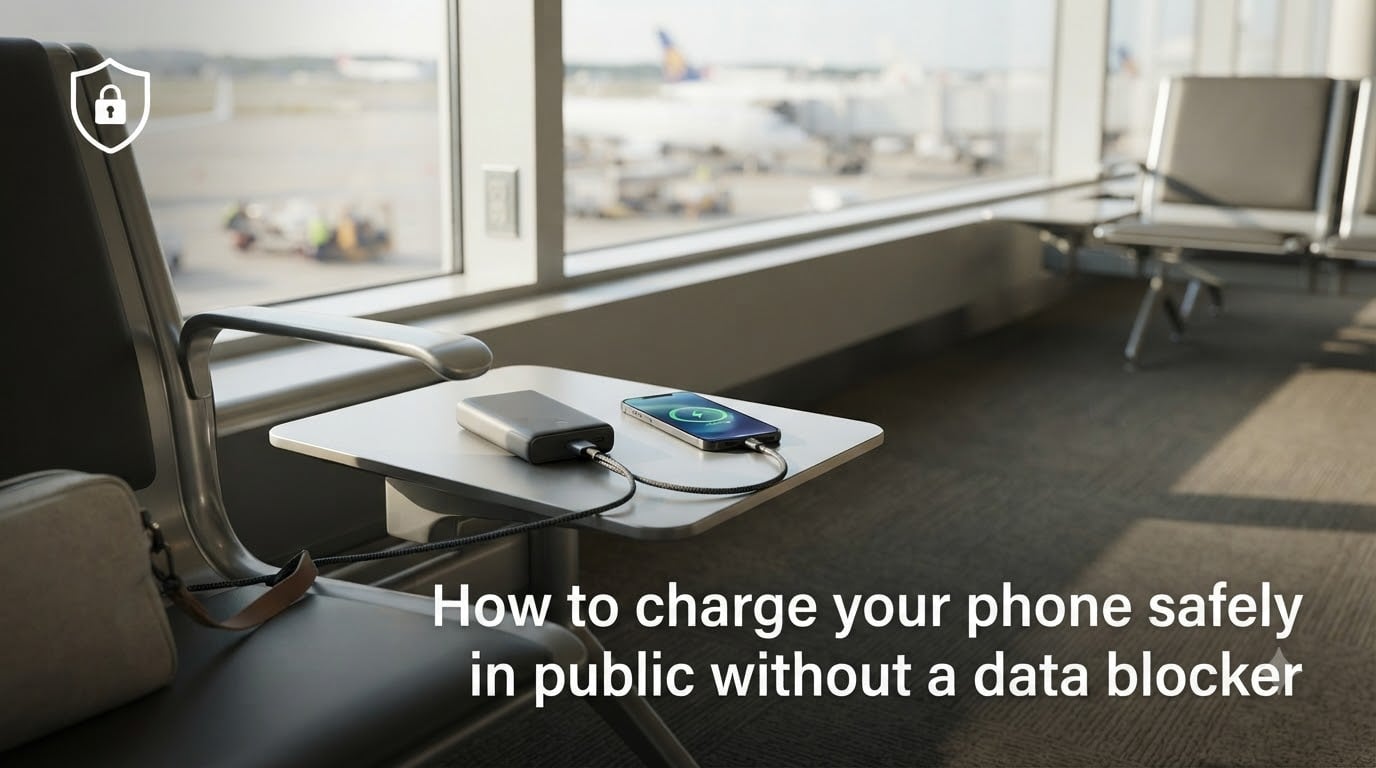
Both the FBI and TSA have issued public warnings against plugging your phone directly into airport or hotel USB ports. The risk is real, and it’s called juice jacking. If you want to know how to charge your phone safely in public without a data blocker, I have good news. You have at least five working alternatives that fit in a jacket pocket, and none of them require buying a special dongle.
I travel about 60% of the year for work, and I have personally tested every method below on flights, train stations, and hotel lobby outlets. In this guide, I will walk you through what juice jacking actually is, how to spot a suspicious port, and five practical ways to keep your phone powered up without ever handing over your data.
Table of Contents
- What Is Juice Jacking and Why It Matters?
- How to Identify Suspicious Charging Ports?
- 5 Ways to Charge Your Phone Safely in Public Without a Data Blocker
- Power Bank vs Data Blocker vs Power-Only Cable: Which Should You Choose
- Frequently Asked Questions
- Final Thoughts on Staying Safe While Charging in Public
What Is Juice Jacking and Why It Matters?
Juice jacking is a cyberattack where criminals load malware onto your phone or copy sensitive data from it through a tampered USB charging port. The attack works because a standard USB cable carries both power and data on the same pins. When you plug into a compromised port, your phone does not know the difference between a charger and a computer.
The FBI Denver field office first flagged this issue in 2026, and the TSA has echoed the warning at airport security checkpoints across the country. In a real juice jacking attack, hackers can install keyloggers, siphon stored passwords, or even lock your device and demand a ransom.
Your phone is a goldmine for criminals. It holds banking apps, two-factor authentication codes, email, photos, and saved Wi-Fi credentials. A single compromised charge can cascade into identity theft, drained bank accounts, or hijacked cloud accounts. That is why knowing how to charge your phone safely in public without a data blocker is no longer optional for frequent travelers.
One quick clarification: juice jacking is rare in the wild, and security researchers have demonstrated it more often than criminals have used it. But rare does not mean safe. The five-minute habit of using your own charging method removes the risk entirely.
Why Smartphones Are Especially Vulnerable?
Modern phones auto-negotiate power and data when they detect a USB connection. Unless you tap “Trust this computer” or “Charge only,” some operating systems will happily exchange data with whatever is on the other end. Android phones are slightly more exposed than iPhones, but neither platform is immune to a malicious charging hub.
Public USB ports are appealing targets because they are anonymous, unguarded, and used by hundreds of strangers every day. A bad actor can swap a legitimate cable for a modified one in under a minute, and most travelers will never notice.
How to Identify Suspicious Charging Ports?
Most guides skip this part, but I think it is the most underrated skill. You can often spot a tampered port before you ever plug in.
Look for loose or wobbly connectors. A legitimate airport or hotel port should feel solid. If the USB jack wiggles when you touch it, walk away.
Check for extra hardware sticking out. A compromised port sometimes has a small inline block or a thicker-than-usual cable attached. Stock ports are flush and uniform.
Scan for adapters that look glued or taped. Criminals sometimes attach a hidden pocket-sized device behind the plate. If you see tape, residue, or misalignment, do not use it.
Avoid freestanding kiosks in low-traffic areas. A charging tower in a busy gate is safer than a lone kiosk in a quiet corner. The busier the location, the harder it is to tamper.
Trust the newer hardware. Older airports that have not upgraded their stations in 10+ years are more likely to have outdated or modified ports.
When in doubt, pick a different plug. There is rarely only one option in a modern terminal.
5 Ways to Charge Your Phone Safely in Public Without a Data Blocker
You do not need a USB data blocker to stay safe. These five methods work with gear you probably already own, and I have ranked them from most to least reliable.
1. Use Your Own Charger With a Wall Outlet
Plugging your own charging brick into a standard electrical outlet is the safest public charging method, full stop. Electrical outlets only carry power. There are no data pins to exploit, so there is nothing for a hacker to steal.
I carry a small 20W wall charger in my bag at all times. It weighs about the same as a deck of cards and works in any country with the right plug adapter. Look for charging hubs built into seating areas. Many airports, libraries, and cafés now combine traditional outlets with USB ports, so you can keep your own brick plugged in and your phone in your hand.
2. Carry a Portable Power Bank
A quality power bank is the gold standard for travelers who hate hunting for outlets. Your phone charges from its own battery, never touching a public port, so there is no attack surface at all.
I rotate between two 10,000mAh power banks on long trips. They fully recharge my phone twice each, fit in a back pocket, and have built-in cables that eliminate the need to carry extras. When you shop for one, look for over-current protection, a reputable brand, and at least 18W output so modern phones fast-charge properly.
Charge the power bank at home before you leave. A dead power bank at a crowded gate is no better than no power bank at all.
3. Pack a Power-Only USB Cable
This is the closest thing to a data blocker without actually buying one. A power-only cable is wired to physically disable the data pins on the USB connector. Power flows to your phone, but data cannot pass in either direction.
You can buy a power-only cable for any phone type, and they cost less than a coffee. I keep one in my travel pouch as a backup because it works at any USB port, including the ones built into airplane seats, bus terminals, and train tray tables. If you are flying, the seatback USB port is theoretically the same risk as a wall port, but I still use a power-only cable for extra peace of mind.
4. Switch to Airplane Mode Before Plugging In
Airplane mode is a free, zero-cost workaround that adds a layer of protection. When your phone is in airplane mode, most background data transfers pause, and the operating system is less likely to auto-mount as a media device when you plug into a USB port.
This is not a complete fix on its own, but pair it with a public outlet and your own wall charger, and you have a near-zero risk setup. I do this every time I charge at a gate. It takes two seconds and limits what any compromised port can do.
5. Sit at a Café and Order a Coffee
Old-fashioned but effective. Cafés, restaurants, and hotel lobbies all have wall outlets, and staff rarely mind a quiet customer charging for 30 minutes. The power comes from a normal outlet, so the same safety rules apply. Plus, you get a coffee or a meal out of it.
I have charged my phone in airport cafés, train station bakeries, and roadside diners all over Europe and the Americas. Asking politely for an outlet table works about 90% of the time. The other 10% I just take a window seat near a wall.
Power Bank vs Data Blocker vs Power-Only Cable: Which Should You Choose
Since the topic asks how to charge your phone safely in public without a data blocker, here is the direct comparison I wish I had before my first business trip. Each tool has trade-offs, and the right pick depends on your travel style.
Power bank: Best for anyone who is away from outlets for hours. Zero public port exposure. The downside is weight and the need to remember to charge it.
Power-only cable: Best for people who want the lightest possible backup. Cheap, tiny, and works at any USB port. The downside is it does not solve the “no outlets available” problem.
USB data blocker: Best for travelers who already own one. It is a small dongle that attaches to any USB cable and physically blocks data. The downside is easy to forget at home and adds another item to your bag.
My honest recommendation: own a power bank as your main defense, and add a power-only cable as a backup for long flights. Skip the data blocker unless you want the convenience, because the same protection is built into the power-only cable.
What to Do If You Accidentally Used a Compromised Port
If you only just realized you plugged into a sketchy port, do not panic. Take these three steps right away.
Turn off the phone if you can. Powering down stops any active data transfer.
Check for unfamiliar apps or settings. On Android, look in Settings > Apps. On iPhone, scroll through the home screen and check for unknown configuration profiles in Settings > General > VPN & Device Management.
Run a mobile security scan. Both iOS and Android have built-in security tools, and reputable apps like Malwarebytes can flag suspicious behavior.
Change passwords from a clean device. If you logged into anything sensitive while charging, rotate those passwords as soon as you can.
For ongoing peace of mind, turn on multi-factor authentication on every account that offers it, and consider a VPN when connecting to public Wi-Fi at the same airport. Two small habits will protect you far beyond public charging.
Hotel Room Charging Safety
Hotel rooms are generally safer than airport kiosks, but they are not zero risk. Avoid the USB ports built into lamps, alarm clocks, or bedside outlets. Stick with the standard electrical outlet, and use your own wall charger. If the only option is a USB port in the desk, your power-only cable will handle it.
Frequently Asked Questions
Can you charge your phone without a data blocker?
Yes, you can charge your phone safely in public without a data blocker by using your own wall charger with a standard electrical outlet, carrying a portable power bank, or packing a power-only USB cable. Airplane mode also adds an extra layer of protection when used with a public USB port.
Is it safe to plug your phone into a public USB port?
Public USB ports can be risky because they may be tampered with to deliver malware or steal data, a practice known as juice jacking. The FBI and TSA have both warned against using them directly. Use a wall outlet, power bank, or power-only cable instead for safe charging.
What is the safest way to charge a cell phone?
The safest way to charge a cell phone is to plug your own wall charger into a standard electrical outlet you trust. Combining that with airplane mode or a fully charged power bank gives you near-zero exposure to public charging risks.
How can I tell if a public charging port is safe?
Check for loose connectors, extra hardware sticking out, tape residue, or unusual thickness on the cable. Choose busy, well-maintained stations over quiet corners, and use your own wall charger or power bank whenever you can to avoid the risk entirely.
Final Thoughts on Staying Safe While Charging in Public
You now have a complete playbook for how to charge your phone safely in public without a data blocker. The five methods I rely on, in order, are a wall charger with my own brick, a fully charged power bank, a power-only cable as backup, airplane mode for extra protection, and a friendly café when all else fails.
The risk of juice jacking may be rare, but the fix is so simple that skipping it makes no sense. Pack your own gear, treat public USB ports as untrusted, and save your phone’s data for things that actually matter. Safe travels in 2026 and beyond.