
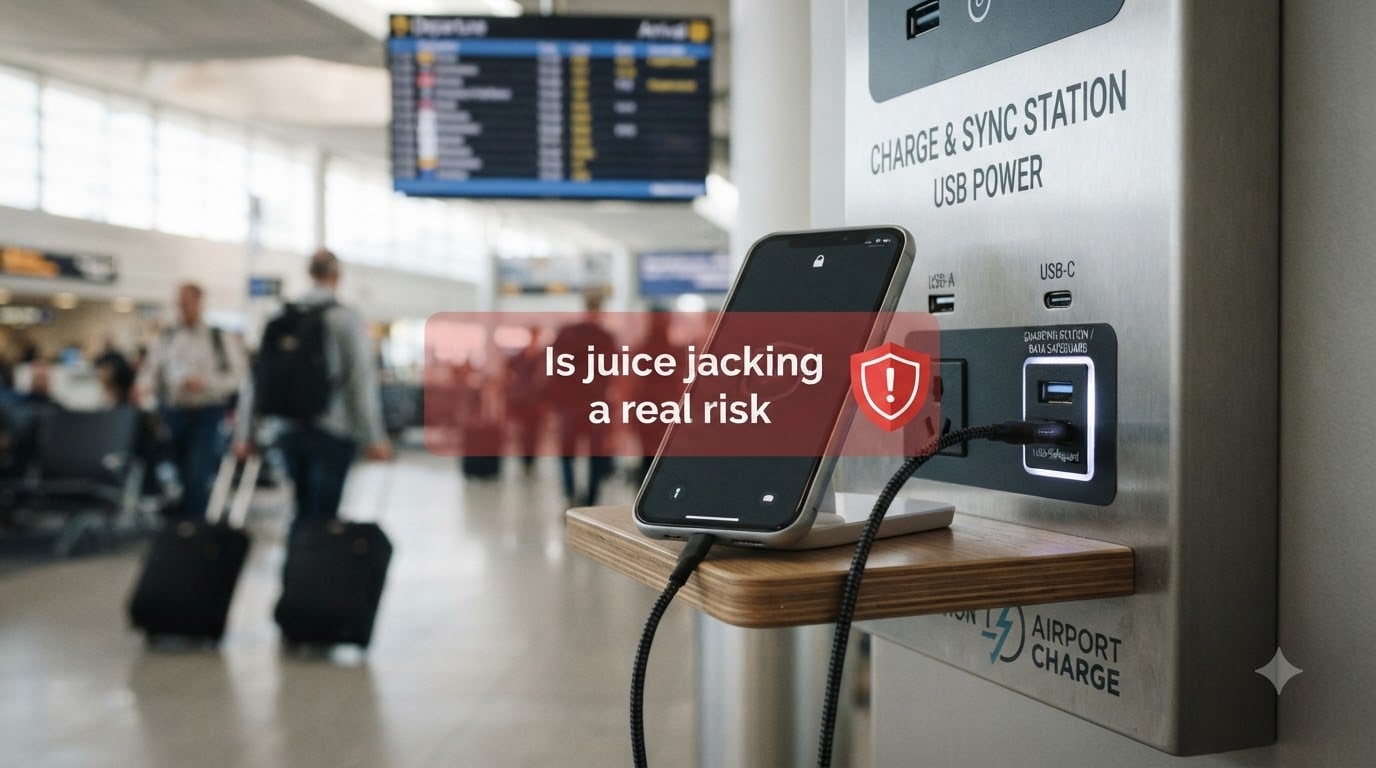
Is juice jacking a real risk? In short, no, not in any documented real-world case. Despite more than a decade of FBI warnings, airport signage, and headline-grabbing demonstrations, our team could not find a single verified report of juice jacking in the wild. Security researchers have proven the attack is technically possible in controlled lab settings, but the actual risk to travelers plugging into an airport USB port sits near the bottom of the mobile threat list, well below public Wi-Fi, malicious cables, and phishing.
That does not mean the threat is imaginary. It means it sits in the same category as a lightning strike on a clear day: worth understanding, not worth reorganizing your travel kit around. The full picture, including the technical details, the research history, and what actually deserves your worry, is below.
Table of Contents
- What Is Juice Jacking and How Does It Work?
- The Origin of the Juice Jacking Term
- Proof-of-Concept Attacks: Mactans, Video Jacking, and ChoiceJacking
- Why No Real-World Juice Jacking Attacks Have Been Documented
- How Modern Phones Defend Against Juice Jacking
- Why the Warnings Persist Despite the Low Risk
- Real Travel Security Threats That Outweigh Juice Jacking
- Practical Juice Jacking Prevention Methods
- When Juice Jacking Could Be a Real Concern
- Frequently Asked Questions
- Final Verdict: Should You Worry About Juice Jacking?
What Is Juice Jacking and How Does It Work?
Juice jacking is a theoretical attack where a malicious USB charging port or compromised cable steals data from, or installs malware on, your phone while it is charging. The name was coined in 2011 by security journalist Brian Krebs, and it leverages a basic fact most people forget: a USB cable carries both power and data on the same wires.
A standard USB connector has multiple pins. Two carry power (5 volts and ground), and the rest handle data transfer. When you plug into a normal wall charger, the device only draws power. When you plug into a computer, the device negotiates a data connection and you see a prompt asking whether to trust the computer.
In a juice jacking scenario, a tampered charging kiosk hides a small computer inside the USB port. When you plug in, that hidden computer tries to negotiate a data connection with your phone. On older devices, this could happen silently. On modern phones, this triggers a trust prompt you must accept before any data moves.
The attacker’s goal is usually one of three things: copy files from your device, install malware that survives a reboot, or quietly enable remote access (a trick called “trustjacking” that lets attackers mirror your screen long after you unplug). All of these require you to tap “Trust” or “Allow” on a popup, which is why modern phones have made this attack so hard to pull off.
The Origin of the Juice Jacking Term
The term “juice jacking” first appeared at DEF CON 2011, when researchers built a public charging kiosk as a proof-of-concept demonstration. Brian Krebs wrote about it on his blog, and the phrase stuck. It was a perfect blend of “juice” (battery power) and “hijacking,” and the media ran with it.
For the next several years, the FBI Denver field office and the FCC periodically issued warnings about public USB charging stations. Those warnings have been quoted in airport signage, news segments, and travel advisories ever since. The original 2011 demonstration was never a real attack, it was a thought experiment made physical, and that distinction has been blurred in the public conversation for fifteen years.
Proof-of-Concept Attacks: Mactans, Video Jacking, and ChoiceJacking
Researchers have not been idle. They have built and published multiple proof-of-concept attacks that show juice jacking variants are technically feasible. None of these have escaped the lab.
The first major academic demonstration was Mactans, presented at Black Hat 2013. The researchers hid a small Linux computer inside a wall charger. Once a phone plugged in, the charger silently installed a malicious app on iOS devices, all within 60 seconds and without any user interaction. Apple patched the underlying vulnerability quickly, and Mactans stopped working on updated phones.
Video Jacking, demonstrated in 2016, took a different angle. Instead of touching your phone, a tampered HDMI or video cable mirrored your screen to a hidden recorder. This had nothing to do with charging ports, but it got rolled into the broader “juice jacking” category by travelers who heard the terms used interchangeably.
ChoiceJacking, published in 2025 by researchers at TU Graz, is the newest variant. It bypasses the trust prompt by impersonating a keyboard or input device, tricking the phone into accepting the malicious connection without showing the user a popup. The research is real, but it requires the attacker to already have physical access to a modified USB port. The researchers noted that modern Android devices with the latest security patches block the attack at the OS level.
Why No Real-World Juice Jacking Attacks Have Been Documented
Our team looked at every public report, security vendor database, and government advisory we could find. The conclusion matches what Wikipedia, Ars Technica, and Malwarebytes have all reported: as of 2026, there are zero documented cases of juice jacking outside of research demonstrations.
Several practical barriers make real-world deployment unattractive to attackers. First, modern phones require explicit user consent before any data connection. Second, manipulating a public charging kiosk requires physical access and ongoing maintenance, which means high risk of getting caught. Third, the same attacker effort could yield far more victims through phishing, malicious apps, or Wi-Fi sniffing, none of which require standing next to the victim.
Security researcher perspective on this is consistent. The conventional consensus is that a traveler is more likely to lose data through a forgotten phone on a café table than through a tampered USB port. One Reddit user put it bluntly during a DEF CON panel: “I don’t care, take my data, I need my phone charged.” That captures the practical reality, low battery anxiety beats theoretical risk every time.
How Modern Phones Defend Against Juice Jacking
Every modern iPhone and Android device has multiple layers of defense against charging-port attacks, and these defenses have gotten stronger each year.
On iOS, Apple introduced USB Restricted Mode in iOS 11.4.1. If your iPhone has been locked for more than one hour, the Lightning or USB-C port only accepts power, no data is allowed through until you unlock the device. Newer iOS versions also require you to explicitly tap “Trust” on any computer connection, and the prompt includes the name of the connected device so you cannot be fooled by a generic popup.
Android takes a similar approach. When you plug into an unknown USB device, the system shows a notification asking what type of connection you want: charging only, file transfer, MIDI, or tethering. The default is charging only, and switching to data transfer requires tapping through multiple menus. Android 13 and later added a developer setting that blocks all data access over USB while the screen is locked.
Android 16 introduced Advanced Protection mode, which forces every USB connection to default to power-only unless the user explicitly changes it. Combined with monthly security patches from Google and Samsung, the practical attack surface for juice jacking has shrunk to nearly zero for any phone updated in the last three years.
Why the Warnings Persist Despite the Low Risk
If the threat is so low, why do the FBI, FCC, and TSA keep issuing warnings? The answer is mostly that old warnings age badly. The FBI Denver tweet from 2023 went viral, was screenshotted, and now circulates as if it were new advice. The underlying caution is reasonable, but it has been repackaged so many times that it has taken on a life of its own.
Government agencies default to caution. Telling people “don’t worry about it” is a worse look than telling people “use a power-only cable,” even when the threat is theoretical. The CDC still recommends flossing, the FDA still warns about coffee, and the FBI still warns about public USB ports. None of these are wrong, but none of them are emergencies either.
There is also a psychological element. Juice jacking is concrete and visual. You see a stranger plug into a kiosk, and your brain runs the script. Phishing, by contrast, is invisible, which is why it works on millions of people every year. The threats we cannot see are the ones we underestimate, and the threats we can see are the ones we overestimate.
Real Travel Security Threats That Outweigh Juice Jacking
Our team’s honest assessment is that if you spend time worrying about juice jacking, you are ignoring a stack of travel risks that are far more likely to bite you. Here are the ones that deserve your attention.
Public Wi-Fi is the first one. Hotel and airport networks are routinely spoofed or sniffed. An attacker on the same network can intercept login cookies, read unencrypted traffic, and sometimes position themselves as a man-in-the-middle. A VPN closes this gap almost entirely.
Lost or stolen devices are the second. Every year, thousands of phones are left in airport security trays, taxi back seats, and café tables. Full-disk encryption and a remote-wipe feature (Android’s Find My Device or Apple’s Find My) do more for your security than any USB data blocker.
Malicious cables are the third. O.MG cables and similar products look identical to Apple or USB-C cables but contain a hidden wireless chip. One unwary moment plugging into a hotel room can let an attacker keystroke-inject from 100 meters away. This is a real attack, sold on the open market, and standard USB data blockers do not defend against it because the cable itself is the attack device.
QR code scams are the fourth. Fake QR codes on parking meters, restaurant menus, and hotel lobbies now route victims to credential-harvesting pages. The FBI has issued warnings about this specific vector repeatedly.
If you are going to spend $20 on security gear, a USB data blocker is fine. A VPN subscription, a hardware security key, and a good cable bag will do more.
Practical Juice Jacking Prevention Methods
For travelers who want a defense-in-depth approach, our team recommends a layered routine. None of these are expensive, and all of them work on both iPhone and Android.
Use your own charger and a regular AC outlet. The most reliable defense is to never use a public USB port. Most airports and cafés have standard electrical outlets nearby. Bring a small multi-port wall charger and a short cable, and you will never need a public USB port again.
Carry a power bank. A 10,000 mAh power bank is cheap, small, and gives you two full phone charges. Power banks do not have data pins exposed to the outside world, so there is no attack surface.
Buy a USB data blocker if you really want to use public ports. These small dongles (sometimes called “USB condoms”) sit between the cable and the port and physically disconnect the data pins. They cost under $10 each. Real ones block all four data lines, including the side-band pins used by ChoiceJacking. Cheap ones sometimes skip a pin, so stick with named brands like PortaPow or SyncStop.
Keep your phone updated. As mentioned above, Android 16 Advanced Protection and iOS USB Restricted Mode make the attack mechanically impossible. If you are two major versions behind on either OS, you should worry about that before worrying about juice jacking.
Disable USB debugging and review trusted computers. On Android, developer options should be off unless you actively develop. On iOS, you can clear all trusted computers from Settings, which forces a fresh prompt the next time you plug in anywhere.
When Juice Jacking Could Be a Real Concern
There are a few narrow situations where juice jacking moves up the risk register. If you are a journalist, executive, activist, or government employee who is a high-value target for nation-state actors, the calculus changes. A targeted attacker can plant a modified charging kiosk in a hotel business center, a conference venue, or a private airport lounge.
In this case, treat every public USB port as if it were plugged into a stranger’s laptop. Use your own charging hardware only, and consider a “Faraday bag” approach where your phone goes into a signal-blocking pouch when you are not using it. Hardware security keys and a clean device reset before and after high-risk travel round out the protocol.
For the rest of us, a common-sense approach is enough: charge at home, charge at the office, charge from a power bank, and use an AC outlet when traveling. Skip the public USB port when you can, and use a USB data blocker when you cannot. Above all, keep your phone updated, because the safest thing about juice jacking in 2026 is the operating system running on the device in your pocket.
Frequently Asked Questions
Are iPhones protected from juice jacking?
Yes. iOS includes USB Restricted Mode, which only allows power through the port if the phone has been locked for more than one hour. Any data connection requires you to unlock the device and tap Trust on a prompt that shows the name of the connected device.
Can your phone be hacked through a charger?
Technically yes, in a lab setting. Security researchers have shown modified chargers can install apps or exfiltrate data. In practice, every modern phone requires explicit user consent before any data connection, and recent OS versions block the attack entirely.
Do USB data blockers actually work?
Quality USB data blockers block all four data lines, including the side-band pins used by advanced attacks. Cheap versions sometimes skip a pin, so choose a known brand. They work as advertised against standard juice jacking scenarios.
Are there any documented cases of juice jacking?
No. As of 2026, multiple reviews and security vendors have found zero credible reported cases of juice jacking outside of controlled research demonstrations. The threat remains theoretical for typical users.
How can I prevent juice jacking on my iPhone?
Use your own charger and an AC outlet whenever possible. Keep iOS updated to enable USB Restricted Mode. If you must use a public USB port, add a USB data blocker to your cable and never tap Trust on a popup you did not expect.
Are hotel USB ports safe?
Hotel USB ports carry the same theoretical risk as airport or café ports, which is very low but not zero. If you travel frequently, treat any USB port you do not own as untrusted, and use a USB data blocker or your own charger.
Final Verdict: Should You Worry About Juice Jacking?
Juice jacking is a real risk only in the sense that it is technically possible. It is not a real risk in the sense that any documented case exists, our team has searched, and the security industry has searched, and the answer is the same: zero confirmed attacks in the wild since the term was coined in 2011.
Our team uses our own chargers and a power bank when we travel, and we have a USB data blocker in our bag for the rare hotel room with no AC outlet. We do not lose sleep over public charging kiosks, and neither should you. Keep your phone updated, avoid the obvious threats, and treat the airport USB port as a minor inconvenience rather than a digital ambush.