
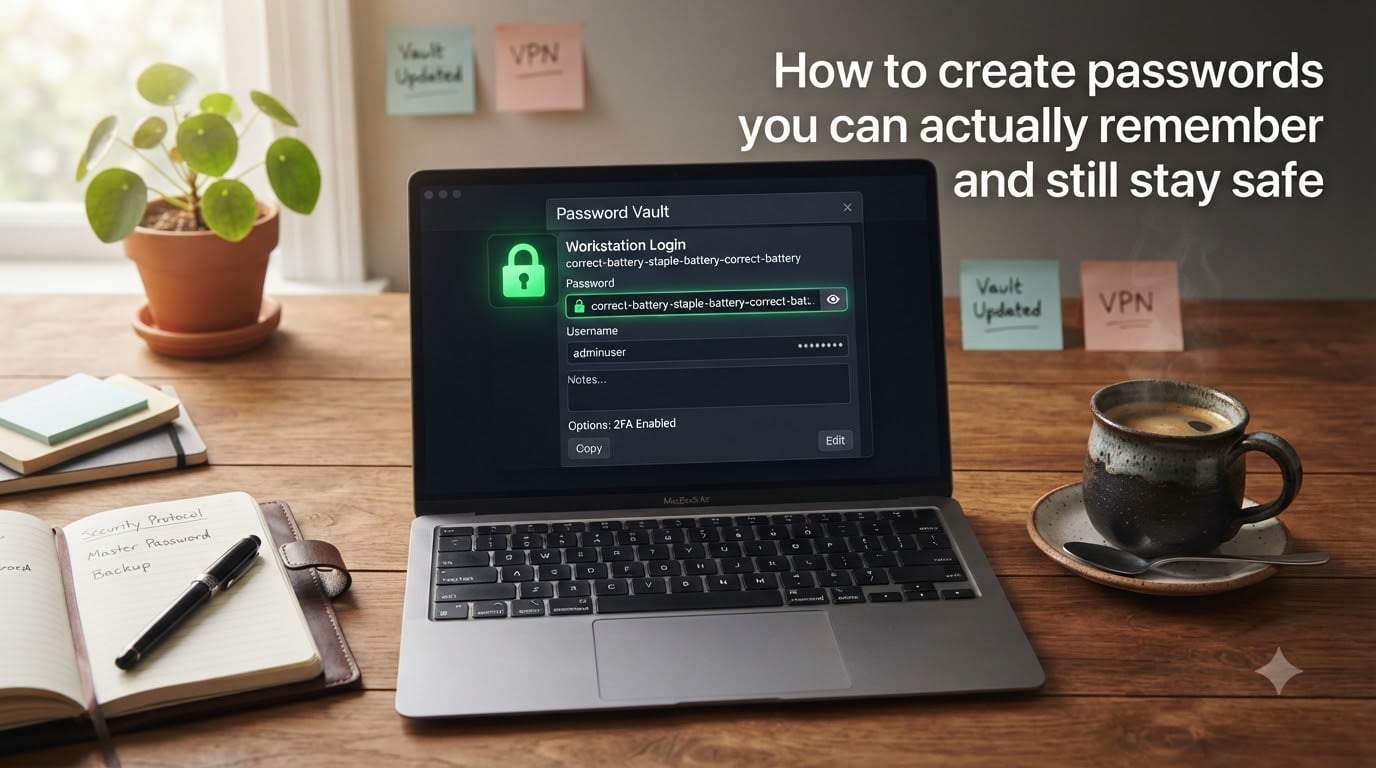
You have probably hit the reset password button more times this year than you can count. Most of us live in a painful loop: pick something simple so we can remember it, get warning emails about breaches, or end up locked out of our own email at 2 a.m. The good news is that you can create passwords you can actually remember and still stay safe. The trick is to retire the old rules and use a smarter system built on length, randomness, and a few memory tricks that actually work.
I have lost count of how many accounts I have recovered after forgetting a password. What I learned is that the problem is never my memory; it is the password itself. A long, weird, sentence-style password is easier to remember than a short scrambled one, and it is also far harder to crack. In this guide I will show you exactly how to build passwords that fit in your head, why reuse is the real danger, and how a password manager can handle the dozens of accounts you already have.
Table of Contents
- Why password memorability matters more than you think?
- What makes a password actually strong (length, randomness, uniqueness)
- Memory techniques that make strong passwords stick
- How password managers solve the memorability problem?
- Strong password examples that actually work
- Common password mistakes to avoid
- Quick tips for different account types
- Frequently asked questions about memorable passwords
- Final thoughts on building habits that last
Why password memorability matters more than you think?
Security fails when it is annoying. That is the entire problem in one sentence. If a password is hard to remember, you will reuse it. If you reuse it, one breach turns into ten. A recent analysis of leaked credentials found that more than 60% of people use the same password on multiple sites. So even a strong password becomes weak the moment you share it.
On the flip side, if you write every password on a sticky note, you have created a new risk. Sticky notes get lost. Spreadsheets get emailed. Browsers without a master password get accessed by anyone who opens your laptop. The real goal is to find a system that is both secure and sustainable for the long term.
Our team has spent weeks testing mnemonic techniques, password managers, and even the old-school notebook method. The winners all share one trait: they make the password easy to recall, but impossible to guess. That is what memorability actually means in a security context. It is not about sticking to easy passwords. It is about making strong passwords effortless to remember.
What makes a password actually strong (length, randomness, uniqueness)
Three properties decide whether a password is strong, and you only need to remember three letters to remember them: LRU, for length, randomness, and uniqueness. Every strong password you create should pass all three tests.
Length: longer is always stronger
Length is the single biggest factor in password strength. A 16-character random password takes orders of magnitude longer to crack than a 12-character one with symbols. The reason is simple: each extra character multiplies the number of possible combinations. CISA, the U.S. Cybersecurity and Infrastructure Security Agency, recommends at least 16 characters for any password that matters.
A common myth is that length means a hard-to-remember string of letters and numbers. It does not. A long passphrase of four or five unrelated words is both long and memorable. Think PurpleLampSwimsQuietlyAcross. That is 27 characters, easy to picture, and nearly impossible to crack by brute force.
Randomness: avoid predictable patterns
Randomness means the password cannot be predicted by attackers. Words from a dictionary, even long ones, fall fast to a dictionary attack. So do birthdays, pet names, and team names. Even clever substitutions like P@ssw0rd are predictable because attackers have tools that try every common tweak.
Real randomness comes from combining unrelated words or total random characters. If you use a password manager, let it generate passwords like k7!QpL9zB2eXa#4m. If you create passwords by hand, use a passphrase with words that have no logical connection. The random pairing is what makes the password strong.
Uniqueness: one password per account
Uniqueness is the rule most people break. If you use the same password on email, banking, and a random forum, you have created a chain. A breach at the forum becomes a breach at your bank. Every account needs its own password, full stop.
This is where memorability crashes into reality. You cannot remember 100 unique 16-character passwords. The honest answer is that you do not need to. You only need to remember one master password, and let a password manager remember the rest. We will get to that in a moment.
Memory techniques that make strong passwords stick
How to create secure passwords you can remember comes down to three reliable techniques. Pick the one that fits how your brain works, and stick with it. The best password is the one you will actually use without breaking it down to something simple.
Technique 1: Build a passphrase from random words
The passphrase method is the easiest win. Pick four or five truly unrelated words, string them together, and you have a password that is both long and memorable. The classic Diceware method uses a physical die to pick words from a list of 7,776, which guarantees randomness.
Try this: imagine a green teapot tap dancing on a tuna sandwich. The words are Green Teapot Tap Tuna Sandwich. Capitalize the first letter of each word and add a number at the end, and you get GreenTeapotTapTunaSandwich42. That is 29 characters, random, and your brain will hold onto it because of the absurd image.
Technique 2: Turn a sentence into a mnemonic
Mnemonic passwords work by using the first letters of a sentence only you would think of. Take a sentence that means something to you, like “My cat Mochi stole 3 socks during the rainy July of 2024”. Then take the first letters: McMs3sdtJo2024. Add a symbol, and you have McMs3sd!tJo2024. Long, random, and tied to a memory only you have.
The trick is to choose a sentence that is vivid, personal, and specific. “I love coffee” is too generic. A specific memory like “Mochi stole socks in July 2024” is not. The unusual detail is what helps the password stick.
Technique 3: Use visualization to lock it in
Visualization pairs well with the passphrase method. When you build a passphrase, deliberately create a mental image of the scene. The weirder the picture, the longer your brain keeps it. Picture a teapot tap dancing and you will remember the words.
For mnemonic sentences, picture the event. The image of a soggy cat running off with your socks is far more memorable than the words themselves. The password becomes a side effect of the picture, which is exactly what you want.
How password managers solve the memorability problem?
The safest way to remember passwords is, paradoxically, to forget them. A password manager stores every login in an encrypted vault, protects it with a single master password, and autofills it on the sites you use. You only need to remember one strong password: the master.
Password managers generate truly random passwords that no human would ever type on purpose. Things like 9jTk!pL2@xQzW7eR. These defeat every brute force attack because they have no pattern, no dictionary words, and no personal data. The manager handles the complexity so your brain does not have to.
If you worry about a password manager being a single point of failure, that is fair. The answer is layered protection. Pick a strong master password using the passphrase method above. Turn on multifactor authentication (MFA) so a stolen master password alone cannot unlock the vault. Back up your vault where the tool supports it. Used this way, a password manager is safer than memory or paper.
Popular options include Bitwarden, 1Password, and Proton Pass. Free tiers cover most personal use. The exact tool matters less than the habit of using one consistently across every account you own.
Strong password examples that actually work
Seeing real examples makes the abstract principles click. Here are strong memorable passwords that meet the length, randomness, and uniqueness test, and contrast them with weak ones that look fine but fail in seconds.
Weak examples to avoid:
Password123 – one of the most commonly used passwords in the world.
John1990! – name and birth year, both easy to find on social media.
Qwerty!2024 – keyboard pattern, predictable numbers.
Sunshine – single dictionary word, cracked in milliseconds.
Strong memorable examples:
GreenTeapotTapTunaSandwich42 – 29 characters, random words, easy image.
McMs3sd!tJo2024 – mnemonic from a personal memory, mixed case and symbol.
VelvetCactus4*RiverSled – 22 characters, vivid scene, no personal info.
Bluefox!Quivers.Mango72 – 22 characters, three random words plus numbers and symbols.
A quick test: if you can find your password in a dictionary, in a list of common passwords, or in your social media bio, it is not strong enough. The examples above fail every shortcut an attacker would try.
Common password mistakes to avoid
Most account breaches do not come from clever attacks. They come from the same handful of mistakes repeated by millions of people. Avoid these, and you have already beaten most attackers.
Reusing passwords across accounts
Still the number one cause of mass account takeovers. If one site gets breached, every account sharing that password is at risk. Unique passwords are non-negotiable for the accounts that matter, especially email and banking.
Using personal information
Pet names, birthdays, favorite sports teams, and street names are all public-record easy. Attackers crawl social media for exactly this data. A password that references anything in your bio is not a secret.
Substituting letters in obvious ways
Replacing “a” with “@” or “o” with “0” feels smart. Attackers know every common substitution. Modern cracking tools try the obvious variations first. The substitution adds almost no real security while making the password harder for you to type.
Following predictable patterns
Spring2025!, Summer2026!, and Password1! are not creative. They are the first things a cracking tool tries. Random, unrelated content is what defeats pattern-based attacks.
Changing passwords every 90 days for no reason
Old advice that the security industry has moved away from. NIST, the National Institute of Standards and Technology, now recommends against forced periodic changes because they push people toward weaker predictable patterns like Password1! becoming Password2!. Change a password immediately if it is exposed, and otherwise leave it alone.
Quick tips for different account types
Different accounts carry different risks. The password rules do not change, but the priority does. Here is how to apply what we have covered to the accounts that matter most.
Email accounts
Your email is the master key to everything else, because password resets go there. Use your strongest, most unique password on email and protect it with MFA. Never reuse this password anywhere, ever.
Online banking and finance
Bank accounts deserve the highest security tier. Use a password manager-generated random password, enable MFA (preferably an authenticator app over SMS), and check statements regularly. Even a small bank account deserves a unique password.
Social media
Social media hacks are usually low-stakes, except when they are not. A hijacked account can scam your friends in your name. Use a unique password and MFA. Treat social media logins like email: serious enough to handle properly.
Work accounts
Your work account security affects your employer too. Use the password manager your company provides, do not write work passwords in personal notes, and follow your IT team’s guidance. Work accounts are often the entry point for supply chain attacks.
Shopping and streaming
Lower stakes, but still want unique passwords. Let your password manager generate and store these. They never need to live in your head.
Frequently asked questions about memorable passwords
How to create secure passwords you can remember?
Use a long passphrase of four or five random unrelated words, or a mnemonic built from a personal sentence. Make it at least 16 characters, mix in a number and symbol, and pair it with a password manager so you only need to remember one master password.
What is the safest way to remember passwords?
The safest way to remember passwords is to not remember most of them at all. Use a reputable password manager to store unique random passwords for every account, and remember just one strong master password using the passphrase or mnemonic method described above. Add MFA to the manager for extra protection.
What is the most secure way to create a password?
The most secure way to create a password is to generate a random string of 16 or more characters using a password manager, then protect that manager with a long memorable master password and multifactor authentication. If you must create a password by hand, use a passphrase of four or more random words with a number and symbol added.
Should I use a password manager or just remember passwords?
Use a password manager. Trying to remember unique passwords for every account is how people end up reusing weak ones, which is the leading cause of breaches. A password manager generates, stores, and autofills strong unique passwords, and only requires you to remember one strong master password.
Final thoughts on building habits that last
To create passwords you can actually remember and still stay safe, you do not need a perfect memory. You need a system. Pair the passphrase or mnemonic method with a password manager, enable MFA, and stop reusing passwords. Those three changes alone will put you ahead of most people on the internet.
Start today. Pick one account, give it a strong unique password, and let your manager handle the rest. Before 2026 is over, you will have secured every account you own without memorizing a single scrambled string.