
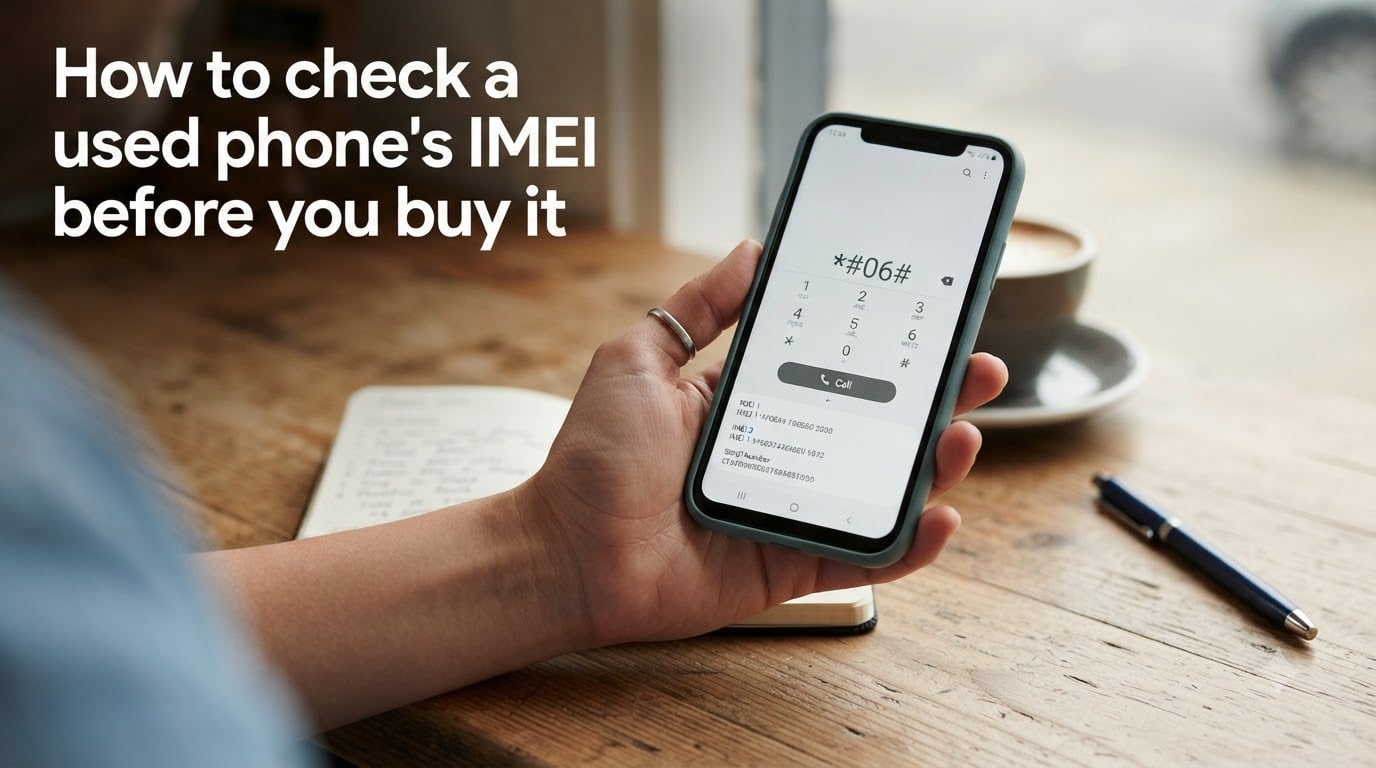
Buying a used phone can save serious money, but one wrong move can leave you with a stolen device that never connects to any network. I wrote this guide after helping friends recover from two bad purchases last year, both of which could have been avoided with a simple IMEI check. In the next ten minutes, I will show you exactly how to check a used phone’s IMEI before you buy it, what the results mean, and the red flags that mean you should walk away.
Table of Contents
- What Is an IMEI and Why It Matters for Used Phones?
- How to Find the IMEI Number on Any Phone?
- How to Check a Used Phone’s IMEI Before You Buy It (Step-by-Step)
- What the IMEI Check Results Actually Tell You?
- Red Flags to Watch For When Buying a Used Phone
- Where to Buy Used Phones Safely?
- Physical Inspection Checklist
- eSIM Considerations for Modern Phones
- FAQs
- Final Thoughts on Checking a Used Phone’s IMEI
What Is an IMEI and Why It Matters for Used Phones?
IMEI stands for International Mobile Equipment Identity. It is a unique 15-digit code assigned to every mobile phone, think of it as a digital fingerprint that no two devices share. Carriers use the IMEI to decide whether a phone can join their network, and lost or stolen phones get logged into a shared blacklist that all major carriers check.
When you check a used phone’s IMEI before you buy it, you are really asking four questions: Has this phone been reported stolen? Is it still being financed by the original buyer? Is it locked to a carrier you cannot use? And does the device in your hand actually match the one on the database?
The first eight digits of any IMEI form something called the TAC, or Type Allocation Code. That TAC tells you the manufacturer, the model, and sometimes the original region the phone shipped to. It is how free checkers instantly show you whether an iPhone 14 Pro on the table matches a real iPhone 14 Pro on paper.
How to Find the IMEI Number on Any Phone?
There are at least six ways to locate the IMEI, and I recommend confirming it from two sources before paying. A mismatch is one of the clearest red flags in the whole used-phone market.
Dial *#06#. Open the phone keypad like you are about to call someone, type the star-pound-zero-six-pound sequence, and the 15-digit IMEI appears on screen within a second. This works on every iPhone, Android, and even older feature phones.
Check iOS Settings. Open Settings, tap General, then About. Scroll down to find the IMEI listed alongside the serial number. On iPads and iPhones, you may also see an EID number for the eSIM.
Check Android Settings. Open Settings, tap About Phone, then Status. On Samsung, Pixel, and most other brands the IMEI appears there. Some Android skins bury it under “All Specs” or “IMEI Information.”
Look at the SIM tray or back glass. Many iPhone models and some Androids print the IMEI on the SIM card tray. Older Samsungs printed it under the battery. Take a flashlight if you need it.
Check the original retail box. The barcode sticker on the side of every iPhone and Galaxy box has the IMEI printed next to the serial number. If the seller has the box, ask to photograph it.
Check your iCloud or Google account. If the seller can sign in, they can pull a Find My device page that confirms the IMEI tied to that account. This is also how you confirm the activation lock is off before you hand over cash.
How to Check a Used Phone’s IMEI Before You Buy It (Step-by-Step)
This is the core process I want you to follow. Skipping any step means you take on risk that someone else is not willing to take with their money.
Ask for the IMEI in writing before you meet. A real seller with nothing to hide sends it in seconds. Pushback on a simple 15-digit code is your first warning sign.
Run the IMEI through a free checker like Swappa, IMEI.info, or Phonecheck. Each site pulls from different databases, so running two of them catches more issues than one.
Confirm blacklist status across U.S. carriers. The main databases to know are the GSMA Device Check, CTIA’s stolen phone list, and individual carrier pages such as Verizon’s bring-your-own-device check and AT&T’s compatibility tool. A phone blacklisted on one carrier often will not activate on any U.S. network.
Check for outstanding financing. Sites like Phonecheck and certain carrier lookups will flag devices that still have an installment plan attached. If the original owner stops paying, the IMEI gets blacklisted weeks after you buy it, and the carrier can remotely brick your shiny new device.
Verify the phone is unlocked or compatible with your carrier. Most U.S. carriers now accept most unlocked phones, but a phone locked to a foreign carrier can be a permanent brick. If the seller says it is unlocked, ask them to prove it with a SIM card from a different network.
Match the IMEI on the device, the box, and the online record. When you meet, dial *#06# on the actual phone, compare to the box barcode and the result the checker showed. Two mismatches is a scam. Three mismatches is a movie.
Confirm Apple ID or Google account is signed out. Ask the seller to fully sign out of iCloud, Find My, and their Google account in front of you. Without this step the phone is an activation-locked paperweight the moment you take it home.
What the IMEI Check Results Actually Tell You?
Free checkers return a lot of text. Here is how to read the parts that matter.
Blacklist status. Look for words like “Clean,” “Reported Lost or Stolen,” “Financed,” or “Blocked.” Clean means safe. Anything else means walk away unless you are buying a parts phone you never plan to activate.
Carrier and lock status. This tells you if the phone is locked to a specific carrier, fully unlocked, or still tied to an installment plan. T-Mobile, AT&T, and Verizon each maintain their own blacklist, so a phone flagged on one is risky on all.
Model and specs. The IMEI database stores the exact model number, storage size, color, and original activation date. If a seller advertises a 256 GB iPhone 14 Pro and the IMEI shows a 128 GB iPhone 13, you have your answer.
Activation lock. Some paid services can tell you if Find My iPhone or Factory Reset Protection is currently on. For free, you can only confirm by signing the seller out in person and trying to set up the phone yourself.
Red Flags to Watch For When Buying a Used Phone
Even a clean IMEI does not guarantee a safe purchase. These warning signs tell you to dig deeper or walk away entirely.
Seller refuses to share the IMEI before you meet, or only offers a blurry photo of a box
The IMEI dialed from the phone does not match the IMEI printed on the box
The phone boots into a carrier activation screen instead of the home screen
You cannot reach the seller by phone, only by anonymous messaging app
The price is much lower than the same model on Swappa or eBay sold listings
The phone is “rooted” or “jailbroken” with no clear explanation of why
You spot signs of a replaced logic board, mismatched screws, or water-damage stickers that are no longer red
Where to Buy Used Phones Safely?
If you want to skip most of this stress, certain platforms do the IMEI verification for you and back it with a money-back guarantee. I have bought from most of these myself and recommend them in order of safety.
Swappa. The listings require sellers to provide a valid IMEI that passes Swappa’s own check. If the device fails after purchase, Swappa steps in with a refund or replacement through their “Swappa Shield” protection.
Back Market. This site specializes in refurbished phones with a 12-month warranty. They verify IMEI, run hardware diagnostics, and replace batteries below 80 percent capacity before listing.
Apple Refurbished and manufacturer certified pre-owned. Buying direct from Apple, Samsung, or Google costs more, but you get a new battery, a real warranty, and zero risk of an activation lock.
Carrier trade-in stores. Verizon, AT&T, and T-Mobile all sell certified pre-owned inventory online and in-store. They will not sell you a blacklisted or financed device because it is coming out of their own inventory.
Physical Inspection Checklist
An IMEI check tells you about the device’s identity and history. A physical inspection tells you about its condition. You need both. Print or save this list and bring it when you meet a seller.
Screen has no dead pixels, burn-in, or hairline cracks under bright light
Battery health reads 80 percent or higher in Settings
All buttons click, all ports charge, both speakers play sound
Front and rear cameras focus and the flash fires
IMEI in Settings matches the *#06# code, which matches the box
Find My iPhone / Find My Device shows the device is removed from the seller’s account
No liquid-damage indicator triggered inside the SIM tray
eSIM Considerations for Modern Phones
Starting with the iPhone 14 and most flagship Androids released in the last two years, the physical SIM tray is gone or optional. These devices store two IMEI numbers on file, one for the physical SIM and one for the eSIM. Make sure to check both when you run your lookup, since a financed line could be hidden on the eSIM side while the physical IMEI shows clean.
If you switch to a new carrier and they only transfer one line, the other IMEI stays on your account. That is usually fine, but some insurance policies treat each IMEI as a separate device. Send a quick note to your carrier after setup to confirm both lines are closed if you do not need them.
FAQs
How can I check the IMEI of a used phone before buying it?
Ask the seller for the 15-digit IMEI code, then run it through free checkers like Swappa, IMEI.info, or Phonecheck. You should also verify blacklist status with your carrier and confirm the IMEI matches the box and the device when you meet in person.
Can I check my IMEI before buying a phone?
Yes. Dial *#06# on the phone to display its IMEI, or find it in Settings under About Phone or General u0026gt; About on Android and iOS. Once you have the code, you can paste it into any free IMEI lookup site to see blacklist, carrier, and specs data before paying.
How to find the IMEI of a previous phone?
If you still have the phone, dial *#06# or check Settings. If you no longer have the device, sign into your iCloud or Google account, open Find My device, and select the old phone to view its IMEI. Original receipts, carrier statements, and retail boxes also store the IMEI for past devices.
Is it safe to buy a used phone with a clean IMEI?
A clean IMEI is a strong signal but not a guarantee. You should still confirm the seller signed out of iCloud or Google, run a physical inspection, and prefer trusted platforms like Swappa or Back Market that offer buyer protection if something goes wrong.
What if the seller won’t give me the IMEI?
Treat that as an immediate red flag and walk away. There is no legitimate reason to hide a 15-digit code from a serious buyer. Sellers who refuse are often hiding blacklisted, financed, or activation-locked devices.
How much does an IMEI check cost?
Basic blacklist and specs checks are free on sites like IMEI.info, Swappa, and Phonecheck. Paid reports from services like GSMA Device Check or carrier-specific lookups charge around 1 to 5 dollars for deeper data such as international blacklist status and full warranty history.
Final Thoughts on Checking a Used Phone’s IMEI
The whole process to check used phone IMEI comes down to three habits: get the code in writing before you meet, run it through two free databases plus your carrier, and physically confirm the IMEI matches the device and the box on the spot. Add a 60-second activation-lock sign-out check and a quick battery health glance and you will skip 95 percent of the bad deals in the used phone market.
Save this guide on your phone before you go shopping, take a screenshot of the seven-step checklist, and you will walk into every meeting with the upper hand. The sellers who respect the process are the ones worth doing business with, and the rest will not even reply when you ask for the IMEI.