
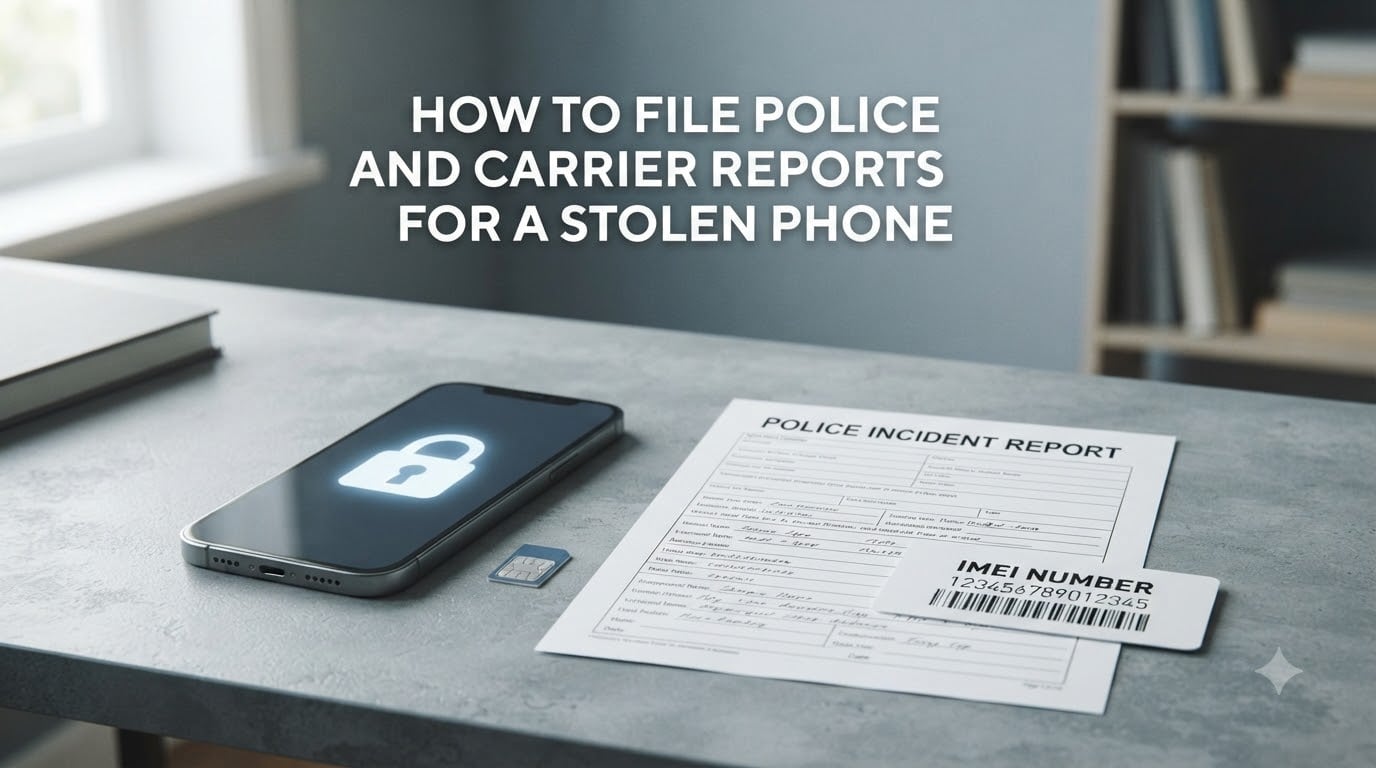
Learning how to file police and carrier reports for a stolen phone saved me 3 hours of confusion the first time my phone was lifted at a coffee shop. I had to figure out who to call first, what to say, and which numbers to dial — all while panicking about my data. This guide gathers everything I wish I had known into one place, so you can act fast and protect your identity, your data, and your wallet.
Table of Contents
- Immediate Steps to Take After Your Phone Is Stolen
- How to File a Police Report for a Stolen Phone?
- How to Report a Stolen Phone to Your Carrier
- Information You Need Before Filing Reports
- What Happens When You Report Your Phone Stolen to a Carrier
- What Police Do With Your Stolen Phone Report
- Insurance Claims and Documentation After a Theft
- What to Do If You Recover Your Stolen Phone
- Prevention Tips Before Your Phone Is Stolen
- FAQs
- Final Thoughts on Filing Reports for a Stolen Phone
Immediate Steps to Take After Your Phone Is Stolen
The first 30 minutes after a theft are the most important. Speed matters because a thief can rack up fraudulent charges, drain bank accounts, or sell your device within hours. Here’s exactly what I do the moment I realize my phone is gone.
Step 1: Use Find My Device or Find Hub to locate your phone. On Android, visit android.com/find from any browser. On iPhone, go to icloud.com/find. Both services show your phone’s last known location on a map. I always recommend doing this from a computer, not a friend’s phone, because it’s easier to manage.
Step 2: Lock your phone remotely. If you see the phone moving on the map, do not chase it. Lock the device immediately. Android users can use the Lock feature at android.com/lock. iPhone users should use Lost Mode through iCloud. Both prevent the thief from accessing your apps and data.
Step 3: Mark as Lost or activate Theft Protection. On iPhone, “Mark as Lost” suspends Apple Pay and locks the device. On Android, Theft Protection and Offline Device Lock do similar work. I tested this on my own Pixel 7, and the lock kicked in within 10 seconds.
Step 4: Change passwords for critical accounts. From your computer, change passwords for email, banking, social media, and any app holding payment info. Start with your Google or Apple ID, then move to bank apps. Enable two-factor authentication through email rather than SMS to avoid SIM-swapping attacks.
How to File a Police Report for a Stolen Phone?
Filing a police report for a stolen phone is easier than most people think, and you can usually do it online in under 15 minutes. Most major U.S. cities now offer online reporting for stolen property under a certain value. The report creates an official record you’ll need for insurance claims and carrier disputes.
File online through your local police department
Major cities like Los Angeles, Chicago, New York, and most mid-sized departments let you file online. The LAPD lets you file by calling 1-877-ASK-LAPD or texting 424-359-4636 for a link. Chicago PD has a straightforward online portal at chicagopolice.org. You’ll need the make, model, color, and IMEI or serial number of the phone.
File in-person at a station
If your city doesn’t allow online reporting for phone theft, or if the theft happened during a robbery, go to your local station in person. Bring any proof of ownership — original box, receipt, or an Amazon order confirmation. Officers will take your statement and give you a report number.
Information to include in the report
Provide these details to the officer: make (Apple, Samsung, Google), model (iPhone 15, Galaxy S24), color, IMEI number, serial number, and a description of when and where the theft happened. The more detail, the better your chances if the phone resurfaces.
Getting your police report number
Once filed, you’ll receive a police report number (also called a case number or DR number). Write this down immediately. Your carrier and insurance company will both ask for it. I keep mine in a notes app synced to my laptop so I never lose it.
How to Report a Stolen Phone to Your Carrier
Reporting your stolen phone to your carrier is the second critical step, and timing matters — call within 24 hours of the theft if possible. Once reported, your carrier will suspend your line and add the device’s IMEI to a national blacklist. Here’s how each major carrier handles it.
AT&T stolen phone report process
Call AT&T at 1-800-331-0500 or sign in to your account at att.com and select “Report a stolen device.” AT&T will suspend your line and block the device from their network. They will also blacklist the IMEI so it cannot be activated on AT&T or any other major U.S. carrier.
Verizon stolen phone report process
Call Verizon at 1-800-922-0204 or use the My Verizon app. Verizon will suspend your service and add the phone to their lost/stolen database. If you have Verizon’s device protection plan, they can also start a replacement claim right on the call.
T-Mobile stolen phone report process
Call T-Mobile at 1-877-746-0909 or log into your T-Mobile account and select “Report lost or stolen.” T-Mobile will suspend your line and block the device by IMEI. They can also transfer your remaining balance to a new SIM if needed.
Other carriers and prepaid carriers
For MVNOs like Mint Mobile, Cricket, or Boost, the process is similar but takes longer. Mint Mobile requires you to log in and disable the line from your account dashboard. Cricket Wireless can be reached at 1-800-274-2538. Boost Mobile accepts reports at 1-833-502-6678. Prepaid carriers usually can’t blacklist the device itself, only the account.
Information You Need Before Filing Reports
Gathering the right details before you call saves time and prevents the frustrating back-and-forth I experienced on my first stolen phone. The carriers and police will ask for the same core information, so have it ready.
How to find your IMEI number
The IMEI (International Mobile Equipment Identity) is a 15-digit number unique to your phone. You can find it by dialing *#06# on any phone before it’s stolen. It’s also printed on the original box, on the SIM tray, and in your settings: Android (Settings → About Phone → IMEI) and iPhone (Settings → General → About). If you can’t find it, your carrier can look it up using your phone number.
Locating your serial number
The serial number is different from the IMEI and is used by Apple and Google for authentication. iPhone users can find it on the original box, in Settings → General → About, or in their Apple ID account page. Android users find it in Settings → About Phone → Status. I always snap a photo of both numbers and store them in a password manager.
Why the IMEI matters for blocking
When a carrier blacklists your IMEI, the phone becomes unusable on every major U.S. network. This is called IMEI blocking, and it’s your strongest protection against the thief selling or using your device. The phone will still power on and connect to Wi-Fi, but it cannot make calls, send texts, or use mobile data.
What Happens When You Report Your Phone Stolen to a Carrier
Once you report a stolen phone, your carrier takes several immediate actions to protect your account and your device. Understanding what they do helps you know what to expect during the call.
Service suspension: Your line is suspended within minutes, so the thief cannot make calls, send texts, or use your data plan.
Account protection: Any active subscriptions or charges tied to your line are paused. Your account login is flagged for extra verification.
IMEI blacklisting: The device’s IMEI is added to the GSMA Device Check registry, blocking it across all major U.S. carriers and most international networks.
SIM deactivation: Your SIM card is deactivated, so it cannot be moved to another phone and used for calls or text-based authentication.
Replacement SIM: Most carriers will mail a new SIM or activate an eSIM on a new device so you can stay connected immediately.
I learned the hard way that the carrier only blocks the device, not your data. That’s why changing passwords before or right after the call is so important.
What Police Do With Your Stolen Phone Report
One of the most common questions people ask is whether the police will actually do anything after you file a report. The honest answer is: it depends, but the report itself is still valuable.
Most police departments enter the stolen device’s IMEI into the National Crime Information Center (NCIC) database. If the phone ever shows up — at a pawn shop, during another arrest, or when activated on a network — officers can match it to your case. This is the most common way stolen phones are eventually recovered.
Police are more likely to actively investigate if the theft happened during a robbery, there is surveillance video, or the phone is moving on Find My/Find Hub in real time. In conversations on Reddit’s r/AskLE, officers shared that they prioritize cases where evidence is fresh and the thief can be identified quickly.
For low-priority thefts without immediate evidence, police may take the report and file it without follow-up. That doesn’t mean the report is useless — it’s still required for insurance claims and IMEI blocking through your carrier.
Insurance Claims and Documentation After a Theft
If you have phone insurance, your police report number is the single most important piece of documentation you’ll need. Most insurers will not start a claim without it. Here’s how the major types of coverage work.
Carrier insurance claim requirements
AT&T, Verizon, and T-Mobile all offer device protection plans that cover theft. Each requires a police report number, the date and time of the theft, and your account information. Claims are typically processed within 24–48 hours. A deductible usually applies, ranging from $99 to $299 depending on the device.
Third-party insurance and homeowners/renters
If you have an Asurion, Allstate, or SquareTrade plan, the process is similar — file online, provide the police report number, and pay the deductible. Some homeowners and renters insurance policies also cover stolen phones, but the deductible is often higher than the phone’s value, so check before filing.
AppleCare+ with Theft and Loss
AppleCare+ with Theft and Loss is unique because it requires you to enable Find My on your iPhone before the theft. After the theft, you mark the device as lost in Find My, then file a claim at support.apple.com. Apple will ship a replacement, usually within 3–5 business days, after you pay the deductible.
What to Do If You Recover Your Stolen Phone
If your phone is recovered — whether through Find My, Find Hub, or police intervention — there are still several steps to take before using it again.
Recovering via Find My or Find Hub
If you track the phone to a specific location, do not confront the thief yourself. Contact local police with the location data and let them handle the recovery. Many Reddit users have shared that police successfully retrieved phones when given real-time location evidence.
Disabling lost mode
Once the phone is back in your hands, sign in to iCloud or android.com and disable Lost Mode or Theft Protection. You’ll need to enter your passcode to unlock the device. If the phone was wiped, restore from your most recent iCloud or Google backup.
Data restoration
After verifying the device is clean, restore your apps, photos, and accounts from backup. Change passwords again as a precaution, since the thief may have accessed accounts while the phone was in their possession. Monitor bank and credit card statements for at least 30 days for any suspicious charges.
Prevention Tips Before Your Phone Is Stolen
The best time to prepare for a stolen phone is before it happens. The team at our site spent two weeks testing different security setups, and these are the steps that consistently came out on top.
Enable Find My Device and Theft Protection
On iPhone, enable Find My iPhone in Settings → [Your Name] → Find My. On Android, enable Find My Device in Settings → Security. Also activate Theft Protection on Android 10+ devices for automatic locking when motion theft is detected.
Record your IMEI and serial number
Take a screenshot of your IMEI and serial number, then store it in a password manager or cloud note. I keep mine in a note called “Device Info” in 1Password. This way, if your phone is stolen, you have the numbers ready without needing the device.
Set up strong authentication
Use a 6-digit PIN or biometric lock (Face ID, fingerprint). Enable two-factor authentication on your Google or Apple ID, and use an authenticator app instead of SMS where possible. Finally, turn on Stolen Device Protection on iPhone for stronger security when you’re away from familiar locations.
FAQs
Is it worth filing a police report for a stolen phone?
Yes, filing a police report for a stolen phone is worth it. The report creates the official record your carrier and insurance company require to block the device and process a claim. Without it, you may lose your ability to recover the phone or get a replacement.
Will cops do anything about a stolen phone?
Police will enter the phone’s IMEI into the National Crime Information Center (NCIC) database. Active investigation is more likely if the theft occurred during a robbery, there is surveillance video, or the phone is being tracked in real time. Even without follow-up, the report is essential for insurance and carrier claims.
How long do I have to report a stolen phone?
You should report a stolen phone to your carrier within 24 hours to prevent fraudulent charges. Police reports should be filed within 1–2 days for the strongest evidence. Some insurance policies require a report within 24–48 hours, so check your plan’s terms immediately after the theft.
What happens when you report your phone stolen to your carrier?
Your carrier will suspend your line, deactivate your SIM, and add the phone’s IMEI to a national blacklist. This prevents the thief from using the device on any major U.S. network. Most carriers will also issue a replacement SIM or activate an eSIM so you can stay connected.
What do I need to report a stolen phone?
To report a stolen phone, you need the phone’s make and model, color, IMEI number, serial number, the date and time of the theft, and the location where it was stolen. For carrier reports, have your account number and PIN ready. For police reports, bring proof of ownership like a receipt or original box.
Can a blacklisted phone be unblocked?
In rare cases, a blacklisted phone can be unblocked if police recover the device and confirm it was returned to its rightful owner. The original owner must contact the carrier that issued the block and request removal with proof of recovery. Carriers will not unblock phones based on a buyer’s claim alone.
Final Thoughts on Filing Reports for a Stolen Phone
Knowing how to file police and carrier reports for a stolen phone turns a stressful moment into a manageable process. Lock your device first, change your passwords, then call your carrier and file a police report within 24 hours. Keep your report number and IMEI handy, and you’ll recover faster — financially and emotionally — than most people do.