
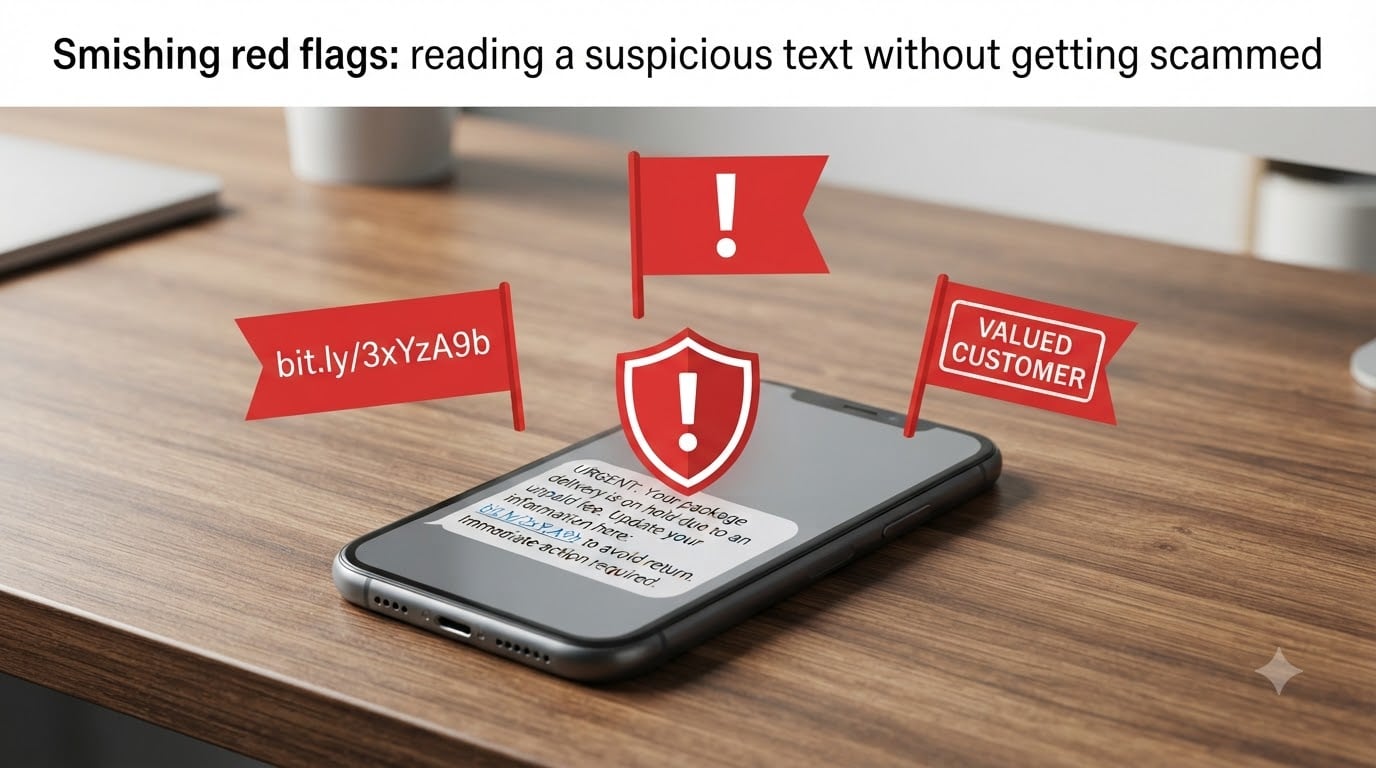
Smishing red flags are the warning signs hidden inside scam text messages, and learning them is the fastest way to protect yourself. Smishing — short for SMS phishing — is when scammers text you pretending to be your bank, a delivery service, or another trusted brand to steal your money or your identity. Americans received over 19 billion spam texts in a single month earlier in 2026, and our team has watched the volume keep climbing into 2026. I wrote this guide so you can read any suspicious text calmly and walk away without getting scammed.
Table of Contents
- What Is Smishing and Why It Works So Well?
- The 9 Smishing Red Flags You Should Never Ignore
- Real Smishing Text Examples With Red Flags Annotated
- How to Verify a Suspicious Text Without Getting Scammed?
- What to Do If You Already Clicked a Smishing Link?
- AI-Powered Smishing: The Newest Text Scams in 2026
- Frequently Asked Questions About Smishing Red Flags
- Final Thoughts on Spotting Smishing Red Flags
What Is Smishing and Why It Works So Well?
Smishing is phishing through SMS text messages. Attackers send fake texts impersonating trusted sources to steal personal information, login credentials, or install malware on your phone. The word itself is a blend of “SMS” and “phishing.”
Our team has studied smishing attacks for years, and three things make them more dangerous than email scams. First, texts feel personal — most people assume a text from a stranger must be legitimate because it landed on the device they use for family conversations. Second, texts create urgency in a way email rarely does. A buzz in your pocket triggers a faster emotional response than a notification you check later. Third, mobile screens hide crucial details. URLs get truncated, sender IDs get masked by short codes, and you rarely see a full email header on a phone.
The FTC, the FCC, and major carriers have all reported record smishing volumes through 2026. Attackers send billions of texts a month because the conversion rates are 8 to 10 times higher than email phishing. When a text says your account will be locked in 30 minutes, most people react before they think.
The 9 Smishing Red Flags You Should Never Ignore
The fastest way to read a suspicious text safely is to scan it for these smishing red flags. If even two appear, treat the message as a scam until proven otherwise.
Unknown or unusual sender number. Real banks and delivery services use short codes or branded sender IDs. A regular 10-digit mobile number is almost always a scam.
Urgent language or threats. Phrases like “act now,” “final notice,” or “your account will be locked in 24 hours” are pressure tactics designed to skip your rational thinking.
Suspicious shortened links. Bit.ly, tinyurl, and random letter combinations in URLs are classic smishing tools. Real companies send full branded domains.
Requests for personal information or verification codes. No legitimate company will ever ask for your password, PIN, or full Social Security number by text.
Generic greetings. “Dear Customer” or “Dear User” instead of your actual name signals a mass blast, not a real account notice.
Unexpected prizes, refunds, or rewards. If you did not enter a contest or expect a refund, the message is fake.
Mismatched or lookalike URLs. “Amaz0n-support.com” or “chase-secure-verify.net” are impersonation domains. Always compare against the official site.
Pressure to act outside official channels. Instructions like “do not call our main line” or “reply only to this number” are designed to keep you inside the scam.
Grammar and spelling errors. Professional companies run their messages through editors. Typos and awkward phrasing are red flags.
I keep this list saved in my notes app so I can check any unexpected text against it in under 10 seconds. That single habit has saved me from clicking links I would have regretted.
Real Smishing Text Examples With Red Flags Annotated
Theoretical warnings are easy to forget, so here are five real smishing text examples with the red flags called out. Reading these with annotations trains your eye for what scammers actually send.
Example 1 — Fake Bank Alert:
“[Chase Bank] Your account is LOCKED. Verify your identity within 24 hours or your funds will be frozen: http://chase-secure-verify.net/login”
Red flags: generic greeting, urgency threat, lookalike domain, fear-based pressure.
Example 2 — Package Delivery Scam:
“USPS: Your package cannot be delivered due to incorrect address. Update here: bit.ly/usps-redeliver-92”
Red flags: vague package reference, shortened link, no tracking number, no name attached.
Example 3 — Verification Code Theft:
“Hi, this is Amazon support. We sent a 6-digit code to your phone by mistake. Can you reply with the code? We need to cancel an order on your account.”
Red flags: asking you to forward a verification code, impersonating support, urgent cancellation story.
Example 4 — Prize Winner Notification:
“Congratulations!! You have been selected as our 2026 sweepstakes winner. Claim your $1,000 gift card by clicking: t.co/xK9p2m”
Red flags: you never entered, excessive exclamation marks, shortened link, vague prize.
Example 5 — Wrong Number Smishing:
“Hi, this is Anna from Hinge. We matched! Are you free for coffee this weekend?”
Red flags: no profile match happened, response opens a long conversation that eventually steers toward crypto investment or romance scams.
How to Verify a Suspicious Text Without Getting Scammed?
When a text triggers one or more smishing red flags, follow this five-step verification workflow. I have used it myself dozens of times and it has yet to fail.
Do not click the link. Even opening a malicious URL can sometimes trigger a download on older phones. Long-press the message to read the full link without tapping.
Identify the sender through official channels. Open the company’s app or type the official website directly into your browser. Do not use any contact info from the suspicious text.
Contact the company using a verified number. Call the customer service number printed on the back of your bank card or on the company’s real website. Ask if they sent the message.
Check the message inside your online account. Banks, delivery companies, and most large services mirror alerts inside your account dashboard. If you see nothing there, the text was fake.
Forward suspicious texts to 7726 (SPAM). In the US, forwarding the message to 7726 reports it to your carrier and helps block future scams. Then delete the text.
Our team also recommends taking a screenshot before deleting. If you ever need to file a fraud report, that screenshot is your evidence.
What to Do If You Already Clicked a Smishing Link?
If you have already tapped a smishing link, stay calm and act quickly. The damage depends on what you did next, not just on the click itself.
First, disconnect from the network. Turn on airplane mode to cut off any silent data transfer the page may try to start. Do not enter any information the page asks for. Close the browser tab entirely.
Second, run a mobile security scan. iPhone users should update to the latest iOS version because Apple patches known malware delivery paths regularly. Android users should run Google Play Protect or a trusted mobile security app.
Third, change passwords for any account you think may be exposed. Start with your email, your bank, and any account that uses the password you typed. Enable two-factor authentication if you have not already.
Fourth, monitor your financial accounts for the next 30 days. Look for small test charges, which fraudsters often use to confirm a stolen card is alive. Report anything suspicious to your bank immediately.
Fifth, report the incident. File a complaint with the FTC at IdentityTheft.gov, contact your carrier, and place a fraud alert with the credit bureaus if you shared sensitive personal data. Speed matters because early reports often lead to faster account recovery.
AI-Powered Smishing: The Newest Text Scams in 2026
Smishing has grown more dangerous because attackers now use AI to write convincing messages in any language and tone. Generative tools can study a target’s leaked data — old breaches, public social profiles, even past purchases — and craft personalized messages that feel specific to you. I have seen training simulations where the only red flag was a single character off in the URL.
Deepfake voice and image tools add another layer. Scammers can now send a text claiming to be a family member in trouble, then follow up with a cloned voice note that sounds exactly like them. Our team tests these scenarios monthly, and the quality improves every quarter.
The defense stays the same: slow down, look for the smishing red flags, and verify through official channels before you click anything. No matter how convincing the message feels, the workflow protects you.
Frequently Asked Questions About Smishing Red Flags
What does a smishing text look like?
A smishing text usually pretends to be from a bank, delivery service, or government agency. It contains urgent language, a suspicious shortened or lookalike link, and asks you to click fast or share a verification code. Real examples include fake USPS redelivery alerts, Chase account lock warnings, and prize winner notifications.
What are the 7 red flags of phishing in text messages?
The most common seven red flags are: unknown sender number, urgent threats, shortened or mismatched URLs, requests for passwords or codes, generic greetings, unexpected prize or refund offers, and pressure to respond outside official channels. If a text shows two or more of these signs, treat it as a scam.
How can I identify a scam text message?
Identify a scam text by checking for urgent language, suspicious links, generic greetings, and requests for personal information. Compare the sender number against the company’s official short code, and never click links inside the message. Open the company’s app or website directly to confirm any account alert.
What happens if I open a smishing text?
Opening a smishing text by itself usually does not install malware. The danger starts when you click a link, download an attachment, or enter personal information on the page that opens. If you only opened the text, delete it and report it to 7726. If you clicked, disconnect from the network and follow the recovery steps in this guide.
Can a scammer hack my phone if I reply to a text?
Replying alone does not give a scammer access to your phone, but it confirms your number is active. That confirmation often leads to more scam texts or phone calls. Never share verification codes, passwords, or financial information through text, even with someone who claims to be from a company you trust.
Final Thoughts on Spotting Smishing Red Flags
Smishing red flags are your single best defense against text message scams, and they get sharper with practice. I have walked through the 9 warning signs, real annotated examples, a five-step verification workflow, and a recovery plan if you have already clicked. Keep that checklist in your phone, slow down on every unexpected text, and verify through official channels before you share anything. Report suspicious messages to 7726 and help your carrier protect the next person on their list.