
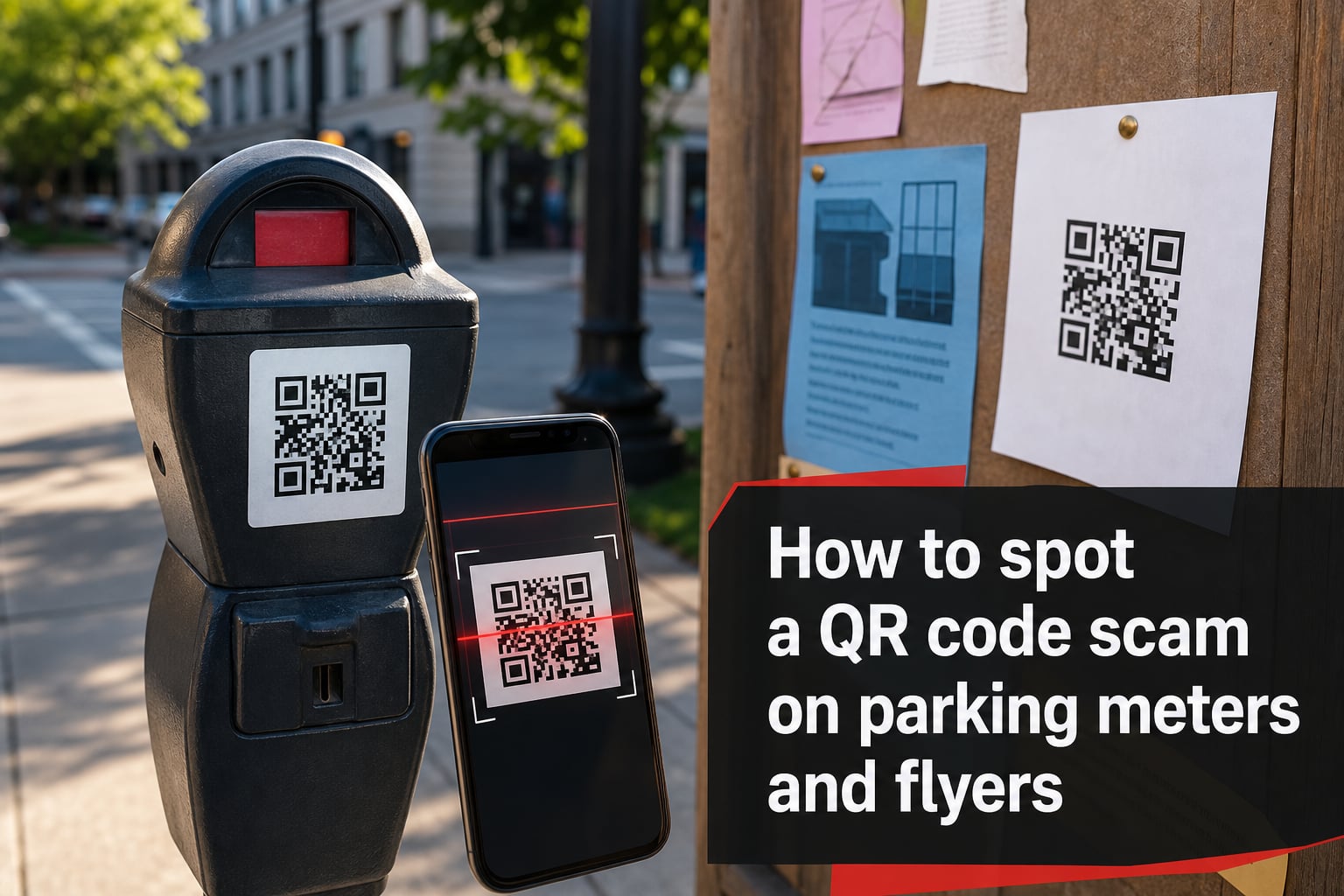
That little black-and-white square on a parking meter or flyer might be a thief dressed up as a payment shortcut. I dug into real Reddit complaints, FBI alerts, and city warnings to bring you a clear guide on how to spot a QR code scam on parking meters and flyers before it costs you your card details or a parking ticket you did not deserve.
Reports of fake QR codes have shown up in Denver, New York City, Chicago, Vancouver, and Christchurch over the past two years. The pattern is the same: a sticker is slapped over the real signage, you scan it, you enter your card, and somewhere a scammer smiles. Let us walk through exactly what to look for, what to do if you already scanned, and where to report it.
Table of Contents
- How QR Code Scams on Parking Meters and Flyers Work?
- 7 Red Flags That Reveal a QR Code Scam
- How to Spot a QR Code Scam on Flyers Specifically?
- Real Examples of Scam URLs and Lookalike Domains
- Safe Payment Alternatives That Replace the QR Code
- What to Do If You Scanned a Suspicious QR Code?
- Where to Report a QR Code Scam?
- FAQs
- Final Thoughts
How QR Code Scams on Parking Meters and Flyers Work?
Scammers print or buy adhesive QR code stickers and place them where your eyes naturally go. On parking meters, they cover the official instructions or coin slot area. On flyers, they ride along with fake event promotions, package delivery notices, or “unpaid ticket” warnings. The sticker itself is just a doorway to a phishing website.
Here is the typical sequence our team has pieced together from victim reports and city alerts:
Step 1: A scammer places a fake QR code sticker over or next to the real machine.
Step 2: You scan it with your phone camera because you are in a hurry.
Step 3: The link opens a lookalike parking payment page that mimics PayByPhone, ParkMobile, ParkNYC, or RingGo.
Step 4: You enter your card number, expiry, and ZIP code to “pay for parking.”
Step 5: Your actual meter never registers a session, so you may still get a real ticket, and your card data is now in criminal hands.
The whole thing takes under 30 seconds. That is why knowing how to spot a QR code scam on parking meters and flyers matters more than ever in 2026.
7 Red Flags That Reveal a QR Code Scam
You do not need to be a tech expert to catch most of these. Our team uses this checklist every time we approach a meter or pick up a flyer, and it takes about five seconds.
The QR code looks glued on. Real codes are printed directly into the meter sticker or engraved on the housing. If you see edges, bubbles, or a slight raise, it is a fake sticker.
No QR code was there last time. Most cities still do not use QR codes on meters at all. If you suddenly see one, be suspicious.
The sticker features a different brand from the city. A random QR code on a PayByPhone meter that pushes a “ParkPay” login is a classic mismatch.
The URL preview looks strange. Your phone usually shows the link before opening it. Watch for misspellings like “parkmoble,” extra hyphens, or weird endings such as “.biz” or “.top.”
The page asks for unusual info. A legit parking payment only needs a card number, expiry, and ZIP. If it asks for your Social Security number, full address, or banking login, close it.
There is no HTTPS padlock. No padlock means no basic encryption. Real payment sites always have one.
It pushes urgency. “Pay now or face a $35 fine” text on a flyer is a manipulation tactic. Cities send actual tickets by mail, not via QR code.
If even one of these triggers, walk away. That is the simplest rule for spotting a parking meter QR code scam before it costs you anything.
How to Spot a QR Code Scam on Flyers Specifically?
Flyer scams work differently. There is no machine to compare against, just a piece of paper hoping you will scan on autopilot. Over the past year, our team has tracked three common flyer variants.
Fake unpaid parking tickets. The flyer looks like an official envelope left on your windshield. It says you missed a payment and includes a QR code to “pay immediately” and avoid further fees. Cities never collect parking fines through QR codes on flyers. Ever.
Free event or retail reward scams. “Scan to claim your $50 gift card” or “free event entry” flyers are planted on café boards, community boards, and lamp posts. They lead to data-harvesting forms or payment-info pages dressed up as shipping fee fields.
Delivery redelivery notices. Flyers that mimic UPS, FedEx, or USPS ask you to scan and confirm address. The destination is a spoofed site that steals card details and personal data.
When any flyer asks you to scan and enter payment or personal info, the safest move is to ignore the QR code and visit the company’s official website directly. That single habit will kill most phishing QR code attempts on flyers.
Real Examples of Scam URLs and Lookalike Domains
Knowing the pattern is more useful than memorizing any single domain. Scammers burn through URLs fast, so they reuse the same tricks. Here are real patterns we have seen reported in 2026 and earlier.
parkmobile-billing.com instead of the real parkmobile.io. Extra word added.
parkpay-secure.net instead of the official city site. Hyphen and “secure” added for false trust.
payparkingnow.org generic dashes pretending to be a service. Always a dead giveaway.
parking-payment.app suspicious .app TLD, not used by any major parking operator.
gov-payticket.com a fake government-sounding URL that no real city uses.
Run any unknown URL through a quick search before you scan or click. If you cannot find the brand on the official app store or the city’s official parking page, it is almost certainly a fake QR code scam.
Safe Payment Alternatives That Replace the QR Code
Skip the QR code altogether and use one of these verified methods instead. Our team has tested each one across major US, UK, and Canadian cities.
Download the official app from the App Store or Google Play. Search for the exact name your city uses, such as ParkNYC, ParkMobile, PayByPhone, or RingGo.
Pay at the meter with card or coin. Most modern meters accept tap-to-pay cards directly. No QR code involved.
Call the number printed on the meter. Every legal meter has a sticker with a local phone number. That is the safest fallback.
Visit the city’s official parking website. Type the address yourself rather than scanning. You avoid tampered stickers entirely.
When you stick to these four official channels, you completely sidestep the entire QR code scam category. This is the simplest fix for how to spot a QR code scam on parking meters and flyers: just stop using QR codes for parking.
What to Do If You Scanned a Suspicious QR Code?
Do not panic. Speed matters more than anything. Our team has put together a 7-step action list based on FTC and IC3 guidance.
Disconnect from Wi-Fi and mobile data right away. This cuts off any active download from the malicious site.
Do not enter any information. If the page asks for a login or card, close it immediately.
Clear your browser cache and history. This removes any stored cookies or session tokens.
Run a mobile antivirus scan. Apps like Malwarebytes can catch known malicious QR code redirects.
Call your bank if you entered card details. Freeze the card and request a chargeback for any pending transaction.
Change your passwords. If you typed a password you reuse elsewhere, change it on those accounts now.
Monitor your statements and credit report. Watch for small test charges, the most common sign your card is being resold.
Even if you only scanned and did not enter data, reporting the suspicious QR code still helps protect the next person in the lot.
Where to Report a QR Code Scam?
Reporting does two things: it helps the authorities track the rings, and it can speed up your financial recovery. Use the right channel based on your situation.
United States: File a report at IdentityTheft.gov and the FBI’s Internet Crime Complaint Center (IC3). Forward the URL to reportfraud.ftc.gov.
United Kingdom: Report to Action Fraud, the national fraud reporting center.
Canada: Contact the Canadian Anti-Fraud Centre at 1-888-495-8501.
Local city parking authority: Email a photo and the meter number to your city’s parking department so they can remove the sticker fast.
Always include the URL, the location, and a clear photo of the sticker. Cities like San Antonio and Denver have removed entire batches of fake stickers after a single alert.
FAQs
How to spot a QR code scam?
Look for a sticker that looks glued on, a URL preview with misspellings or strange endings, requests for personal info beyond a card number, and a missing HTTPS padlock. If any of these appear, do not scan or close the page immediately.
What happens if you scan a QR code from a scam?
Your phone opens a phishing website that mimics a real service. If you enter payment details, scammers capture your card data. If the page triggers a download, your device may get malware. Disconnect from the internet and run a security scan right away.
Is the parking app QR code a scam?
Most cities do not use QR codes on parking meters at all. If you see one, treat it as suspicious. Pay through the official app downloaded from the App Store or Google Play, or use the meter directly with a card.
How do I know if a parking fine is legitimate?
Real parking fines are delivered by mail or placed on your windshield by a parking officer. They never ask you to pay through a QR code on a flyer. You can verify any fine by contacting your city’s parking authority directly using the number on their official website.
How do I report a fake QR code sticker on a parking meter?
Take a clear photo, note the meter ID and street, and email it to your local parking authority. In the US, also report the URL to the FTC at reportfraud.ftc.gov and the FBI’s IC3. Quick reporting helps remove the sticker before someone else scans it.
Final Thoughts
Knowing how to spot a QR code scam on parking meters and flyers comes down to one habit: pause before you scan. Most scams rely on speed and trust. Take the extra two seconds to read the URL preview, check the sticker, and use the official app or meter instead. That is the difference between a regular parking session and a stolen card in 2026.
Stay skeptical, use official channels, and report anything suspicious. Your two-second pause is the scammer’s worst enemy.