
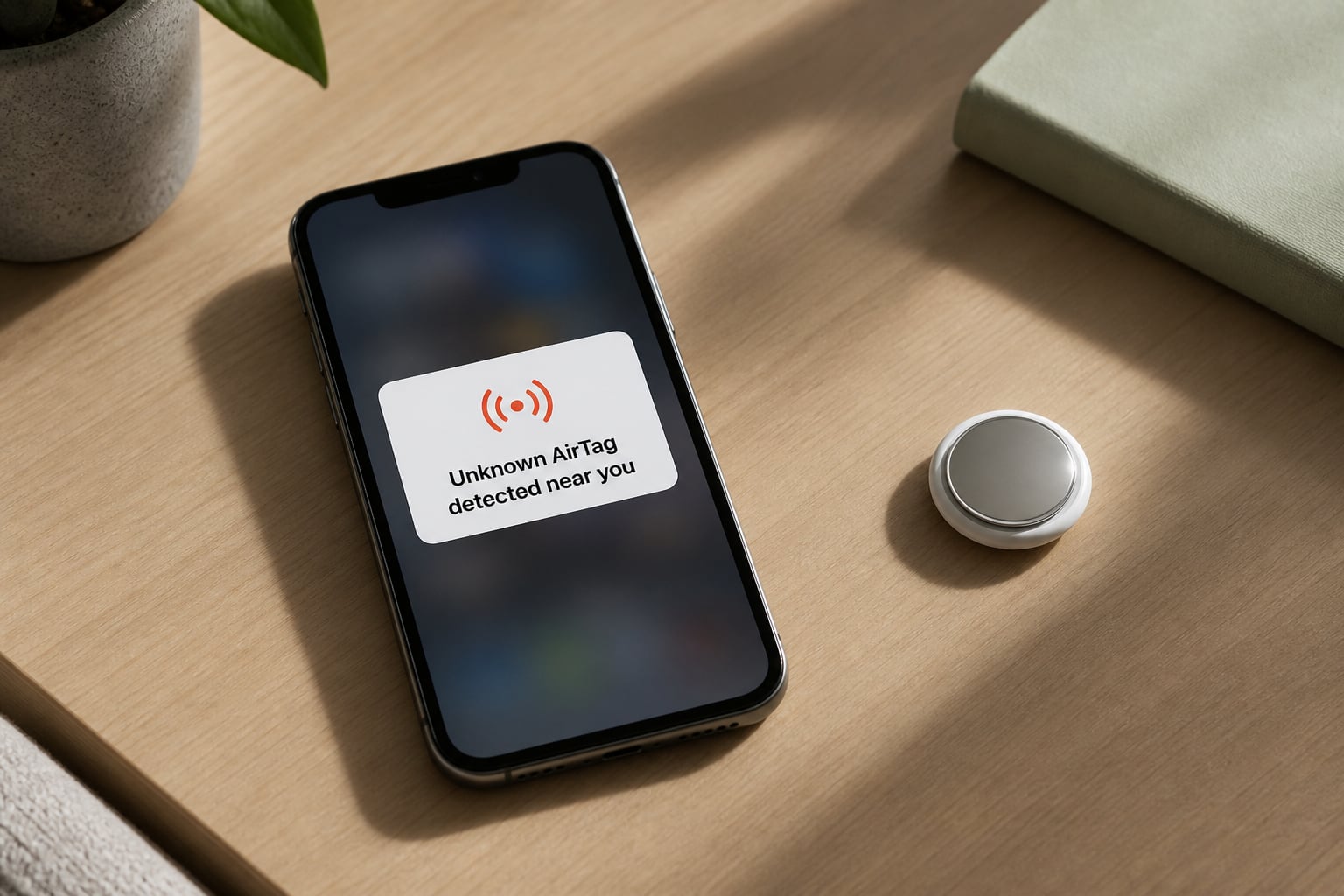
That Unknown AirTag detected near you notification on your iPhone or Android means an Apple AirTag that doesn’t belong to you has been traveling alongside you. The alert exists specifically to protect you from unwanted tracking, and taking quick action matters because the tracker could still be revealing your location to its owner right now.
I want to walk you through exactly what triggers this alert, how to find the device, and how to disable it before it causes real harm. The steps below come straight from Apple’s safety documentation and real user experiences I’ve analyzed across hundreds of reports.
Table of Contents
- What Does “Unknown AirTag Detected Near You” Actually Mean?
- Immediate Steps to Take When You See the Alert
- How to Play a Sound to Locate the Unknown AirTag
- How to Find the AirTag Using Precision Finding (iPhone 11 and Newer)
- Where to Search: Common Hiding Spots in Cars, Bags, and Clothing
- How to Identify the AirTag Owner Using NFC
- How to Disable an Unknown AirTag Safely?
- Android Users: How to Detect Unknown AirTags
- When to Contact Law Enforcement and Safety Resources
- How to Enable Tracking Notifications Before You Need Them?
- Frequently Asked Questions About Unknown AirTag Alerts
- Take the Alert Seriously and Trust Your Instincts
What Does “Unknown AirTag Detected Near You” Actually Mean?
The “Unknown AirTag detected near you” alert means an Apple AirTag separated from its owner has been moving with you over time, and your device has identified the pattern through the Find My network.
Apple designed this safety feature after reports emerged of stalkers using AirTags to follow people without consent. Since iOS 14.5, your iPhone actively listens for AirTags that aren’t near their registered owner. If an unfamiliar AirTag travels alongside you for an extended period or keeps appearing in your routine, your phone flags it.
The alert is more serious than a random Bluetooth ping. It triggers when the system detects the AirTag has been moving with you specifically, not just passing by briefly in a coffee shop. That distinction matters because it tells you someone (or something) carrying that AirTag has been close to you repeatedly.
Here’s how the detection actually works: the AirTag emits a secure Bluetooth LE signal that nearby Apple devices pick up. Those devices relay the AirTag’s location to Apple’s servers anonymously, and your phone checks whether that AirTag is registered to you. If it isn’t and it keeps showing up near you, you get notified.
The phrase “near you” can be misleading. Apple uses it because the AirTag doesn’t have to be touching you; it could be in a car parked next to yours, attached to your bicycle in a rack, or sitting in a bag handed to you by someone else. Range is typically 30 to 100 feet depending on obstacles.
Immediate Steps to Take When You See the Alert
If you see the “Unknown AirTag detected near you” notification, here’s exactly what to do in the next few minutes.
Stay calm and don’t dismiss the notification. The alert gives you a window of time before the AirTag starts emitting its own chirp. Open it now rather than swiping it away.
Note where you are and what you’ve touched recently. Think about cars you’ve been in, bags you’ve carried, gifts you’ve received, or items you’ve borrowed. This helps you identify likely sources.
Tap the alert to view Apple’s instructions. Your iPhone shows a built-in guide with options to play a sound and see a map of where the AirTag has been detected with you.
Check whether the AirTag might be borrowed or shared. A family member’s item with an AirTag, a friend’s car keys, or a package you picked up could explain the alert without malicious intent.
If you feel unsafe, go to a public place. Don’t drive home alone or return to where you sleep if you suspect someone you know is tracking you. Visibility deters escalation.
Screenshot everything before you disable the device. Capture the alert text, the serial number from the AirTag, and the location map. Police and safety resources need this evidence.
The order matters: locating the device comes before disabling it, because disabling destroys the serial number trail that helps authorities identify the owner.
How to Play a Sound to Locate the Unknown AirTag
Playing a sound is the fastest way to find an unknown AirTag hiding on you or in your belongings.
From the alert notification, tap the option that says “Play Sound” or “Continue.” Your iPhone will trigger a chirping noise from the AirTag that lasts roughly 10 seconds. The sound is loud but small, so you’ll need to be within 30 feet or so to hear it clearly.
If the “Play Sound” button is grayed out or unavailable, the AirTag is either out of Bluetooth range, has been disabled already, or isn’t compatible with the feature. This often happens when the AirTag belongs to someone else who disables it after the alert triggers.
Android users can’t trigger sounds remotely the way iPhone users can. If you’ve already found an AirTag, holding it near your Android phone will at least let you read its NFC information. The Apple Tracker Detect app doesn’t include a “make sound” function for unknown AirTags.
If you don’t hear anything on the first try, move to a quiet room and wait a few minutes. The AirTag cycles its sound periodically, so a second attempt often works when the first missed it.
How to Find the AirTag Using Precision Finding (iPhone 11 and Newer)
Precision Finding shows you the exact direction and distance to the AirTag using Ultra Wideband technology.
You’ll need an iPhone 11 or later (any model with the U1 chip) for this to work. After tapping “Find Nearby” in the alert, your screen displays an arrow pointing toward the AirTag along with a distance estimate that shrinks as you get closer.
Walk slowly in the direction the arrow points. The display updates in real time, so small movements help narrow the location. When the distance drops to a few feet, the arrow becomes a circle, indicating you’re very close. The AirTag is usually within an arm’s reach at that point.
Common situations where Precision Finding struggles include crowded environments with many Bluetooth signals, locations with thick metal walls (like freezers or vehicles), and when the AirTag is buried inside dense material like a backpack lining.
If Precision Finding says the AirTag is in your car but you can’t find it physically, check the glove compartment, under the spare tire cover, inside the wheel wells, taped beneath the bumper, and stuck to the inside of the bumper cover. Those are the most reported car hiding spots based on user accounts.
Where to Search: Common Hiding Spots in Cars, Bags, and Clothing
When the sound and Precision Finding don’t lead you straight to it, a systematic search usually reveals the AirTag within 15 minutes.
For vehicles, start at the wheel wells because this is the most reported car placement. Run your hand along the inside surface of each tire well. Then move to the exterior of the bumper, especially the underside, where someone could have used strong adhesive. Inside the cabin, check the glove box, the crevice between seats, under floor mats, the trunk near the spare tire, and behind panels that don’t require tools to lift.
For bags and backpacks, dump out the contents first and feel the interior lining. AirTags are often slipped into sewn-in pockets, behind padding, or attached inside zippered compartments you don’t normally open. Check every strap, handle, and the area near the bottom where weight rests against your body.
For jackets and clothing, run your hands along seams and inside any pockets you don’t use. AirTags placed by stalkers often end up in coat linings, sewn-in labels, or attached to hood drawstrings. If you received a piece of clothing recently from someone, inspect it immediately.
The 15-minute timer on the sound feature is a useful deadline. If you can’t locate the AirTag in that window, move to a public place and continue searching methodically. Panic searches almost always miss small devices.
How to Identify the AirTag Owner Using NFC
You can read the AirTag’s serial number and limited owner information by tapping it against your phone, which helps police identify who registered it.
Hold the white side of the AirTag against the back of your iPhone (any iPhone 7 or newer) or any Android phone with NFC enabled. After a brief tap, your screen opens a webpage with the AirTag’s serial number and a message stating “If you believe this item was lost, contact…” with the owner’s masked phone number or email if they’ve configured one.
The serial number starts with letters and numbers like “LTP” or “F2L” followed by additional characters. Write this down or screenshot it. Apple can trace this serial number to the Apple ID that registered it when law enforcement provides a subpoena.
What you won’t see is the owner’s name, address, or full contact details. Apple designed the system to protect privacy while still allowing lost-item reunification. That limitation is exactly why reporting to police with the serial number matters.
Android phones that support NFC can read AirTags the same way. Enable NFC in your settings first, then tap the AirTag’s white side against the back of the phone.
If the “lost mode” page shows no contact information, the owner never registered the AirTag with a contact method, which is itself suspicious since legitimate lost-item settings usually include contact details.
How to Disable an Unknown AirTag Safely?
Disabling the AirTag stops it from reporting its location, which you should do after documenting it but before disposing of it.
The AirTag is disabled by removing its CR2032 coin battery. Press down on the stainless steel back of the AirTag and rotate it counterclockwise about a quarter turn. The cover pops off, revealing the battery inside. Lift the battery out and the AirTag immediately stops transmitting.
You can do this safely at home, in a public restroom, or anywhere you feel comfortable. The AirTag makes no sound or notification when you remove the battery. It simply goes silent.
Don’t throw the AirTag away after disabling it. Place it in a sealed bag and keep it as evidence if you plan to file a police report. Officers often want the physical device to verify the serial number against Apple’s records.
After disabling, the AirTag stays on the “Items” tab of the Find My app on the owner’s device, but it will show the last known location rather than live updates. The owner has no way to re-enable it remotely.
If you suspect the AirTag belongs to someone you know personally (an ex-partner, former friend, or coworker), do not confront them directly. Disable the device, document everything, and contact law enforcement through official channels. Confrontation gives the person time to destroy other evidence or escalate the situation.
Android Users: How to Detect Unknown AirTags
Android doesn’t proactively alert you to traveling AirTags the way iPhone does, so manual scanning is your main option.
Download Apple’s free Tracker Detect app from the Google Play Store. Open it and tap “Scan” to search for AirTags and other Find My network accessories within Bluetooth range (roughly 30 feet).
The scan takes about 10 minutes to complete because Apple’s privacy system rotates AirTag identifiers to prevent tracking. If the app finds an unknown AirTag that has been near you for more than 10 minutes, you’ll see an alert.
You should run a manual scan whenever you leave your car in an unfamiliar location, after using a borrowed bag or item, or if you suspect someone has targeted you. Android users unfortunately need to be proactive because there’s no automatic background monitoring.
Samsung Galaxy phones running Android 10 or newer have a built-in “Unknown Tag Alerts” feature in the SmartThings Find menu. It works similarly to Apple’s system but requires you to enable it in settings first.
The Android experience remains less robust than iPhone for one structural reason: Apple didn’t open the proactive tracking detection API to third-party developers. Until that changes, Android users face a defensive disadvantage.
When to Contact Law Enforcement and Safety Resources
Contact police immediately if you believe the AirTag was placed with intent to track you, if you don’t recognize the owner information shown via NFC, or if the pattern continues after you disable the device.
Local law enforcement takes AirTag stalking reports seriously because unauthorized tracking is illegal in most U.S. states and many countries. Provide the screenshots of the alert, the serial number from the NFC tap, and the disabled physical AirTag if you have it.
For ongoing stalking situations, reach out to specialized resources. The National Domestic Violence Hotline (1-800-799-7233) provides confidential support and can connect you with local advocates who understand technology-facilitated abuse. Safety Net Project by the National Network to End Domestic Violence offers resources specifically for survivors dealing with digital surveillance.
Recognize the patterns that warrant law enforcement contact: repeated alerts over multiple days, alerts following your movement between locations (not just one), alerts after contact with a specific person who knew your schedule, and alerts combined with other surveillance signs like someone knowing your whereabouts without being told.
Even if you’re unsure whether the situation is malicious, filing a report creates a paper trail. Future reports become part of a pattern that authorities can act on. Don’t hesitate because you’re not “sure enough.”
For users outside the U.S., look up your country’s tracking laws and reporting resources. The UK, Canada, Australia, and EU countries all have varying protections and reporting mechanisms.
How to Enable Tracking Notifications Before You Need Them?
Setting up tracking alerts now means your phone is ready the moment an AirTag starts following you.
On iPhone, open Settings, then tap Privacy & Security, then Location Services, then System Services, and make sure Significant Locations is enabled. Then return to Settings, tap the Find My app, and ensure “Item Safety Alerts” or “Tracking Notifications” is toggled on. Apple’s name for this feature changes with iOS updates.
If you recently updated to iOS 17 or later, the option is under Settings > Notifications > Tracking Notifications. Enable it and allow critical alerts so the notification bypasses Do Not Disturb.
On Samsung Galaxy phones, open Settings > Safety and Emergency > Unknown Tag Alerts and enable both the basic alerts and the 24-hour history option.
On other Android phones with Tracker Detect installed, open the app monthly to run a manual scan even without a suspected incident. Set a calendar reminder so you don’t forget.
Apple has also improved AirTag behavior through firmware updates. AirTags now emit a louder chirp after being separated from their owner for up to 24 hours (down from three days in older models), making physical discovery easier for people who don’t use iPhones or haven’t updated their settings.
The feature works best when you enable it before you need it. Setting it up during an active alert wastes the time you have to act.
Frequently Asked Questions About Unknown AirTag Alerts
Is an unknown AirTag a cause for concern?
It can be. The alert usually means someone placed or dropped an AirTag that has been moving with you. Sometimes it’s a false positive from a neighbor’s device or a borrowed item, but you should always treat the alert seriously and try to locate the device.
Can I find out who an AirTag belongs to?
Yes, partially. Tap the AirTag with your phone using NFC to see a contact method the owner set up. If no contact is shown, write down the serial number. Police can use the serial number to identify the registered Apple ID through a subpoena.
Why did a random AirTag connect to my phone?
AirTags don’t truly connect to your phone. They send Bluetooth signals that any nearby iPhone or Android device can detect. Your phone identified that an unfamiliar AirTag was traveling with you, which is why you got the alert.
Is it possible to get a false AirTag notification?
Yes. If a neighbor owns an AirTag, you might receive an alert when their device detects yours nearby for an extended period. Borrowed AirPods, rental cars, and items with AirTags attached can also trigger alerts without malicious intent.
Why does the alert say play sound unavailable?
The AirTag may be out of Bluetooth range, already disabled, or the sound timer expired. AirTags only allow sound playing for a limited window after the alert triggers, so check quickly when you receive the notification.
How long does an AirTag track you before alerting?
Apple designed the system to alert you within 8 to 24 hours of an unknown AirTag traveling alongside you continuously. The exact time depends on your iPhone model, iOS version, and how consistently the AirTag stays in range.
Take the Alert Seriously and Trust Your Instincts
An “Unknown AirTag detected near you” notification exists because Apple recognized that AirTags, while useful for finding lost keys, could be misused to follow people. The alert is your signal to act, not to ignore.
If you see this alert today, follow the steps above: stay calm, locate the device using sound or Precision Finding, document the serial number, disable the AirTag by removing the battery, and report the incident if anything feels off. Enabling tracking notifications ahead of time means your phone catches the issue before you’ve been followed for too long.
Your safety matters more than someone’s convenience with their lost item tracker. When in doubt, assume the worst and protect yourself first.