
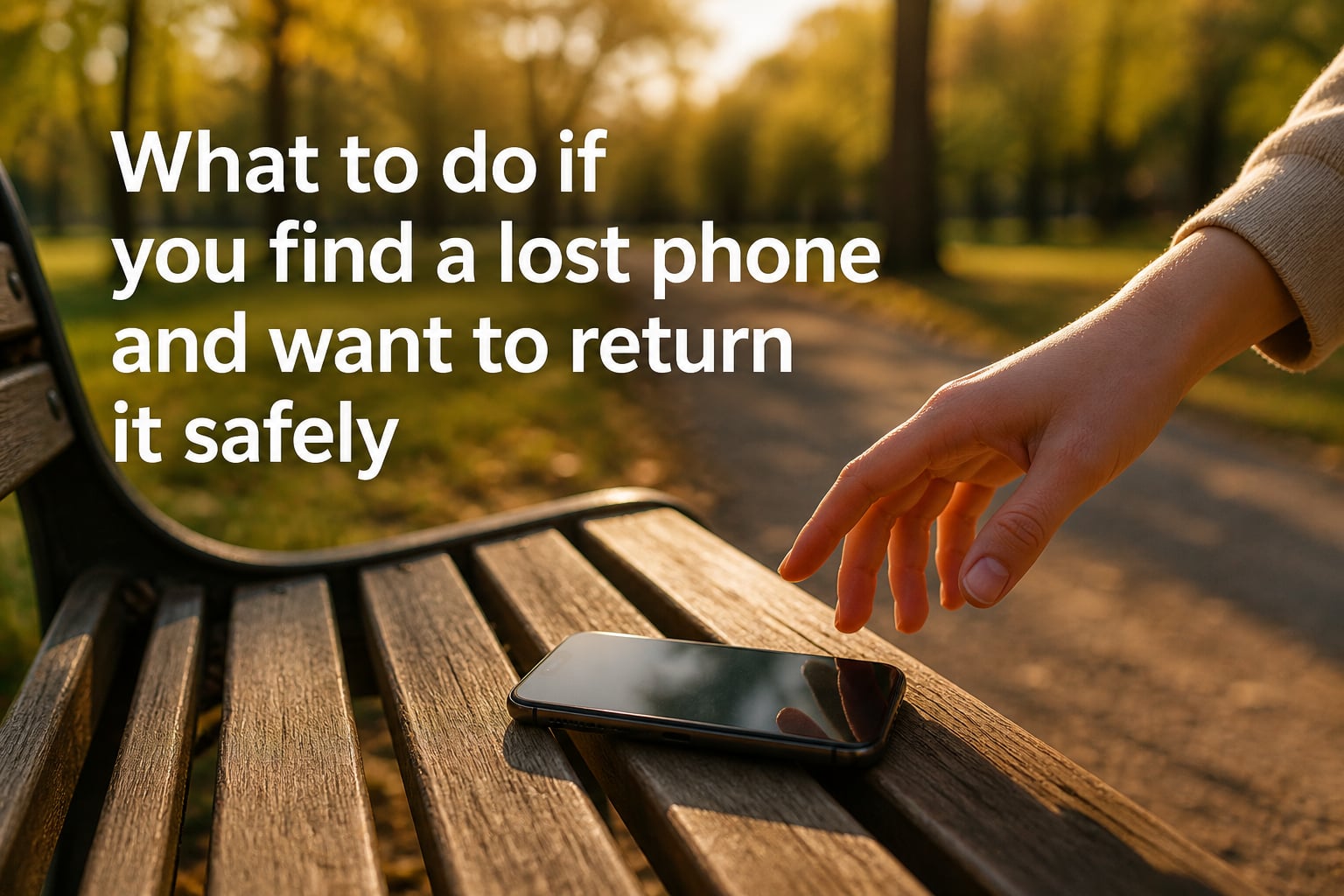
Last spring I found an iPhone on a park bench with its alarm blaring. I panicked for half a second, then I started working through the steps I am about to share with you. Within an hour, the phone was back in its owner’s hand. This guide is the exact playbook I used, expanded with research from carriers, manufacturers, and law enforcement.
If you just found a lost phone and want to return it safely, the short answer is: do not try to unlock it, do not throw it away, and do not keep it. Work through a calm sequence of steps designed to reach the owner without compromising their data. Below is the full breakdown for 2026.
Table of Contents
- Check the Immediate Area for the Owner
- Keep the Phone Powered On and Charged
- Use Lock Screen Emergency Contacts
- Ask a Digital Assistant to Help
- Contact the Carrier or Visit a Store
- Take the Phone to a Police Station
- iPhone-Specific Ways to Find the Owner
- Android-Specific Ways to Find the Owner
- Is It Illegal to Keep a Found Phone?
- Safety Tips When Returning the Phone
- What If the Owner Does Not Claim the Phone?
- FAQs
- Final Thoughts on Returning a Found Phone
Check the Immediate Area for the Owner
The very first thing to do is pause and look around. Many phones are lost within sight of their owner, often during a slip, a sit-down, or a quick photo. The closest person is usually the actual owner.
Look for someone searching their pockets, patting down a bag, or staring at the ground with that unmistakable “I just lost something” expression. If you are in a public place like a cafe, bus, or train, ask nearby staff if anyone has reported a missing phone. Restaurant workers in particular told me they find multiple phones per week and have a standard hand-off routine.
If you spot a likely owner, ask them to call the phone from another device. Most people know their own number, and the ringing is instant confirmation. Avoid following anyone who seems nervous or aggressive. A simple “excuse me, did you lose a phone?” from a safe distance is enough.
Keep the Phone Powered On and Charged
A dead phone is a useless phone when it comes to returning it. The screen, lock screen message, and digital assistants are only useful while the device has battery.
If the battery is below 20 percent, plug it in somewhere safe. Coffee shops, libraries, and station ticket counters will usually let you charge a found phone for a few minutes behind the counter. Ask the staff to watch it while you continue the next steps. If you are at home, put it on a charger in a visible spot where you can hear incoming calls or messages.
Do not turn the phone off. Powering it down resets some lock timers and may disable features like Medical ID on iPhones. If the owner is actively pinging the device through Find My iPhone or Find Hub, a powered-off phone will not ring, and your chance to reunite them drops sharply.
Use Lock Screen Emergency Contacts
Both iPhone and Android let owners display emergency information on the lock screen without unlocking the device. This is your best bet for a locked phone. Tap “Emergency” on the iPhone lock screen, or “Emergency Call” on Android, to see if Medical ID or Emergency Information is set up.
On iPhone, Medical ID is accessible from the Emergency SOS screen and shows emergency contacts, medical conditions, and a list of people to call. On Android, Emergency Information appears under the same emergency dialer flow and lists contacts the owner has hand-picked.
Call one of those contacts directly from your own phone. Explain clearly that you found the device and want to return it. A real owner will usually know the phone’s location history and can confirm it within a minute. If no emergency contacts are listed, move to the next step.
Ask a Digital Assistant to Help
Digital assistants on modern phones can be triggered hands-free, even from a locked screen. Say “Hey Siri, who do you belong to?” or “Hey Google, call my wife.” If the owner has set up owner recognition, Siri or Google Assistant will respond audibly with contact details or a callback number.
On iPhone, you can say “Hey Siri, call my mom” or “Hey Siri, call my partner.” The call will go through speakerphone, so anyone nearby can pick up. On Android, Google Assistant allows similar voice commands like “Hey Google, call my dad.”
If the response is audible, you can ask the owner to share a meeting spot or ask a friend of the owner to confirm details. If the assistant is silent, the owner may have disabled voice access while locked. Do not assume silence means anything about the owner. Just move on to the carrier or local authorities.
Contact the Carrier or Visit a Store
Carriers have protocols for lost devices. Call the customer service line of the major carriers (Verizon, AT&T, T-Mobile, Sprint, and regional MVNOs). If you can read the IMEI or ESN number from the SIM tray or the back of the device, share it with the carrier.
Each carrier can look up the account associated with that IMEI and reach out to the owner on your behalf. Most will not give you the owner’s information, but they will pass along a message and a callback number. The owner often calls within hours, not days, because people assume their phone is gone forever.
If you visit a carrier store in person, the staff will follow the same process. Bring the phone, your ID, and the time and location where you found it. Make sure to keep your receipt or any case number they provide. Some stores keep a found phone in a secure locker for 30 days before recycling it.
Take the Phone to a Police Station
When in doubt, hand the phone over to a non-emergency police station. Officers log found property with a case number and store it in a lost-and-found locker. Owners who file a report will be matched to your phone within days, sometimes hours.
Go to the station in person rather than calling 911. A desk officer will take down the make, model, color, location, and time of the find. They will ask for your contact information so they can reach you if the owner is identified. You will get a receipt, which is your proof of good faith if any dispute ever arises.
Many Reddit users who tried to return phones through police stations reported success, even when the lock screen was empty. The key is being patient and persistent. If the station is busy, ask for the property desk and request a specific case number. Avoid leaving the phone at a busy lobby without getting a receipt.
iPhone-Specific Ways to Find the Owner
If you found an iPhone, the Medical ID feature is your strongest ally. Swipe up on the lock screen and tap “Emergency” in the bottom-left. The Medical ID screen lists emergency contacts, blood type, allergies, and any medical conditions. Call one of the listed contacts from your own phone.
The owner can also see a custom lock screen message if they enabled Lost Mode through Find My iPhone. Look for a name, alternate phone number, or instructions like “call my work at 555-1234.” That message is gold; it is the owner’s direct plea to whoever picked up the phone.
Do not try to swipe through the home screen, guess passcodes, or plug the phone into a computer. Apple devices can be remotely locked and even marked as stolen, and any attempt to bypass the lock screen will make the situation harder for everyone. Find My iPhone also lets an owner see the phone’s last location if it is still powered on.
Android-Specific Ways to Find the Owner
Android phones run a similar feature called Emergency Information, accessible from the lock screen. Tap “Emergency” then “Emergency Information” to see contacts the owner has added. These are usually family members or close friends who can verify the owner’s identity.
Many Android phones also support a custom lock screen message. Owners can show a name, alternate number, or a string like “if found, please call 555-9876.” If you see any of those, the path is clear: call the number from your own phone.
Google’s Find Hub (formerly Find My Device) lets the owner ring, lock, or erase the phone remotely. If the phone is ringing on its own, that is the owner pinging it. Pick up, check the screen for a callback number, and call. Do not factory reset or attempt to sign in as a new user. That will likely make the phone unusable and could be considered tampering under local law.
Is It Illegal to Keep a Found Phone?
In most jurisdictions, keeping a found phone is treated as theft or misappropriation of lost property. The phone belongs to someone else, and they have a right to recover it. Even if you found it on the street, taking it home and using it as your own can lead to criminal charges.
Laws vary by state and country, but a common rule is that the finder has a duty to make a reasonable effort to return the property. Reasonable effort means using the methods in this article. If the phone is unclaimed after 30 to 90 days, local law may allow you to claim it through a court process, but only after you have tried to return it.
Beyond the legal risk, think about the data. A locked phone still exposes you to identity theft accusations if you browse through it. The safest path is to never unlock the phone and never use it yourself. Hand it to the carrier or police and let the legal system handle ownership questions.
Safety Tips When Returning the Phone
Meeting a stranger to return their phone carries some risk. Pick a public, well-lit location such as a coffee shop, police station lobby, or transit hub. Avoid going to someone’s home or inviting them to yours.
Bring a friend if possible, especially if the meeting is at night. Email or text information through your phone rather than giving out your home address. If the owner becomes aggressive, refuses to follow safety steps, or pressures you, walk away and hand the phone to the police instead.
Keep your phone’s serial number, the time you found it, and the location in a written note. If anything goes wrong, you have a record. Most returns are simple and respectful, but the small safety habits here protect you in the rare cases where they are not.
What If the Owner Does Not Claim the Phone?
If the carrier cannot reach the owner and the police cannot identify them after a holding period, the finder may be allowed to claim the phone. Most police departments hold lost property for 30 to 90 days. After that, unclaimed items are auctioned, donated, or returned to the finder.
Ask the desk officer what the local timeline is. Some cities require a formal claim, others require a fee. Keep your case number and the receipt the officer gave you. If the phone is damaged, water-exposed, or broken, the owner is less likely to claim it, and the carrier may recycle it for parts.
In the meantime, keep the phone charged and stored in a safe place. Do not attempt to use it, even if you can power it on. The legal ownership of the device has not transferred to you until the official waiting period ends and any required fees are paid.
FAQs
How do I return someone’s phone if I find it?
Start by checking the area for the owner, then look at the lock screen for emergency contacts or a custom message. Try Siri or Google Assistant voice commands, contact the carrier with the IMEI, or hand the phone to a local police station. Never try to unlock the device yourself.
Is it illegal to keep a found phone?
In most places, keeping a found phone is treated as theft or misappropriation of lost property. You have a legal duty to make a reasonable effort to return it. If unclaimed after a set holding period, you may claim it through a formal process.
What should I do if the phone is locked?
Do not try to unlock it. Use the lock screen emergency call button to access Medical ID on iPhone or Emergency Information on Android. Call one of the listed contacts from your own phone, or take the device to a carrier store or police station.
How do I find the owner of a lost iPhone?
Swipe up on the lock screen, tap Emergency, and open Medical ID. Look for a custom lock screen message set through Lost Mode. Call any listed contact from your own phone, or take the iPhone to an Apple Store, the carrier, or a police station.
Where can I return a found phone?
Carrier stores, Apple Stores, and police stations are the three best drop-off points. Each will log the device and try to reach the owner. Avoid leaving the phone with strangers or in unsecured locations.
What if the owner never responds?
Hold the phone for the local lost-property holding period, usually 30 to 90 days. After that, the police or carrier may release it to you through a formal claim process. Keep your case number and receipt as proof of good faith.
Final Thoughts on Returning a Found Phone
Knowing what to do if you find a lost phone and want to return it safely comes down to three things: stay calm, do not unlock the device, and follow the chain of custody through the carrier or police. The steps above work for both iPhone and Android, and they protect you legally the whole way.
Before you put this guide down, take two minutes to set up your own Medical ID or Emergency Information. Add a custom lock screen message with a friend’s number. That is the single biggest favor you can do for the next person who finds your phone. If you want more tech safety guides, bookmark our site for new posts in 2026 and beyond.