
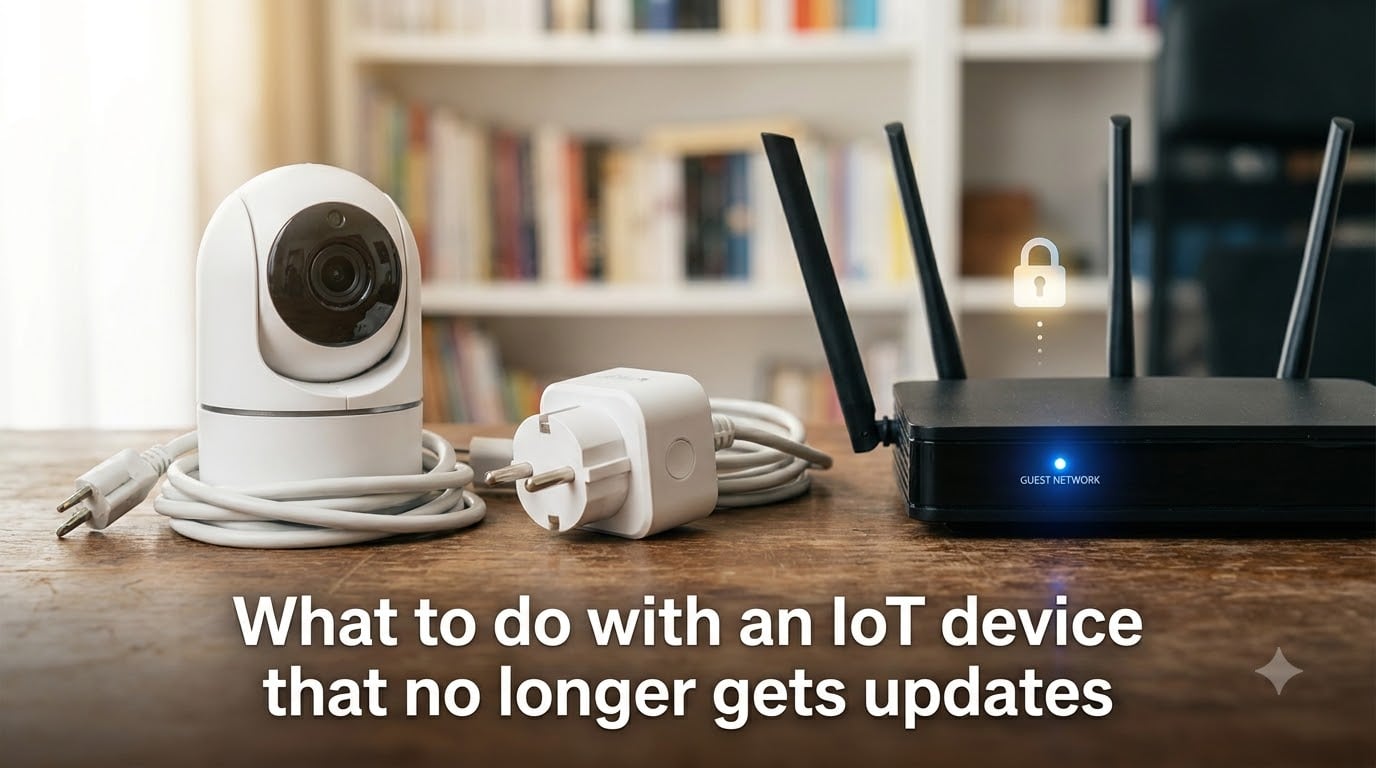
That old smart plug in your living room still blinks its little light. The camera still streams. The smart bulb still responds when you tap the app. But quietly, in the background, the manufacturer has stopped shipping updates, and now you have a device that still works but no longer gets defended. This is the IoT security problem that almost every smart home eventually faces, and most owners never see it coming.
If you are reading this, you are probably wondering what to do with an IoT device that no longer gets updates. The short answer is that you have three real options: isolate the device on a separate network, retire and replace it, or remove it entirely. Which one you pick depends on the device, the data it touches, and how much risk you are willing to accept.
In this guide we walk through the full picture: what actually happens when support ends, the security risks of unsupported IoT devices, how to confirm whether your hardware is still being patched, and a step-by-step action plan you can follow today. We also cover network isolation strategies, replacement red flags, and future-proofing tips for the next device you buy.
Roughly 46 percent of IoT devices in circulation today cannot receive meaningful security updates, according to industry research. That is a staggering number of unpatched cameras, routers, locks, and sensors sitting inside homes and offices. Let’s figure out exactly what to do about yours.
Table of Contents
- What Happens When an IoT Device Stops Getting Updates?
- Security Risks of Unsupported IoT Devices
- How to Check If Your IoT Device Is Still Supported?
- Your Quick Action Plan: Disconnect, Isolate, or Replace
- Network Isolation Strategies for Legacy IoT Devices
- Signs It Is Time to Replace Your IoT Device
- Future-Proofing Tips for Your Next IoT Purchase
- FAQs
- Conclusion
What Happens When an IoT Device Stops Getting Updates?
Every connected device runs on software. That software includes firmware that controls the hardware, an operating system or lightweight kernel, application code, and a stack of libraries that handle encryption, networking, and authentication. When everything works, the device quietly checks a server, downloads a patch, and reboots. You barely notice.
When a manufacturer ends support, that pipeline shuts down. The server may stop hosting the update files, the signing keys may be retired, or the company may simply stop engineering new patches for older hardware. The device keeps running the last firmware it ever received. Nothing breaks on day one. That is what makes the situation so deceptive.
The problem is that security researchers and attackers never stop finding new flaws. A buffer overflow that was unknown last year might be published tomorrow as a proof-of-concept. On a supported device, the manufacturer would push a fix within weeks. On an unsupported device, that vulnerability lives forever in the firmware. The longer the device sits without updates, the larger the catalogue of known exploits grows.
This is what end of support IoT really means. It is not a sudden failure. It is a slow decay in security posture that compounds every month the device stays online. Manufacturers rarely announce the end loudly. Most quietly remove the product from their update schedule, and the only sign is a support page that stops showing new firmware versions.
Some categories reach end of support faster than others. Cheap smart plugs, no-name security cameras, and budget smart TVs often lose support within 18 to 24 months. Brand-name routers and smart home hubs typically get five to seven years. Industrial and enterprise IoT gear can stay supported for a decade or longer. Knowing the device class helps you predict how long you actually have.
Security Risks of Unsupported IoT Devices
The biggest myth about outdated IoT devices is that nobody cares enough to attack them. In reality, attackers love them. Unpatched devices are predictable, identical across thousands of homes, and rarely monitored. They make ideal targets because the work of writing one exploit pays off against a huge population of identical hardware.
Here are the specific IoT security risks you take on when you keep using an unsupported device on your main network.
Unpatched vulnerabilities become permanent. Once a flaw is disclosed and no fix arrives, that weakness is baked into the device for life. Public exploit databases like CVE and ExploitDB catalog these flaws, and scanning tools make it trivial to find vulnerable devices across the internet.
Devices become entry points to your whole network. Most home networks are flat, meaning every device can talk to every other device. An attacker who compromises your old camera can pivot to your laptop, your phone, or your NAS. The IoT device becomes a foothold.
Botnet recruitment is the most common outcome. The Mirai botnet and its descendants scan constantly for devices with default or weak credentials and known unpatched flaws. Once enlisted, your device helps launch DDoS attacks, send spam, or mine cryptocurrency using your electricity and bandwidth.
Personal data exposure is real. Cameras, doorbells, and voice assistants that stop getting updates may have unpatched flaws that allow remote audio or video access. There have been multiple documented cases of compromised smart cameras streaming to public websites.
Default credentials often persist. Many older devices ship with hardcoded logins that were supposed to be patched in a firmware update. When that update never arrives, the backdoor stays open. Some devices do not even let you change the default password.
One important note for the phone owners out there: the same logic applies to phones that no longer receive Android OS or iOS updates. Forum users on r/AndroidQuestions regularly ask the same question, and the consensus is clear. You can limp along using Google Play System updates for a while, but eventually the device becomes a liability for anything sensitive like banking or two-factor authentication.
How to Check If Your IoT Device Is Still Supported?
Before you panic and unplug everything, confirm whether each device is actually unsupported. Manufacturers are notoriously vague about end-of-life dates, but a few checks will usually reveal the truth.
Visit the manufacturer support page. Look for a firmware downloads or release notes section. If the most recent update is more than 18 months old and the product is still sold, that is a yellow flag. If the product has been discontinued and the last update is two or three years old, it is almost certainly end of life.
Check the companion app. Open the device’s mobile app and look for a firmware version number, usually buried in device settings or an about page. Compare that version to the latest one listed on the manufacturer website. If the app shows an older version and no update is offered, the device is likely frozen on its last patch.
Search for an official end-of-life notice. Larger vendors like Cisco, Netgear, and TP-Link publish EOL announcements with hard dates. Search the manufacturer name plus your model plus “end of life” or “end of support.” If you find a notice, the date is official.
Read the support policy before purchase. Some brands publish minimum support commitments. Google Nest, for example, commits to a set number of years of updates for its cameras and thermostats. Searching the product page or press release for “software updates” usually surfaces this commitment.
Check community forums. If the manufacturer is silent, the user community usually knows. Reddit, the manufacturer’s own forums, and GitHub issues for open-source firmware projects all surface the moment a device stops getting patches. Users notice when the firmware version stops moving.
A simple test: if you cannot find a single firmware release for your device in the last 12 months and the product is more than three years old, treat it as unsupported. Better to act early than to discover the device was compromised months ago.
Your Quick Action Plan: Disconnect, Isolate, or Replace
This is the section most guides skip. No major competitor lays out a clear decision tree for what to actually do with an unsupported device right now. So here is the plan, in plain steps.
Step 1: Inventory every connected device. Walk through your home and list every device that connects to your network. Include the obvious ones like cameras and smart speakers, but also the easy-to-forget ones like the smart TV, game console, robot vacuum, smart garage door, and even the printer. Write down the model and approximate purchase date.
Step 2: Check support status for each one. Use the steps in the previous section. Mark each device as supported, unknown, or end of life. Anything marked unknown gets treated as end of life until you confirm otherwise.
Step 3: Sort by risk. Devices that touch sensitive data, control physical access to your home, or sit on your main network with full privileges are the highest priority. A smart lock, a security camera, or a voice assistant that handles payments ranks above a smart bulb that controls nothing critical.
Step 4: Decide the action for each device. Use this simple rule set.
If the device touches money, identity, or physical security and is unsupported, replace it. Period.
If the device is low-risk and you still want to use it, isolate it on a separate network.
If the device has no practical use anymore or cannot be isolated, disconnect and recycle it.
Step 5: Execute the action within a week. Do not let the inventory sit in a notebook for six months. Unsupported devices compound their risk every month they stay online unprotected.
This is the isolate versus replace decision that forums and competitors leave undefined. The shortcut: anything that can harm you if compromised gets replaced. Anything that is merely annoying if compromised gets isolated.
Network Isolation Strategies for Legacy IoT Devices
Network isolation is the technique Reddit users and security pros consistently recommend for IoT devices you want to keep but cannot fully trust. The idea is to put untrusted hardware on a network segment where, even if it is compromised, the attacker cannot reach your laptops, phones, or sensitive data.
The simplest version of this strategy uses your router’s guest network. Almost every consumer router ships with a guest Wi-Fi feature. Create a guest SSID with a different password from your main network, connect the unsupported devices to it, and they will be firewalled away from your primary devices. Most routers apply this isolation automatically.
For more control, use VLANs. A VLAN, or virtual LAN, lets you carve your network into multiple logical segments at the switch level. Business and prosumer routers from Ubiquiti, TP-Link Omada, and Netgear ProSafe support VLAN tagging. You assign each device to a VLAN based on trust level, then write firewall rules that block traffic between VLANs. An attacker who takes over your camera on the IoT VLAN cannot ping your laptop on the trusted VLAN.
Some access points and mesh systems make this easier. Ubiquiti UniFi, Eero, and the newer TP-Link Deco models all let you create IoT-specific networks through a toggle in the app. The hardware does the heavy lifting; you just assign devices to the right SSID.
If you want granular control, add firewall rules that block outbound traffic from the IoT segment except for the specific destinations the device actually needs. A smart bulb probably only needs to reach the manufacturer cloud server and your local controller. Blocking everything else shrinks the attack surface dramatically, because a compromised device cannot phone home to a command-and-control server.
One warning: some IoT devices refuse to function when isolated. Cloud-dependent cameras and smart speakers may need to discover other devices using multicast, which isolation often blocks. Test each device after moving it. If it breaks, you have effectively learned that isolation is not an option and replacement is the only safe path.
Signs It Is Time to Replace Your IoT Device
Replacement is the cleanest solution for an unsupported device. Here are the signals that isolation is not enough and you should retire the hardware.
The device controls physical access. Smart locks, garage door openers, and security cameras that watch entry points should never stay on outdated firmware. If an attacker can open your door or disable your camera, replace the device even if it still works perfectly.
The device handles money or identity. Smart speakers used for voice shopping, smart displays that show bank notifications, and any IoT device tied to a payment account should be replaced as soon as support ends.
The manufacturer is out of business. If the company that made the device has shut down or been acquired and the new owner has dropped the product line, no future update is coming. Replacement is the only option.
The device exposes default credentials you cannot change. Some older cameras and DVRs ship with hardcoded logins like admin/admin that were supposed to be patched out. If you cannot change them, the device is a ticking bomb.
The device shows up in botnet scan reports. Services like Shodan and Censys scan the internet for known-vulnerable devices. If your model appears on botnet recruitment lists, assume it is already being targeted.
Replacing is not always expensive. A modern smart plug or basic indoor camera costs less than a single compromised bank account would. Weigh the replacement cost against the realistic cost of a breach, and replacement usually wins.
Future-Proofing Tips for Your Next IoT Purchase
The best way to deal with unsupported devices is to avoid buying them in the first place. A little research before checkout prevents the same problem two years from now.
Check the manufacturer support commitment. Look for an explicit statement on the product page or in the press release announcing the device. Google, Apple, eufy, and a few others now publish minimum support windows. If the manufacturer will not commit to a number, assume it will be short.
Avoid no-name brands on marketplace listings. The cheapest smart device is often the shortest-lived. Brands with no website, no support page, and no firmware download section have no way to ship you a patch even if they wanted to. Stick with brands that have a real support infrastructure.
Prioritize devices that support local control. Hardware that works over a local protocol like Zigbee, Z-Wave, Matter, or Thread can keep functioning even if the cloud goes away. Matter in particular has strong industry backing and a commitment to long-lived device interoperability.
Look for open-source firmware compatibility. Some routers, cameras, and sensors are supported by projects like OpenWrt, DD-WRT, or ESPHome. If the manufacturer drops the device, the community can keep it patched. This is not a guarantee, but it is a meaningful safety net.
Watch for the red flags when buying. No published firmware updates in over a year, no security page on the manufacturer website, no response to support emails, and a price that seems too good to be true are all warning signs. A device that costs half as much as the competition often costs twice as much in security headaches later.
Buy from vendors that follow recognized standards. The NIST cybersecurity guidance for IoT, the ETSI consumer IoT security standard, and the Matter certification all push manufacturers toward longer support windows and better security baselines. A device that meets these standards is far less likely to leave you stranded.
FAQs
Can IoT devices receive software updates?
Yes, most modern IoT devices can receive software updates, typically delivered over-the-air (OTA) from the manufacturer’s servers. These updates include firmware patches, security fixes, and bug corrections. However, not all manufacturers support devices for the same length of time, and cheaper devices often stop receiving updates within 18 to 24 months of release.
Is it safe to use a phone that no longer gets updates?
It is risky. A phone without security updates remains vulnerable to newly disclosed flaws that will never be patched. For non-sensitive tasks like media playback it may be acceptable, but for banking, email, and two-factor authentication you should switch to a supported device. The longer you wait, the larger the catalogue of known unpatched vulnerabilities grows.
What are two major concerns regarding IoT devices?
The two biggest concerns are security vulnerabilities and privacy exposure. Unpatched IoT devices can be compromised by attackers and used as entry points into your home network, while cameras, microphones, and sensors on those devices can leak personal data if their firmware is not kept up to date.
Is IoT obsolete?
No, IoT is not obsolete. The technology continues to grow, with Matter, Thread, and edge computing driving the next generation of devices. What does become obsolete is individual hardware when manufacturers stop supporting it, which is why checking the support commitment before buying is so important.
Conclusion
Deciding what to do with an IoT device that no longer gets updates comes down to one rule: never ignore it. Sort your devices by risk, isolate the low-impact ones on a guest or IoT network, and replace anything that touches money, identity, or physical security. A weekend spent on this inventory is the cheapest security upgrade you will ever make, and the device you replace today is the breach you avoid tomorrow.