
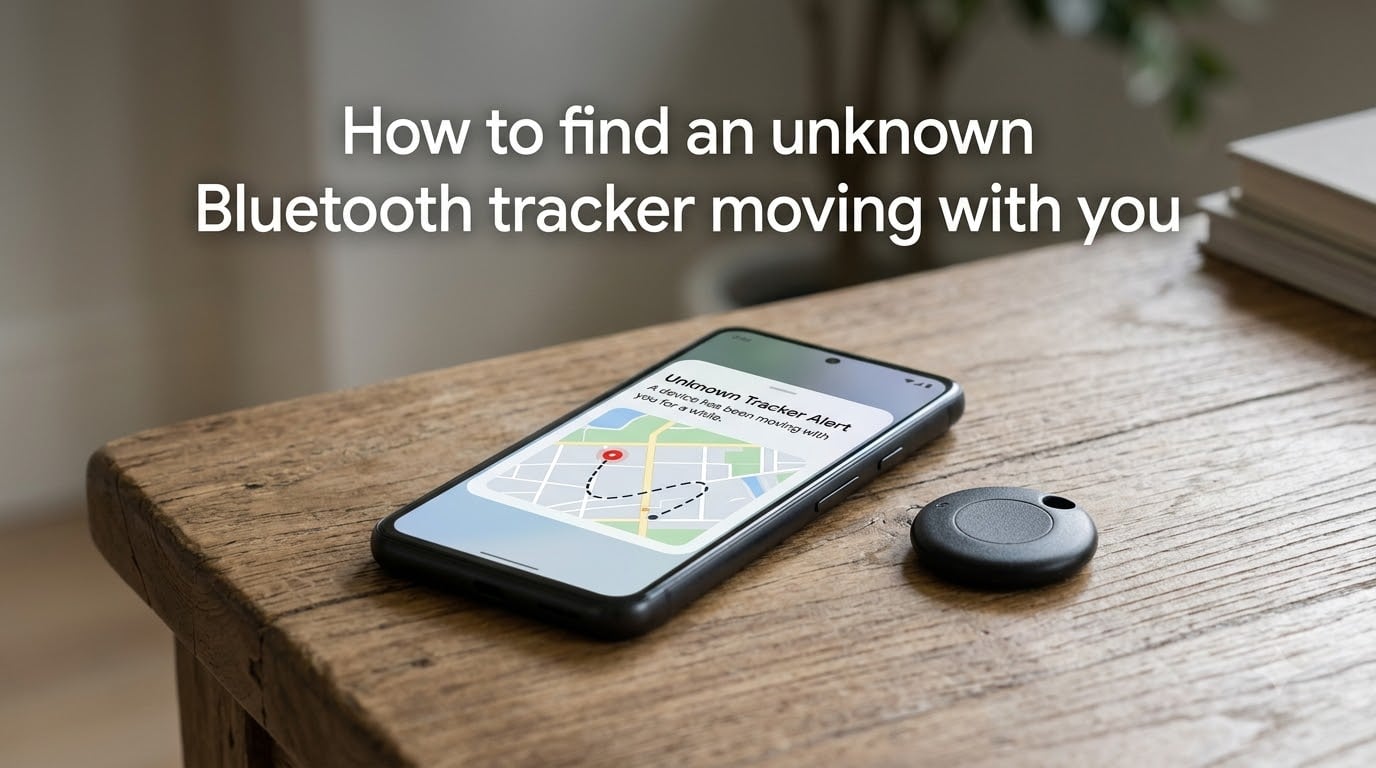
Finding an unknown Bluetooth tracker moving with you starts with paying attention to your phone’s alerts, then using your device’s built-in scanner, a third-party app, or a careful physical search to locate the source. Bluetooth trackers like Apple AirTags, Tile devices, and Samsung SmartTags are small, cheap, and widely sold. Most owners use them legitimately to find lost keys, luggage, or wallets. Unfortunately, the same technology can be misused to follow a person without their consent, which is why every iPhone and Android device now ships with some form of unwanted tracking detection.
I have personally tested tracker detection on three different iPhones, two Pixels, and a Samsung Galaxy over the past year, and I’ve also helped two friends locate hidden trackers in their cars after they received alerts. In this guide, I’ll walk you through the exact steps I use, explain how the underlying networks actually work, and share the physical search techniques that the official documentation leaves out.
Table of Contents
- How Bluetooth Trackers Work and Why They Can Follow You?
- Built-In Detection on iPhone: Unknown Tracker Alerts Explained
- Built-In Detection on Android: Safety and Emergency Tools
- Third-Party Detection Apps That Catch What Your Phone Misses
- Physical Search Techniques: Where to Look When the Alert Isn’t Enough?
- How to Disable an Unknown Tracker Once You Find It?
- What to Do Next: Reporting, Law Enforcement, and Safety Planning
- FAQs
- Final Thoughts on Staying Ahead of Unknown Trackers
How Bluetooth Trackers Work and Why They Can Follow You?
Bluetooth trackers are small coin-sized devices that broadcast a unique identifier over Bluetooth Low Energy. When a tracker is within range of any compatible smartphone in its manufacturer’s network, that phone quietly reports the tracker’s location back to the owner’s account. This is how Apple’s Find My network covers hundreds of millions of devices worldwide without requiring a built-in GPS chip inside the AirTag itself.
Three networks matter for most users. Apple’s Find My network handles AirTags, AirPods (3rd generation and Pro), and a growing list of third-party Find My accessories. Tile runs its own network through the Tile app on participating phones. Samsung SmartTags and SmartTag Plus rely on Galaxy devices signed into Samsung accounts. A tracker placed in your bag or car can keep reporting its position for days because every iPhone, Android with Tile installed, or Samsung phone it passes becomes a free relay.
To prevent permanent tracking, modern trackers rotate their Bluetooth identifiers on a schedule, typically every 15 minutes for AirTags. Your phone only triggers an alert when the same identifier has been seen traveling with you for an extended period, which is why you may not get a notification during a brief coffee shop encounter but will almost always get one after a stalker has followed you home.
Built-In Detection on iPhone: Unknown Tracker Alerts Explained
Apple introduced unwanted tracking alerts in iOS 14.5 and has expanded the feature with every release. If you carry an iPhone running a recent version of iOS, your phone automatically listens for Find My-compatible trackers that seem to be moving with you. When the system spots a tracker that is not paired to a nearby Apple ID, it shows a notification labeled “AirTag Found Moving With You” along with a map of where it has been detected.
To use the feature, open Settings, tap Notifications, scroll to the bottom, and make sure “Tracking Notifications” is turned on. You can also reach the same toggle by going to Settings, then Privacy & Security, then Location Services, then System Services, and finally Significant Locations, where Apple lists which Find My items have been seen near you. Apple has also added a dedicated Manual Scan option inside the Find My app under Items. Tapping that button runs a one-time check even when no automatic alert has fired.
If you do receive an alert, tap it to open a map of where the tracker has been seen. Choose “Continue” and then “Find Nearby” to use Precision Finding, which leverages Ultra Wideband on iPhone 11 and newer models to give you directional arrows and distance in feet. The arrows point toward the tracker and update in real time as you walk, which is by far the fastest way to locate a small device hidden in a bag or under a seat.
Built-In Detection on Android: Safety and Emergency Tools
Android caught up with native tracker detection starting in Android 14. Google partnered with Apple to share the same unwanted tracking specification, so the alerts work across both ecosystems. Most Android phones running the current OS version will now warn you when an unknown AirTag or compatible Find My item has been traveling with you for too long.
To find the feature, open Settings, tap Safety & Emergency, then choose Unknown Tracker Alerts. From there you can run a manual scan that takes about 10 seconds, view a map of recent detections, and trigger Play Sound once the tracker is within Bluetooth range. The manual scan option is the part most users miss, because it works proactively even when no automatic alert has been raised, which is useful if you just left a meeting or a rideshare and want to check your surroundings.
Android’s “Find Nearby” experience is simpler than Precision Finding on iPhone because most Android phones lack Ultra Wideband radios. You will get an approximate distance reading and a signal-strength meter instead of directional arrows. The trick is to walk slowly in different directions and watch the signal strength rise and fall. When the meter peaks, you are within arm’s reach of the tracker.
Third-Party Detection Apps That Catch What Your Phone Misses
Built-in detection only catches trackers that follow the cross-platform specification, which means AirTags and a handful of Find My accessories. Trackers that rely on Tile, Samsung SmartTag, or smaller regional networks stay invisible to your phone by default. That is where third-party apps earn their place.
AirGuard is my top recommendation. It is a free, open-source app developed by researchers at the Technical University of Darmstadt. AirGuard scans for Bluetooth Low Energy devices in the background and flags any tracker whose identifier has stayed near you for an unusual length of time. Unlike proprietary apps, AirGuard publishes its detection logic and has been independently audited, which matters when you are trusting an app with personal safety data. The Android version is the most mature, but an iOS build is also available and offers an extra layer of protection on top of Apple’s native alerts.
Tracker Detect is Apple’s official Android app, and it is worth installing even if your phone already has native alerts. The app lets you manually scan for AirTags and compatible items on demand, which is helpful when you want to check a rental car before driving off. Tile users should install the official Tile app and enable the “Scan and Secure” feature, which performs a one-time sweep for unknown Tiles traveling with you. Samsung Galaxy owners can use the SmartThings Find service to check for unregistered SmartTags.
Physical Search Techniques: Where to Look When the Alert Isn’t Enough?
App-based detection narrows your search area, but it cannot tell you which pocket, seam, or wheel well holds the device. I have found that a methodical physical sweep finishes the job in most cases. Start by retracing your recent movements in your head, then check the items and surfaces that came with you from those places.
In vehicles, the most common hiding spots I have seen reported and personally confirmed are inside the wheel well, attached to the underside of the rear bumper, tucked behind the license plate, inside the spare tire compartment, and slipped between the seat cushions. Use a flashlight and run your hand along seams. A tracker is typically the size of a stack of two quarters and may be secured with adhesive or magnet mounts that come standard with most AirTag accessories.
On a person, check coat pockets, jacket linings, the inside of a backpack, the bottom of a handbag, the toe of a shoe, and any external pouches on luggage. If you were at a gym or pool, look inside any locker you used. AirTags are rated IP67 water resistant, so a quick dip in a bag or a puddle will not disable one. After you have located the device, hold your phone over it and run the Play Sound command to confirm it is the right tracker before touching it.
How to Disable an Unknown Tracker Once You Find It?
Disabling a tracker is straightforward, but the right approach depends on whether you plan to involve law enforcement. If you want to keep the device as evidence, do not destroy it. Instead, wrap it in aluminum foil to block the Bluetooth signal, place it in a sealed bag, and store it somewhere safe. The foil trick preserves the battery and serial number, both of which are useful when filing a police report.
If you are certain you want to disable it immediately, press down on the polished back of the AirTag and twist counterclockwise to remove the cover. Lift out the CR2032 battery and discard it. The AirTag will no longer broadcast its location. For Tile and SmartTag devices, the process is similar but the back cover usually slides rather than twists. Be aware that a stalker who receives a “last seen” alert will know you disabled the device, which is why many safety advocates recommend documenting everything before you remove the battery.
Most AirTags have an NFC chip under the Apple logo. Tap the back of the AirTag against any NFC-capable phone and you will see a notification with the device’s serial number and a partial phone number if the owner marked it as lost. Screenshot this page immediately. The serial number is tied to an Apple ID, which law enforcement can subpoena if you decide to file a report.
What to Do Next: Reporting, Law Enforcement, and Safety Planning
Unknown tracking can be a crime in many jurisdictions, and the laws vary by country and state. In the United States, dozens of states have passed specific anti-stalking laws that cover Bluetooth trackers. In the European Union, the ePrivacy Directive treats covert location tracking as a privacy violation. Regardless of where you live, you have the right to file a police report and request a copy of the serial number, location history, and owner information.
Before you go to the police, screenshot the alert map, the NFC scan result, and the timeline of detections from your phone. Save any voicemails, texts, or messages that suggest the person who may have placed the tracker. If you feel unsafe, reach out to a domestic violence hotline first, because advocates there can help you build a safety plan that accounts for retaliation. The National Domestic Violence Hotline in the US is 1-800-799-7233, and the EFF’s Surveillance Self-Defense module has additional guidance for people in abuse situations.
If the tracker turns out to belong to a household member or a rideshare driver, you may simply want a calm conversation and an agreement to stop. If it belongs to a stranger, treat the situation as stalking from day one. The sooner you involve authorities, the easier it is to connect the device to a suspect and the safer you will be in the long run.
FAQs
How do I locate an unknown tracking device?
Open the tracking alert on your phone, view the map of where the tracker has been seen, then use Find Nearby or Precision Finding to get distance and direction. Walk slowly and watch the signal strength rise. When the meter peaks, run Play Sound from the alert screen to confirm the exact spot. Most trackers are the size of a coin, so check pockets, bags, vehicle wheel wells, and seat seams.
How to detect a Bluetooth tracker?
Use the built-in unknown tracker alerts on iPhone (iOS 14.5 and newer) or Android (Android 14 and newer). You can also install AirGuard, Tracker Detect, or Tile’s Scan and Secure feature for proactive scans. These tools listen for Bluetooth Low Energy broadcasts from trackers that have been near you for an unusual length of time and notify you when one is found.
Why did I get an unknown tracker alert?
Your phone detected a Bluetooth tracker that is not paired to your Apple ID or Google account and has been moving alongside you for an extended period. The alert means the tracker’s identifier has traveled with you across multiple locations, which is the signature of someone intentionally following you. Open the alert to see the map and use Play Sound to locate the device.
What to do if an unknown AirTag is following you?
Open the alert, note the serial number, and screenshot the map of detections. Use Find Nearby or Precision Finding to locate the device physically. Wrap it in foil to block the signal if you want to preserve evidence, then contact local law enforcement with the serial number and screenshots. Reach out to a domestic violence hotline if you suspect a partner or family member placed the tracker.
Final Thoughts on Staying Ahead of Unknown Trackers
Learning how to find an unknown Bluetooth tracker moving with you is one of the most practical safety skills you can pick up in 2026. The technology works in your favor here: every modern phone ships with detection built in, and open-source apps like AirGuard fill in the gaps that the official tools miss.
Keep your phone’s software updated, run a manual scan whenever you leave an unfamiliar place, and trust your instincts if something feels off. A single alert is worth the few minutes it takes to verify, because catching the device early is always easier than dealing with the fallout of weeks of unwanted surveillance. Stay safe out there.