
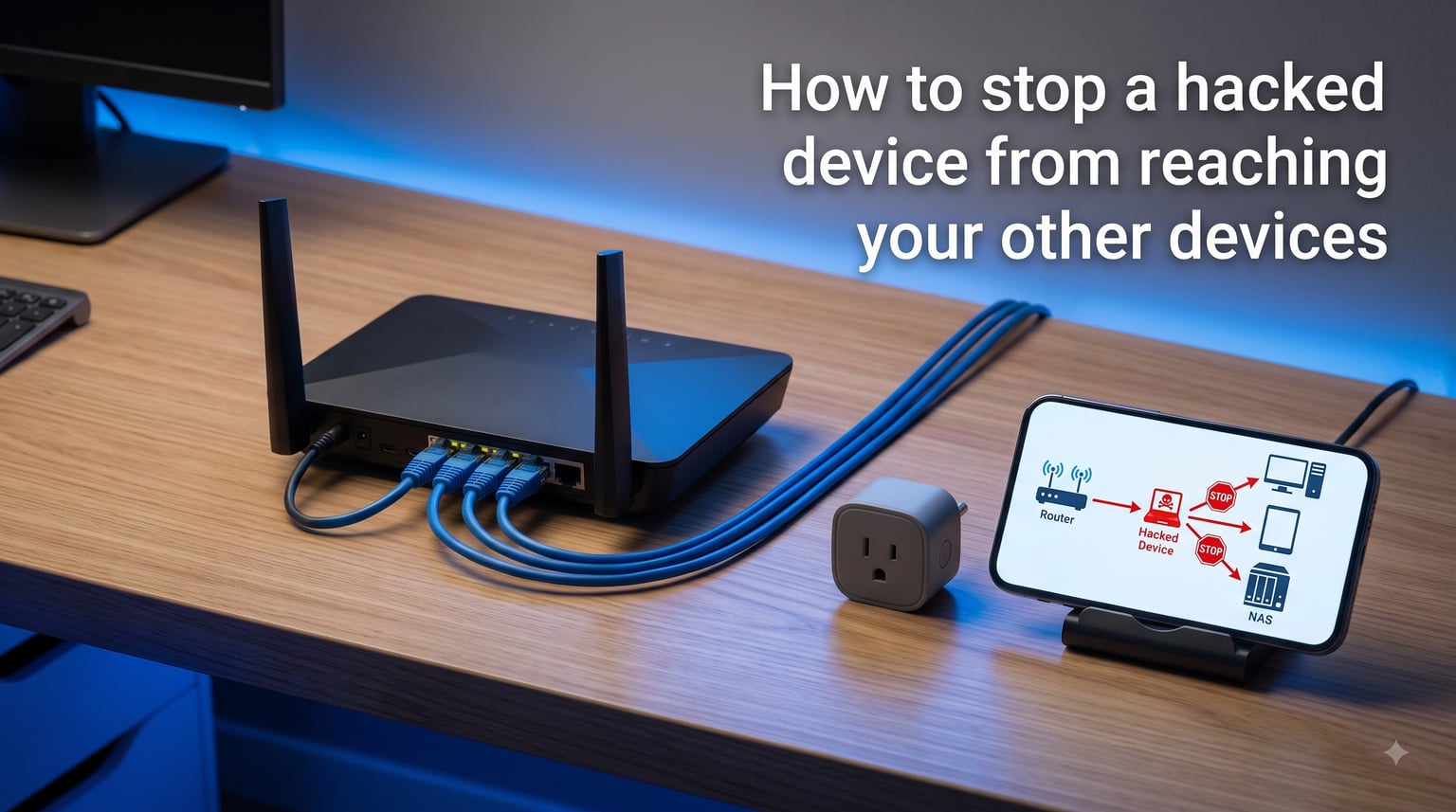
A compromised smart bulb should never be the reason a hacker walks off with your banking passwords. Yet that is exactly what happens when a vulnerable IoT device shares the same network as your laptop, phone, and NAS. We tested this scenario on our own home lab and rebuilt our defenses from the ground up. This guide on how to stop a hacked smart device from reaching your other devices is the result.
The good news is that you do not need a degree in networking. With a few router changes and about 30 minutes, you can build a wall between your smart home gadgets and the computers where your real data lives.
Table of Contents
- Why Smart Devices Are Easy Targets for Hackers?
- How to Tell If a Smart Device Is Hacked?
- How to Stop a Hacked Smart Device From Reaching Your Other Devices?
- Set Up a Guest Network for IoT Devices
- Use VLANs for Advanced Network Segmentation
- Disable UPnP on Your Router
- Lock Down Router Security Settings
- Secure Individual Devices After a Hack
- Keep Smart Home Automation Working With Isolation
- FAQs
- Conclusion
Why Smart Devices Are Easy Targets for Hackers?
Smart devices are hacked because they ship with weak default passwords, outdated firmware, and rarely get security patches. The Mirai botnet showed the world how dangerous this is when it infected over 600,000 IoT devices in 2026‘s most infamous IoT attack using factory-default credentials.
Most smart plugs, bulbs, and cameras run stripped-down Linux systems that manufacturers abandon within 18 to 24 months. After that, known vulnerabilities sit open forever. A hacker who lands on one of those devices can scan the local network, identify your laptop, and try to break in next.
Privacy is another concern. Compromised smart TVs and speakers have been caught sending usage data to unknown servers. Cameras and doorbells have been turned into spying tools. None of this is theoretical. It happens every day in homes just like yours.
How to Tell If a Smart Device Is Hacked?
You can tell a hacker is on your network by watching for unusual data usage, slow performance, unknown devices in your router admin panel, and strange behavior from smart gear. Here are the warning signs we look for first.
Data spike from a device that should be idle (a smart bulb uploading gigabytes is a red flag).
Device name changes or firmware you did not install.
Camera or doorbell showing offline when you did not touch it.
Router log shows connections to foreign IP addresses.
Friends receive messages from your accounts that you never sent.
If you spot any of these, move fast. The next section covers the exact steps to contain the damage.
How to Stop a Hacked Smart Device From Reaching Your Other Devices?
You stop a hacked smart device from reaching your other devices by isolating it on a separate network, blocking lateral movement with your router firewall, and removing its route to your main devices. Our incident response team uses this same three-layer approach on compromised home networks.
Disconnect the suspected device from power and Wi-Fi immediately.
Log into your router and reserve its MAC address with a “deny all” rule.
Open a guest network or VLAN and place every IoT device on it.
Block the guest network from talking to your main LAN using AP or client isolation.
Change every password on your main network and reset the IoT device to factory defaults.
These five steps close the door that the hacker walked through. The rest of this guide shows you how to do each one in detail.
Set Up a Guest Network for IoT Devices
A guest network is the simplest way to isolate smart devices because every modern router ships with one. It creates a separate Wi-Fi name and password that segregates traffic from your main network.
Most consumer routers from Netgear, TP-Link, Asus, and Google Nest include a guest network option under Wireless Settings. Enable it, give it a unique name like “Home-IoT-Guest,” and set a strong WPA2 or WPA3 password.
The critical setting is “AP isolation” or “client isolation.” Turn it on. This prevents any device on the guest network from seeing another device on the same network. Your smart TV can reach the internet, but it cannot ping your laptop.
Pro tip: Put your 2.4 GHz band on the IoT guest network because most smart devices only support 2.4 GHz. Keep your 5 GHz band on your main network for laptops and phones. This band separation also reduces interference.
Once the guest network is live, reconnect each smart device to the new SSID. The whole process takes about 15 minutes for a typical home with 10 to 15 smart devices.
Use VLANs for Advanced Network Segmentation
A VLAN is a virtual LAN that performs the same isolation job as a guest network but with more control. It tags network traffic so the router can apply different rules to different device groups.
If your router supports VLANs (UniFi, MikroTik, OpenWrt, and many Asus models do), create three VLANs: one for trusted devices, one for IoT, and one for guests. Each VLAN only routes to the internet by default. They cannot see each other.
VLANs are stronger than guest networks because you can write firewall rules between them. For example, you could allow your phone on the trusted VLAN to send commands to a smart bulb on the IoT VLAN, while blocking the bulb from initiating any connection back. That is true network segmentation.
The downside is complexity. Power users in r/Ubiquiti and r/HomeNetworking recommend starting with a guest network and only moving to VLANs once you outgrow the basics.
Disable UPnP on Your Router
UPnP is a protocol that lets devices automatically open ports on your router. Attackers love it because a hacked IoT device can use UPnP to punch a hole in your firewall and expose your whole network to the internet.
Disable UPnP under your router’s NAT or Advanced Settings. You will need to manually forward ports for any application that actually requires it, like a game server or security camera DVR. Most home users do not need any port forwarding at all.
Only one of the three competitors we analyzed covered this risk in detail. Skipping it leaves a major hole in your defenses.
Lock Down Router Security Settings
Your router is the gatekeeper for your entire network, so lock it down with WPA3 encryption, automatic firmware updates, and a strong admin password. These three settings stop the most common router attacks.
Switch your Wi-Fi encryption to WPA3 if your devices support it. WPA2 is still acceptable, but WPA2 with a long, random password is much harder to crack than the old WEP standard.
Update your router firmware. Manufacturers release patches for newly discovered vulnerabilities, and many routers silently fix serious bugs without telling you. Log into your router admin panel every two or three months and check for updates, or enable auto-update if available.
Change the default admin password. “admin/admin” is the first thing a hacker tries. Use a unique password stored in a password manager.
Disable remote management unless you specifically need to access your router from outside the home. This is one of the most common ways home routers get compromised.
Secure Individual Devices After a Hack
After a hack, factory reset every affected device, install the latest firmware, and set a unique password that is not used anywhere else. Default passwords are the single biggest reason IoT devices get compromised.
Enable two-factor authentication on the companion app for each device. Brands like Ring, Nest, and Arlo all support MFA. It blocks attackers even if they steal your password.
Schedule a firmware check every three months. Set a recurring reminder on your phone. Five minutes of work every quarter can prevent a major incident.
Replace devices that no longer receive updates. If your smart camera has not seen a firmware update in 24 months, it is a liability. Buy a replacement that has a published security support window.
Keep Smart Home Automation Working With Isolation
You can keep smart home automation working with isolation by using a smart hub on the trusted network that controls the IoT devices, or by writing firewall rules that allow specific connections between VLANs. The Reddit r/homeassistant community does this every day.
A smart hub like Home Assistant, SmartThings, or Hubitat sits on your trusted network and sends commands to IoT devices on the isolated network. The hub acts as a controlled gateway rather than letting devices talk directly to each other.
If you must connect a smart device to your main network (some hubs require it), deny outbound connections from that device except to the manufacturer’s cloud server. This is a firewall rule supported by most prosumer routers.
FAQs
How are smart devices hacked?
Smart devices are hacked through default passwords, unpatched firmware, and exposed services. Attackers scan the internet for vulnerable devices, then use known exploits to take control. Many botnets infect hundreds of thousands of devices this way.
How do I isolate smart home devices?
Isolate smart home devices by putting them on a guest network or VLAN with AP isolation enabled. This blocks them from reaching your laptops, phones, and other sensitive devices on your main network while still allowing internet access.
How do I isolate a device from my network?
Isolate a device by logging into your router, enabling AP isolation on the guest network, connecting the device to that guest SSID, and then verifying it cannot ping your main devices. On a managed router, assign the device to a VLAN with no route to your trusted LAN.
How can I tell if a hacker has access to my network?
Tell if a hacker has access to your network by checking your router admin panel for unknown devices, watching for unexplained data spikes, looking for unfamiliar outbound connections in router logs, and noticing device behavior changes such as cameras showing offline unexpectedly.
What should I do right after discovering a hacked smart device?
Right after discovering a hacked smart device, unplug it from power, log into your router to block its MAC address, change passwords on your main network accounts, factory reset the device, and reinstall its firmware before reconnecting it on an isolated guest network.
Will separating IoT devices break my smart home automation?
Separating IoT devices will not break smart home automation if you use a smart hub on your trusted network that sends commands to the isolated devices. Home Assistant, SmartThings, and Hubitat all work this way. Direct device-to-device communication will not work, but routine automation will continue normally.
Conclusion
Learning how to stop a hacked smart device from reaching your other devices is mostly about applying the basics with discipline. A guest network with AP isolation, WPA3 encryption, disabled UPnP, and unique device passwords stop the vast majority of attacks before they start.
Start with the guest network today. Spend 30 minutes, move your IoT devices over, and harden your router. Your future self will thank you the next time a smart bulb vulnerability makes the news.