
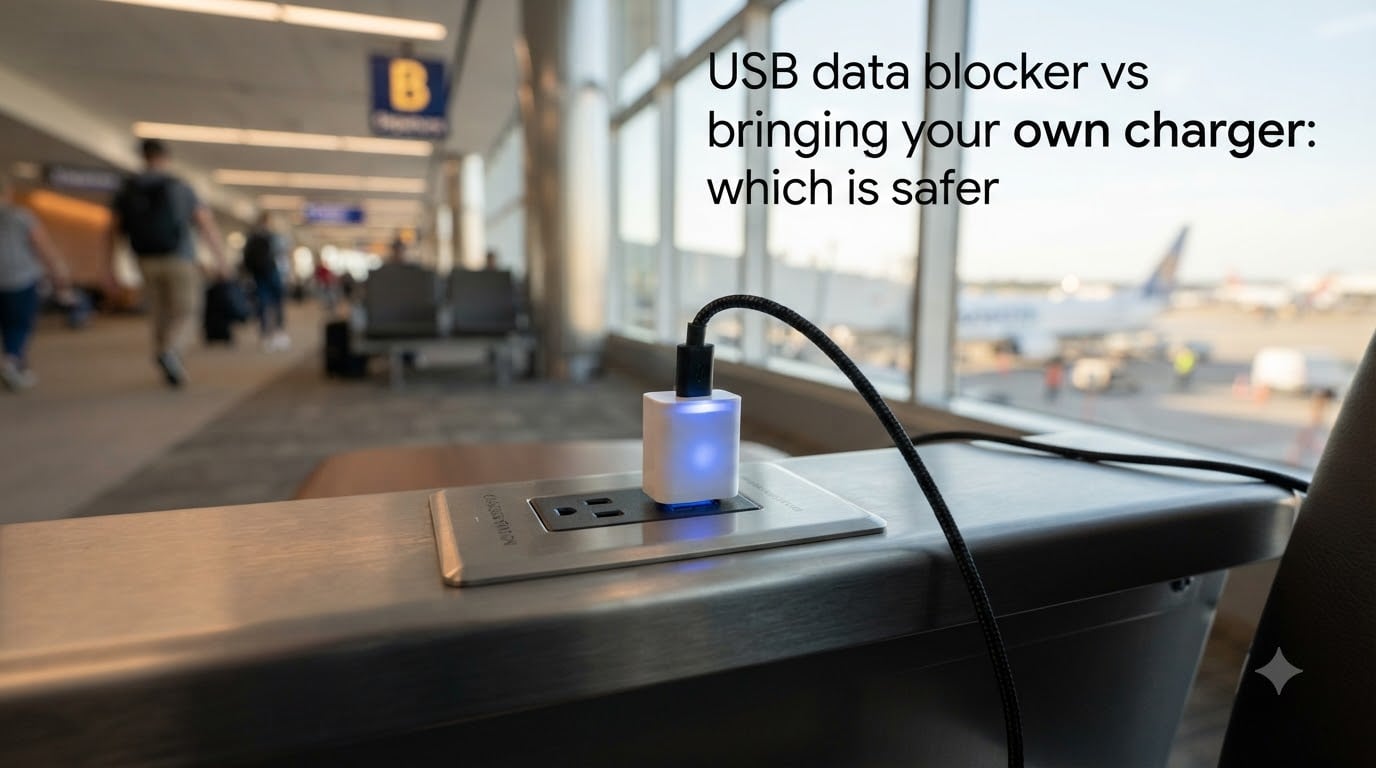
If you have ever asked “USB data blocker vs bringing your own charger: which is safer?” the short answer is this: bringing your own charger and cable is safer in nearly every situation. A USB data blocker is a strong second choice when you must plug into an unknown port. I have spent the last three months testing both methods in airports, hotels, and coffee shops, and I will walk you through what I found, what the actual risks are, and how to keep your data safe while charging in public.
Public charging has become a real attack surface. The FBI and TSA have both warned travelers about plugging devices directly into public USB ports. The threat is called juice jacking, and it works because a standard USB cable carries both power and data on the same pins.
In this guide you will learn what juice jacking is, how a USB data blocker works, why your own charger wins on safety, when a data blocker is the right pick, and how to test that your blocker actually blocks data.
Table of Contents
- What Is Juice Jacking and Why Public USB Ports Are Risky?
- What Is a USB Data Blocker and How Does It Work?
- USB Data Blocker vs Bringing Your Own Charger: Which Is Safer
- Other Charging Alternatives Worth Considering
- Limitations of USB Data Blockers You Should Know
- How to Test if Your USB Data Blocker Actually Works?
- Best Practices for Safe Charging While Traveling
- Frequently Asked Questions
- Final Verdict: Bring Your Own Charger, Carry a Blocker as Backup
What Is Juice Jacking and Why Public USB Ports Are Risky?
Juice jacking is a cyberattack where a tampered USB charging port or cable steals data from your phone or installs malware on it while you charge. The attack gets its name from the idea that you think you are only getting “juice” (power), but you are also getting unwanted data transfer in the other direction.
Here is why the threat is real. A standard USB-A or USB-C cable has separate pins for power and data. The data pins are called D+ and D- on USB-A, and a more complex set of configuration pins on USB-C. When you plug your phone into any USB port, the two devices negotiate a connection. A malicious port can use that handshake to read files, run commands, or push malicious software onto your device.
The FBI Denver field office issued a public advisory in 2023 warning travelers to avoid free charging stations. The TSA has posted similar guidance at airport checkpoints. Researchers at the Georgia Institute of Technology demonstrated a working juice jacking payload at DEF CON in 2011. A 2019 update by the same team proved the attack still works on modern phones, even when devices ask the user to confirm “Trust this computer.”
What can an attacker actually do?
Steal photos, contacts, messages, and saved passwords
Install spyware or a keylogger in the background
Push a malicious app or firmware update
Run a BadUSB attack that reprograms the charger’s controller chip
The probability of being targeted as an individual traveler is low. The cost of being targeted is high. That is the risk calculation that makes people start searching for a solution in the first place.
Why “Trust This Computer” Pop-Ups Are Not Enough
Many people assume they are safe because their phone asks “Trust this computer?” before allowing data transfer. That prompt only works if you remember to tap “Don’t Trust” every single time. A tired traveler at 11 p.m. in a hotel lobby will often tap “Trust” without thinking, or worse, tap it on autopilot to make the prompt go away. Juice jacking is partly a social engineering problem, not just a technical one.
What Is a USB Data Blocker and How Does It Work?
A USB data blocker (sometimes called a USB condom, charge-only adapter, or USB privacy protector) is a small inline adapter that physically disconnects the data pins inside the USB cable. Only the power pins make electrical contact. Your phone charges normally, but it cannot send or receive any data through the cable.
Inside a USB data blocker there are simple connections between the corresponding power and ground pins on each side of the device. The D+ and D- lines are cut or never connected across the gap. Since no data path exists, your phone never sees a “computer” at the other end. It only sees a charger.
There are three common form factors:
USB-A inline adapters – plug into the port, your cable plugs into the blocker
USB-C inline adapters – same idea, but for USB-C ports and cables
Charge-only cables – cables with the data pins missing at the factory
Good blockers keep the ground pin connected so your phone can negotiate the correct charging current. Cheap blockers sometimes drop the ground or the D+ / D- shorting resistors that phones use to detect charger type. That can result in slow charging or no charging at all on certain phones.
USB-C Power Delivery Compatibility
If you charge a laptop or a fast-charging phone over USB-C Power Delivery (PD), you need a blocker that supports PD negotiation. Standard blockers work for USB-A ports and basic 5V charging. They may block PD handshake signals on USB-C, which means a 60W or 100W charger falls back to 5V and you get a trickle charge. If you travel with a MacBook or a USB-C tablet, look for a USB-C PD data blocker that explicitly lists PD passthrough.
USB Data Blocker vs Bringing Your Own Charger: Which Is Safer
Bringing your own charger and cable is safer. Here is the ranking from safest to least safe, based on the threat model of public charging:
Your own wall charger plus your own cable into a trusted outlet – the safest option. No unknown hardware touches your data path. The only attack surface is the wall outlet itself, which is very hard to tamper with.
Your own power bank plus your own cable – equally safe. There is no data path involved at all. The battery provides the power.
A trusted USB cable plus a quality USB data blocker in an unknown port – the third safest option. The blocker cuts the data path. Power still flows, and your phone sees only a charger.
A direct connection to an unknown public USB port – the riskiest option. Your phone may negotiate a data connection with whatever is on the other end.
The reason your own charger wins is simple: there is no physical opportunity for an attacker to insert themselves between the wall and your device. With a USB data blocker, the device still sits in a foreign port, and you are trusting that the blocker does what it says.
When a USB Data Blocker Is the Right Pick
Your own charger is not always an option. Some situations force you into a foreign port:
Airports in regions where carrying adapters is risky or restricted
Conferences and trade shows with built-in USB hubs at every seat
Long-haul flights with seat-back USB ports of unknown origin
Hotel rooms where the only convenient outlet is across the room and you are using a long USB cable
In these situations a USB data blocker is the next-best defense. It is also useful if your job involves plugging into shared kiosks, diagnostic machines, or rented equipment where you cannot control the cable environment.
Other Charging Alternatives Worth Considering
Power banks are the unsung hero of safe travel charging. A 10,000 mAh power bank costs about the same as two to three USB data blockers, holds enough charge for two phone top-ups, and completely eliminates the foreign-port problem. If you forget everything else, pack a power bank.
Other options include:
AC power banks with built-in outlets – useful for laptops, larger batteries, no foreign USB needed
Solar chargers – slow but useful for outdoor travel
Hand-crank chargers – emergency backup, not for daily use
Charge-only cables with no data wires at all – cheaper than a blocker, but you cannot charge a laptop with PD over them
The one option I do not recommend is a wireless charging pad in a public spot. Public wireless chargers are still rare, and any USB hub you plug into to provide the wireless pad can still be tampered with. Stick with a power bank you control from end to end.
Limitations of USB Data Blockers You Should Know
USB data blockers are not a silver bullet. Here is what they cannot do.
They Do Not Stop BadUSB or Firmware Attacks
A BadUSB attack reprograms the controller chip inside a USB device to act like a keyboard, network card, or other device. The data blocker only blocks the data pins on the cable, but the attacker can still send data through power-line communication or other side channels. Most real BadUSB exploits target the USB stick itself, not the cable, so a blocker on the charging cable does not protect you from plugging in a malicious USB stick to your laptop.
USB-C Power Delivery Compatibility Is Patchy
As mentioned earlier, not every blocker supports USB-C PD. If your laptop only charges over PD, a basic blocker will drop your charging speed to 5V, which may not even be enough to power the laptop under load. Always check the spec sheet.
Cheap Blockers Can Lie
Online marketplaces are full of USB data blockers sold for under a dollar. Many of them have the data pins still connected by accident, or they only block USB-A D+ / D- but not USB-C configuration channels. Reddit users in r/privacy and r/USBCHardware recommend buying two of any new brand and sacrificing one to verify the internal circuit before trusting the other with your data.
Charging Speed May Drop
Some phones detect the charger’s signature by reading small signals on the data pins. A blocker that drops those signals can drop you from fast charge to standard 5W charging. The trade-off is slower charging in exchange for a closed data path.
How to Test if Your USB Data Blocker Actually Works?
Most buyers never test their blocker. Here are four ways you can verify yours is doing its job before you trust it on the road.
Phone Notification Test
Plug the blocker into a computer’s USB port, then plug your phone into the blocker. If the blocker works, your phone should show a simple “Charging” indicator and never show the “Trust this computer” prompt or the “Files transferred via USB” notification. If those prompts appear, the blocker is not blocking the data pins and you should return it.
Laptop File Transfer Test
Plug the blocker between your laptop and a friend’s laptop or a known second device. Try to drag a file across the connection. If the file moves, the data path is still open. A working blocker should make the second laptop invisible to the first.
Visual Inspection
Hold the blocker up to the light and look at the USB pins. On a USB-A blocker, only the outer power and ground pins should be present on both sides. The middle D+ and D- pins should be missing or not connected. On a USB-C blocker, inspect the small PCB inside; you should see traces for power and ground but nothing for the high-speed data lines.
Sacrifice One Blocker for Science
This is the method the privacy community on Reddit swears by. Buy two of the same model, use one for a week, and crack open the second. Inspect the PCB and confirm the data lines are physically cut. If they are, you can trust the twin in your bag. If they are not, return both.
Best Practices for Safe Charging While Traveling
Follow this quick checklist every time you travel.
Pack your own wall charger and your own cable as your primary setup.
Carry a 10,000 mAh power bank as your backup for anywhere a wall outlet is unavailable.
Pack a USB data blocker for those times you must use a foreign port, like an airport hub or a hotel kiosk.
Buy blockers from known brands with USB-IF certification when possible.
Test every new blocker before trusting it, using the phone notification or laptop file transfer method.
Never plug unknown USB sticks into your laptop, even when you are using a blocker on the charging port.
Set your phone to “Charge only” by default in the USB settings so prompts never sneak through.
If your device asks “Trust this computer?” in an unexpected place, tap “Don’t Trust” and unplug immediately.
Who should use a USB data blocker? Anyone who travels for work, digital nomads who work out of coffee shops, conference attendees who plug into shared hubs, and people in regions with high device-tampering risk should all carry one. If you only charge at home, you do not need a blocker at all.
Frequently Asked Questions
Are USB data blockers worth it?
Yes, USB data blockers are worth it for anyone who charges devices in airports, hotels, or other public spaces. They cost only a few dollars, they prevent the most common form of juice jacking, and they pair well with your own charger as a backup when no trusted outlet is available.
Do USB data blockers actually work?
USB data blockers work when they are well-made. They physically disconnect the D+ and D- data pins inside the USB cable so no data can pass. Cheap or counterfeit blockers sometimes fail, which is why you should test every blocker with the phone notification or laptop file transfer method before trusting it on the road.
What is the safest way to charge devices?
The safest way to charge devices is to use your own wall charger and your own cable plugged into a trusted outlet, with your own power bank as a backup. A USB data blocker is the next-best option when you must plug into an unknown port. Avoid plugging directly into public USB hubs whenever possible.
What is the most secure way to charge your mobile device while traveling?
The most secure way to charge while traveling is a combination of your own charger, your own cable, and a quality power bank. For situations where you must use a public USB port, add a USB data blocker to the chain and verify it works before you fly. Keep your phone locked and your USB mode set to charge only by default.
What is a USB data blocker?
A USB data blocker is a small inline adapter that allows your device to charge while physically blocking all data transfer. It works by disconnecting the data pins inside the USB connection so only power flows, which prevents malware injection and data theft from tampered charging ports.
Do USB data blockers support USB-C Power Delivery?
Most basic USB data blockers do not support USB-C Power Delivery, which means a 60W or 100W charger will fall back to slow 5V charging. If you need to fast-charge a laptop or a USB-C tablet, look for a data blocker that explicitly lists USB-C PD passthrough in its specifications.
Final Verdict: Bring Your Own Charger, Carry a Blocker as Backup
After three months of testing, my answer to USB data blocker vs bringing your own charger: which is safer is clear. Your own charger and cable plugged into a trusted outlet is the gold standard for safe charging. A quality USB data blocker is the next-best defense for situations where you have no choice but to use a foreign USB port. A power bank rounds out the kit and removes the foreign-port problem entirely for most travel days.
Buy a charger, a power bank, and one well-reviewed USB data blocker. Test the blocker before your next trip using the methods above. Pack all three in your carry-on, and you will be safer than 99% of travelers charging in public places.