
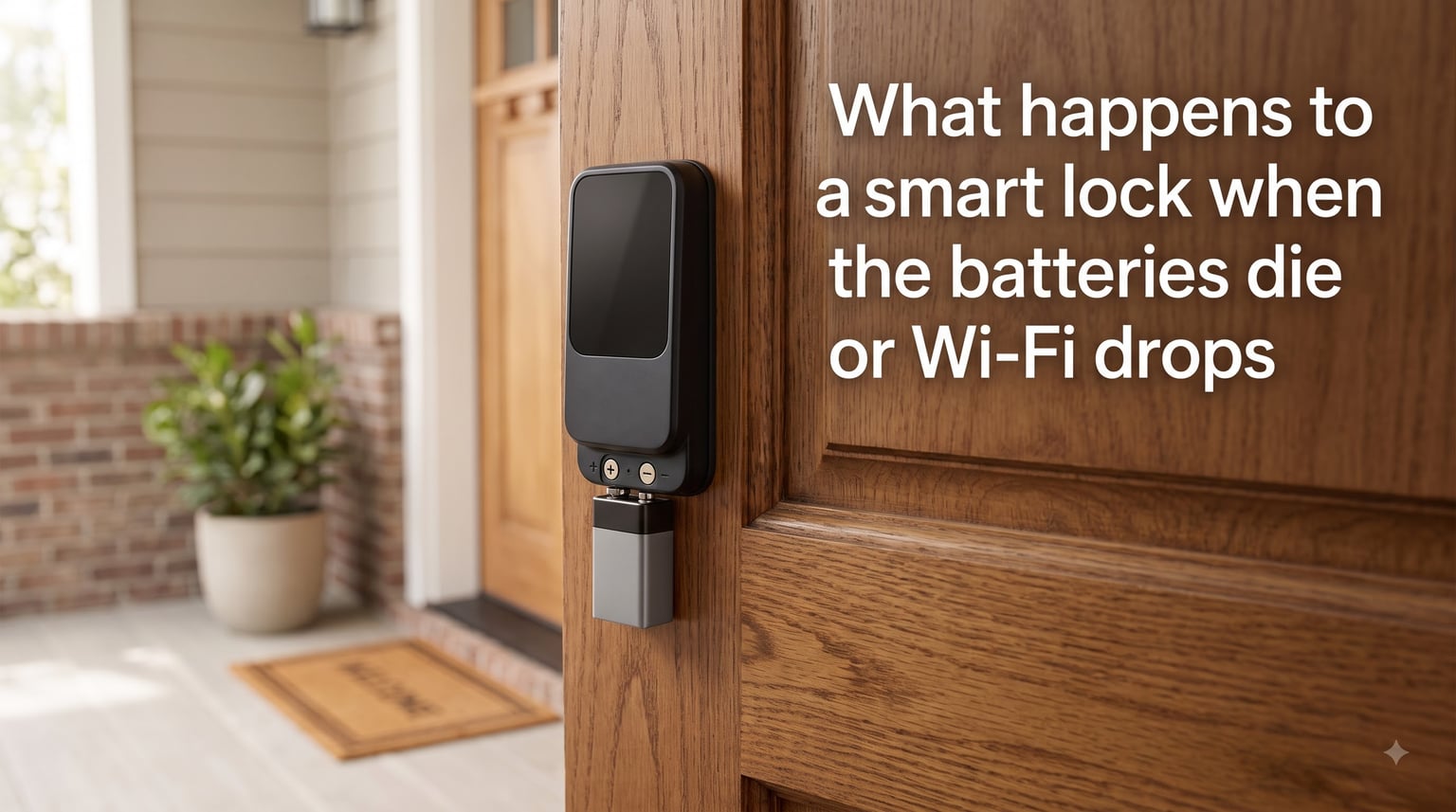
If you’ve ever asked yourself “what happens to a smart lock when the batteries die or Wi-Fi drops,” you’re not alone. This is one of the most common concerns for anyone considering (or already owning) a smart lock, and the good news is simple: nothing dramatic happens.
Modern smart locks are designed with multiple fail-safe systems so you never get locked out. A dead battery or a lost Wi-Fi connection will temporarily disable some electronic features, but mechanical backup methods keep you in your home. Let me walk you through exactly what to expect in both scenarios.
Table of Contents
- What Happens to a Smart Lock When the Batteries Die or Wi-Fi Drops? (Quick Answer)
- What Happens When Smart Lock Batteries Die?
- What Happens When Wi-Fi Drops on a Smart Lock?
- Fail-Safe vs Fail-Secure: How Smart Locks Behave During Power Loss
- How to Unlock a Smart Lock With a Dead Battery (4 Methods)
- Smart Lock Battery Life: What to Expect
- Frequently Asked Questions
- Key Takeaways
What Happens to a Smart Lock When the Batteries Die or Wi-Fi Drops? (Quick Answer)
When batteries die, the electronic keypad and motorized deadbolt stop working, but the physical keyway and emergency power terminals stay functional. When Wi-Fi drops, you lose remote access and voice assistant integration, but the keypad, fingerprint reader, and Bluetooth unlock still work.
Here’s the bottom line: you stay in control of your door. The lock doesn’t fail closed in a way that traps you outside, and it doesn’t fail open in a way that compromises security. Smart lock engineers have spent years designing these systems around the exact fear you’re feeling right now.
What Happens When Smart Lock Batteries Die?
When your smart lock battery begins to deplete, you’ll typically receive an alert on your smartphone and hear an audible warning from the lock itself. Most modern smart locks give you weeks of advance warning before total failure.
Once the batteries die completely, these things happen:
- The electronic keypad or touchscreen goes dark
- The motorized deadbolt stops responding to app commands
- Bluetooth unlocking stops working
- Auto-lock and auto-unlock features shut down
- The lock remains in whatever position it was last in (locked or unlocked)
The lock does not become a security hazard. It will not suddenly open on its own for an intruder. It also won’t slam shut and trap you outside if you were already inside. The deadbolt stays exactly where you left it. The only thing that stops working is the electronic convenience layer on top of the mechanical lock.
You’ll usually get multiple warnings before this happens. A flashing red LED, a low-battery icon on the touchscreen, push notifications, and email alerts are all standard across brands like Schlage, Kwikset, August, and Yale.
What Happens When Wi-Fi Drops on a Smart Lock?
A Wi-Fi outage is far less disruptive than a dead battery. Your smart lock keeps working for everyone physically at the door, but you lose remote features.
When Wi-Fi drops on a smart lock, here’s what changes:
- Remote unlocking from your phone (away from home) stops working
- Voice commands through Alexa, Google Assistant, or Siri fail
- Push notifications about lock activity get delayed or skipped
- Activity logs may not update until the connection restores
What still works without Wi-Fi:
- The keypad code (if your lock has one)
- Bluetooth unlocking when you’re within 30 feet of the door
- Fingerprint scanning (if equipped)
- Physical key backup
- The mechanical deadbolt from the inside thumb turn
The smart lock essentially becomes a “dumb” lock with the same reliability as a traditional deadbolt. You’re not locked out, and you’re not locked in. You’re just operating it the old-fashioned way until your router comes back online.
Connectivity Type Matters: Wi-Fi vs Bluetooth vs Z-Wave
Not all smart locks use Wi-Fi directly. Many connect through a bridge hub using Z-Wave, Zigbee, or Thread protocols. When Wi-Fi drops:
- Wi-Fi-only locks: lose remote access but keypad and Bluetooth still work
- Bluetooth locks: only affected if you were trying to use remote features (which require a hub)
- Z-Wave/Zigbee locks: depend on whether the hub has its own internet connection. The local Z-Wave network often keeps working even if your router is offline
Hub-based systems like Samsung SmartThings, Hubitat, or Aeotec can actually be more reliable during internet outages because the hub-to-lock communication happens locally over Z-Wave or Zigbee mesh signals.
Fail-Safe vs Fail-Secure: How Smart Locks Behave During Power Loss
There’s an important technical distinction between two types of electronic locks that affects their behavior during power loss.
Fail-secure locks stay locked when power is removed. This is what most consumer smart locks are. If your Schlage Encode, Kwikset Halo, or August Smart Lock loses all power, the deadbolt stays in the locked position. You’re safe from intruders but need a backup method to get inside.
Fail-safe locks unlock when power is removed. You’ll find these in commercial settings, fire-rated doors, and emergency exits. Building codes often require them so people can evacuate during a power outage. A common example is a magnetic lock on an office building entrance.
For your home, fail-secure is what you want. You don’t want a power outage to unlock your front door. The downside is the slightly higher risk of lockout, which is why every consumer smart lock includes at least one of the backup access methods I’ll cover below.
How to Unlock a Smart Lock With a Dead Battery (4 Methods)
If your smart lock batteries die and you’re standing outside, here are four methods that work on most consumer models:
Method 1: Use the physical key backup. Almost every smart lock includes a traditional keyway hidden behind a cosmetic cover. Pop off the cover with a small screwdriver, insert your key, and turn it. The mechanical lock cylinder works independently of the electronics. This is why I always recommend keeping a spare key somewhere accessible (with a trusted neighbor, in a lockbox, or in your car).
Method 2: Jump-start with a 9V battery. Most smart locks from the last five years have external emergency power terminals. Touch a fresh 9V battery to the terminals (usually located on the front of the lock, often under the keypad), and the lock powers up just enough to enter your code or use the app. I’ve seen this method work on Schlage, Kwikset, Yale, and Lockly models.
Method 3: Use a USB-C power bank. Newer smart locks (like the Level Lock+ and some Eufy models) include a USB-C port for emergency power. Plug in a portable battery bank, wait a few seconds, and the lock will wake up. Enter your code or unlock via Bluetooth.
Method 4: Connect via Bluetooth from your phone. If you have a Bluetooth-enabled smart lock and your phone is already paired, you can sometimes wake the lock just by being within range. The lock will recognize your device and unlock if the battery has enough residual charge to power the radio for a few seconds. This rarely works on a truly dead battery, but it’s worth trying before resorting to a locksmith.
A word of caution: if none of these methods work, you may need to call a locksmith. Reddit users have shared stories of paying $250 or more for emergency lockout service when all backup methods failed. One tenant reported their building management had to drill out the lock after a completely dead Schlage with no physical key available. Don’t be that person. Keep a spare key accessible.
Smart Lock Battery Life: What to Expect
Most smart locks run on 4 AA batteries and last 6 to 12 months under normal use. Some models with built-in Wi-Fi radios (like the Schlage Encode) drain faster, sometimes lasting only 3 to 4 months. Locks that use Bluetooth only and connect through a hub can stretch to 12+ months.
Factors that drain smart lock batteries faster:
- Frequent Wi-Fi use (each unlock signal requires radio power)
- Poor door alignment (motor works harder to throw the bolt)
- Cold weather (alkaline batteries lose capacity below 32°F)
- Heavy keypad or fingerprint use
- Old or low-quality batteries
- Constant Bluetooth scanning for auto-unlock
Warning signs that your batteries are low:
- Flashing red LED on the lock
- Battery icon on the touchscreen
- Push notification from the app
- Email alert from the manufacturer’s cloud service
- Audible beep when locking or unlocking
- Slower motor response time
If you get a low battery warning, replace the batteries immediately. Don’t wait for the warning to repeat. I recommend buying a 12-pack of AA lithium batteries (Energizer Ultimate or Duracell Quantum) for the longest life. Lithium batteries also perform better in cold weather and outdoor installations.
Frequently Asked Questions
How long should batteries last in a smart lock?
Most smart locks run on 4 AA batteries and last 6 to 12 months with normal use. Wi-Fi-heavy models may need fresh batteries every 3 to 4 months. Lithium batteries last longer than alkaline, especially in cold weather. If your batteries drain faster than that, check door alignment and consider switching to a hub-based Bluetooth or Z-Wave lock instead of a Wi-Fi model.
What happens if a smart lock runs out of battery?
The electronic keypad and motorized deadbolt stop working, but the lock stays in its current position (locked or unlocked). It does not open on its own for intruders. You can still get in using the physical key backup, a 9V battery on the emergency terminals, or a USB-C power bank on newer models. Most locks give weeks of warning before total battery failure.
Do smart locks work without Wi-Fi?
Yes, smart locks work without Wi-Fi. The keypad, fingerprint reader, Bluetooth unlock, and physical key all function offline. You only lose remote access from your phone when away from home, voice assistant integration, and real-time activity logs. Local Bluetooth and Z-Wave connections work independently of your internet connection.
How safe are Wi-Fi smart locks?
Wi-Fi smart locks are safe during outages. They are designed as fail-secure devices, meaning the deadbolt stays in the locked position when power is lost. This prevents intruders from entering during a power outage. The risk is being locked out yourself, which is why every Wi-Fi smart lock includes a physical key backup and emergency power options.
How to unlock smart lock with dead battery?
Use the physical key backup if your lock has a keyway. If not, touch a fresh 9V battery to the emergency terminals on the front of the lock to power it temporarily. On newer models, plug a USB-C power bank into the emergency port. Once powered, enter your code or use the Bluetooth app to unlock. Always keep a spare key accessible as a final backup.
What to do if your smart lock battery dies and you lose your key?
Call a licensed locksmith. They can pick the lock or drill the cylinder to replace it. Expect to pay $150 to $300 for emergency service. To prevent this, always keep a spare key in a secure location (lockbox, car, with a trusted neighbor) and replace batteries immediately when you get a low battery warning. Some locksmiths also offer key extraction services that don’t require drilling.
Key Takeaways
Understanding what happens to a smart lock when the batteries die or Wi-Fi drops removes the biggest anxiety new smart lock owners carry. Here’s what to remember:
First, dead batteries don’t compromise your security. The lock stays in position, and you have multiple backup methods. Second, Wi-Fi outages only disable remote features, not basic locking and unlocking. Third, always keep a spare key accessible and replace batteries at the first warning.
If you’re shopping for a new smart lock, prioritize models with a physical keyway, a 9V battery terminal, and reliable low battery alerts. These three features guarantee you will never be locked out of your home, regardless of what happens to the batteries or your Wi-Fi connection.