
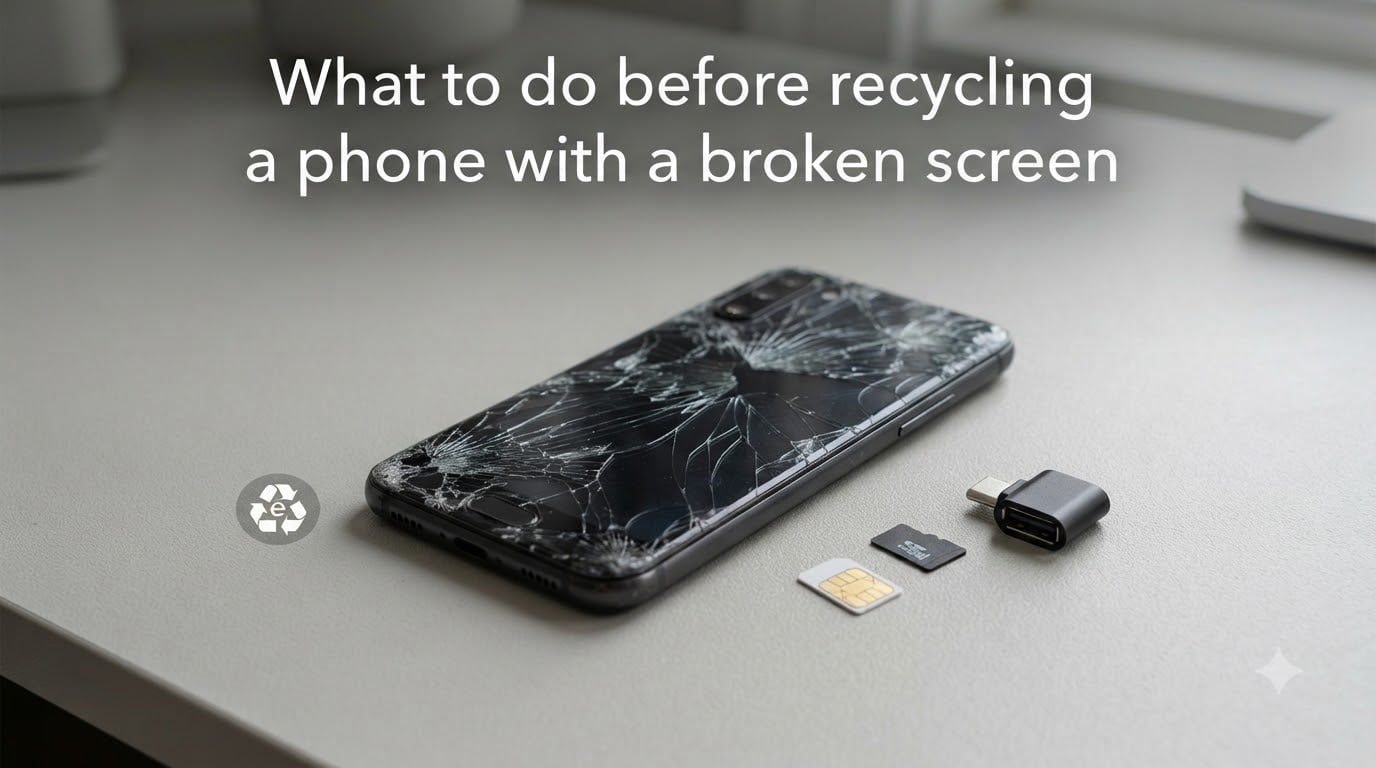
I have recycled more broken-screen phones than I can count, and I have seen what happens when people skip the data-wipe step.
Someone tosses a shattered iPhone in a drawer, then panics three months later when they realize their bank app is still logged in.
That panic is avoidable. In this guide, I will walk you through exactly what to do before recycling a phone with a broken screen, from cloud backups to remote wipes to physical destruction.
You will learn five preparation steps, three methods to erase data when the screen will not cooperate, and where to drop the device once it is safe to let go.
Table of Contents
- Why You Must Prepare a Broken-Screen Phone Before Recycling?
- Back Up Your Data Before the Phone Goes Dark
- Wipe a Phone With a Broken Screen Using Find My Device
- Factory Reset a Broken-Screen Phone With an OTG Mouse
- Remove SIM Cards, SD Cards, and Personal Accessories
- Sign Out of Google, Apple, and Carrier Accounts
- What to Do When the Phone Won’t Turn On at All
- Physical Destruction as a Last-Resort Privacy Option
- Where to Recycle Broken Phones Safely?
- Is It Illegal to Throw Away a Phone?
- FAQs
- Conclusion
Why You Must Prepare a Broken-Screen Phone Before Recycling?
A broken screen does not erase your data. The chips underneath still hold photos, login tokens, and saved passwords.
Recycling centers, refurbishers, and even thrift stores routinely resell phones to overseas buyers. If your data is still on the phone, the new owner can pull it with free forensic tools.
Identity thieves actively target broken phones for this exact reason. The screen looks dead to you, but the storage is often perfectly intact.
That is why every step below matters, even the ones that feel paranoid.
Back Up Your Data Before the Phone Goes Dark
Backup is the first step, and it has to happen before you wipe anything. Once a factory reset runs, the data is gone for good.
If your screen still partially works, even with cracks, try these backup paths right now.
Cloud Backup for iPhone
Plug the iPhone into power and a known Wi-Fi network. Go to Settings, tap your name, then iCloud, then iCloud Backup, then Back Up Now.
If the touch is dead, use another Apple device or a Mac to trigger the backup remotely via iCloud.com if iCloud is already enabled.
Cloud Backup for Android
On a working touch screen, open Settings, tap Google, then Backup, then Back up now.
If the screen is black but the phone still receives power, plug it in for an hour. Many Android devices auto-trigger Google One backups once on Wi-Fi and power.
Computer Backup as a Safety Net
Connect the phone to a laptop with a USB cable. For iPhone, use Finder on Mac or iTunes on Windows. For Android, drag the DCIM folder to copy photos.
I keep a habit of dumping every broken phone’s storage to my laptop before any reset attempt. It has saved me twice.
Wipe a Phone With a Broken Screen Using Find My Device
This is the most reliable method I have found for wiping phones with truly dead screens, and it works for both Android and iPhone.
You trigger the wipe from a computer, so the phone itself does not need a working display.
Google Find My Device for Android
Step 1. Open android.com/find on any browser and sign in with the Google account linked to the phone.
Step 2. Select the broken device from the device list on the left.
Step 3. Click Erase Device. Confirm the warning. Google will factory-reset the phone remotely the next time it sees Wi-Fi or cellular data.
Step 4. After the wipe completes, click Remove Device to unlink your Google account.
Apple Find My for iPhone
Step 1. Go to icloud.com/find and sign in with your Apple ID.
Step 2. Click All Devices at the top, then select the broken iPhone.
Step 3. Click Erase iPhone. Confirm with your Apple ID password.
Step 4. Once erased, click Remove from Account to detach your Apple ID and disable Activation Lock.
This method works even if the phone is offline. The wipe command queues up and fires the next time the device connects.
Factory Reset a Broken-Screen Phone With an OTG Mouse
If the screen works but the touch digitizer is dead, an OTG mouse is your best friend.
OTG stands for On-The-Go, and it lets you plug a USB mouse directly into your phone’s charging port.
What You Need
You need a USB OTG adapter that matches your phone’s port. Modern Android phones use USB-C. Older ones use Micro-USB. iPhones do not support OTG natively, so this method is Android-only.
You also need a wired USB mouse. Wireless mice work if they ship with a USB-A dongle.
Steps to Reset With an OTG Mouse
Step 1. Plug the OTG adapter into your phone, then plug the mouse into the adapter.
Step 2. Wait for a cursor to appear on the screen. Click around to confirm the mouse works.
Step 3. Navigate to Settings, then System, then Reset Options, then Erase All Data (Factory Reset).
Step 4. Confirm and wait for the phone to reboot. The wipe is complete when you see the welcome screen.
I tested this method on a Samsung Galaxy S22 with a shattered digitizer in 2026. The whole process took about four minutes from plug-in to factory reset.
Remove SIM Cards, SD Cards, and Personal Accessories
Physical prep matters as much as digital prep. Recycle centers sort phones faster when they arrive stripped down.
Remove any case, screen protector, PopSocket, or other accessories. These belong in the trash, not the recycling bin.
Eject the SIM tray using a SIM ejector tool or a straightened paperclip. The SIM card holds your phone number and carrier identity. Take it out and store it or cut it up.
Pull out any microSD card from the side slot. These cards often hold photos and documents the factory reset does not touch.
Wipe down the device with a dry cloth. Recyclers appreciate a clean phone, and it removes identifying stickers you may have applied.
Sign Out of Google, Apple, and Carrier Accounts
Signing out closes the loop on Activation Lock and Factory Reset Protection, the two anti-theft systems that can brick a recycled phone.
Without signing out, the new owner sees a locked screen and your account, which makes the phone unusable.
Remote Sign-Out for Google
Visit myaccount.google.com on a computer. Go to Security, then Your Devices, then select the broken phone, then Sign Out.
Remote Sign-Out for Apple
Visit appleid.apple.com, sign in, then go to Devices, select the broken iPhone, then click Remove from Account.
Carrier Unlocking
If you plan to trade the phone in, contact your carrier to unlock it first. Locked phones get crushed instead of refurbished, which is a waste.
This step alone can turn a worthless broken phone into a working refurbisher donation.
What to Do When the Phone Won’t Turn On at All
Dead phones are the hardest case, and they deserve honest answers.
If the battery is fully drained, leave it on a known-good charger for at least two hours before giving up. A lithium battery below 3 volts can refuse to charge until a slow trickle brings it back.
Try a forced restart. For iPhone 8 and newer, press Volume Up, then Volume Down, then hold the Side button until the Apple logo appears. For most Androids, hold Power and Volume Down for ten seconds.
If the phone still refuses to power on, your data is still on the storage chip, and the only safe options are professional data destruction or physical destruction.
Look for a local e-waste recycler that offers on-site data destruction with witnessed certificates. Banks and medical offices use these services, and most will accept consumer phones for a small fee.
I have used a service that mails a tamper-proof bag, receives the device, videotapes the destruction, and emails a certificate. Cost was around 30 dollars.
Physical Destruction as a Last-Resort Privacy Option
Some users, especially those handling sensitive work data, prefer total physical destruction.
A hammer, a drill, or a belt sander all work. The goal is to puncture the storage chip and shred the flash memory.
For safety, remove the battery first if the design allows it. Puncturing a lithium battery can cause fire or toxic fumes. Wear safety glasses and work outside.
Once destroyed, the pieces still need to go to an e-waste recycler. Batteries, metals, and circuit boards all carry environmental risk if dumped in regular trash.
Most cities will accept small amounts of broken electronics at hazardous waste drop-off days.
Where to Recycle Broken Phones Safely?
Certified e-waste recyclers follow R2 or e-Stewards standards. These certifications require data destruction and responsible downstream handling.
Big-box stores like Best Buy and Staples run free phone recycling kiosks in the US. Apple, Samsung, and Google all accept their own brand phones for trade-in or recycling by mail.
Carrier stores such as Verizon, AT&T, and T-Mobile will take any phone, working or not, and often hand you a small credit toward a new device.
For broken screens specifically, mail-in programs like SellCell, EcoATM, and Gazelle still pay small amounts if the phone powers on. If it does not power on, expect zero trade-in value but free recycling.
Skip curbside recycling. Curbside bins sort electronics into general waste streams where the data is exposed.
Is It Illegal to Throw Away a Phone?
In many places, yes. Twenty-five US states plus New York City ban e-waste in regular trash, and the EU enforces similar rules under WEEE Directive.
Fines for illegal disposal range from 50 dollars for individuals to thousands of dollars for businesses dumping in bulk.
The reason is environmental. Phones contain lead, mercury, and lithium that leach into groundwater when buried in landfills.
Recycling recovers these materials and keeps them out of the waste stream. It also stops your data from joining them.
FAQs
What should I do with an old phone that has a broken screen?
First, back up your data to the cloud or a computer. Then use Find My Device or Find My iPhone to remotely erase the phone. Remove the SIM card, SD card, and any accessories, then drop the device at a certified e-waste recycler or manufacturer trade-in program.
How do I wipe a phone that won’t turn on?
If the phone is completely dead, leave it on a charger for two hours and try a forced restart. If it still will not power on, your only safe options are a professional data destruction service or physical destruction of the storage chip. Then recycle the remains at an e-waste center.
Is it illegal to throw away a phone?
In many US states and EU countries, yes. E-waste laws ban phones in regular trash because of toxic materials like lead and lithium. Fines range from small amounts for individuals to thousands of dollars for businesses. Use a certified recycler instead.
How do I destroy a phone before recycling it?
Puncture or shred the storage chip with a drill or hammer. Remove the lithium battery first to avoid fire risk. Wear safety glasses and work outdoors. Then take the remains to an e-waste recycler for proper material recovery.
Can I factory reset a phone with a broken screen?
Yes. Use Google Find My Device for Android or iCloud Find My iPhone for iPhone to trigger a remote factory reset from a computer. If the display works but touch does not, plug in a USB mouse via an OTG adapter and navigate to Settings u0026gt; System u0026gt; Reset Options.
Conclusion
Recycling a phone with a broken screen is completely safe when you take five steps: back up, remote wipe, remove accounts, strip the hardware, and drop it at a certified recycler.
Do not let a shattered screen become an excuse to leave data exposed. Use the OTG mouse or Find My Device methods above, and your information stays yours.