
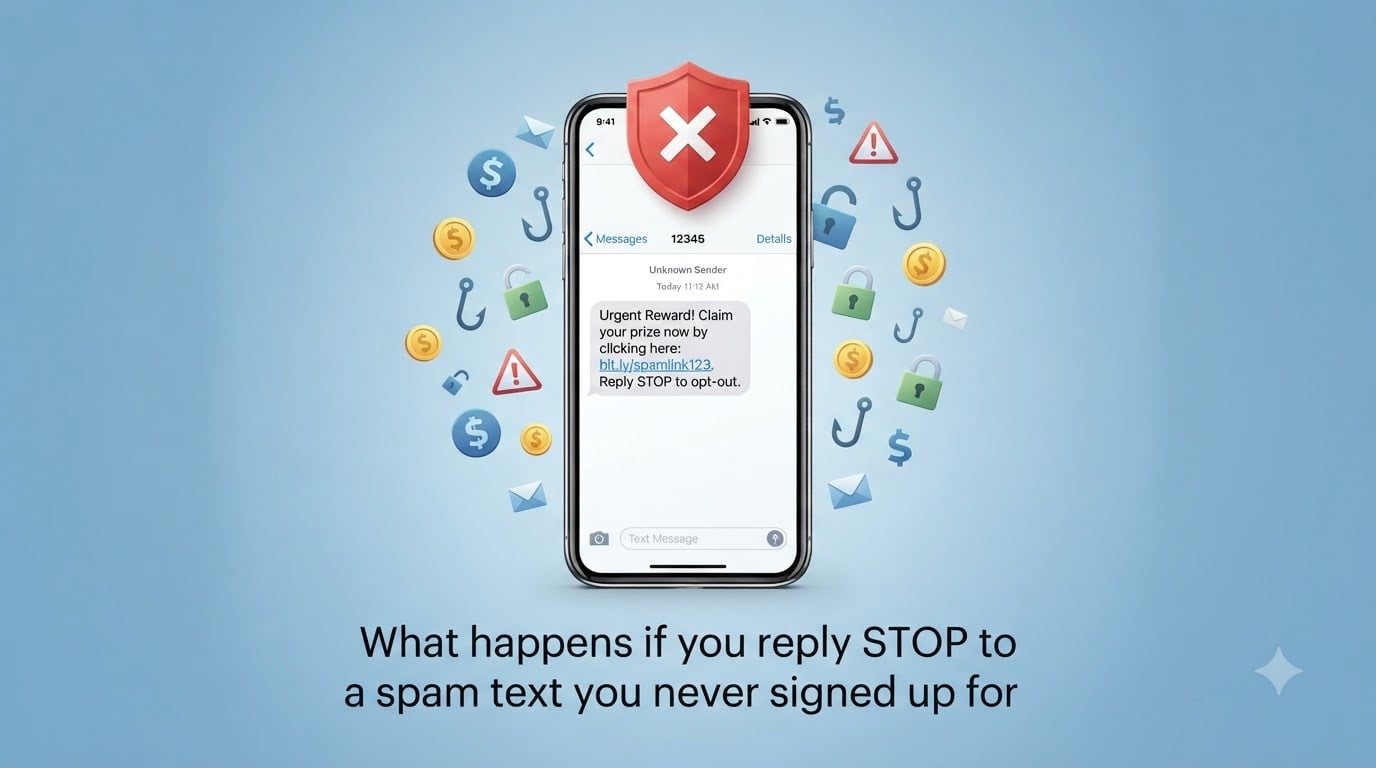
If you reply STOP to a spam text you never signed up for, you confirm to scammers that your phone number is active and monitored. That single reply can put you on a list of high-value targets, leading to more spam texts, voice phishing calls, and even long-running fraud schemes like pig butchering scams. The safer move is to block the number, report the text to 7726, and never engage with unsolicited messages in 2026.
I dug into how this scam tactic works, why it happens, and what to do if you have already replied. Here is what our team found after reviewing FTC guidance, carrier spam reports, and real user experiences.
Table of Contents
- What happens when you reply STOP to a spam text?
- Why replying STOP to spam texts is a bad idea?
- Common spam text scams that use the STOP trick
- When replying STOP is actually safe
- What to do if you already replied to a spam text?
- How to block and report spam texts on iPhone and Android?
- How to report spam texts to authorities?
- FAQs
- Protect yourself: stop replying to spam texts today
What happens when you reply STOP to a spam text?
When you reply STOP to a spam text, the sender’s automated system logs your phone number as a live, monitored line. Your message travels back through the same SMS short code or gateway the original text came from, and it triggers a status update on the sender’s side.
How scammers detect that your number is active
Scammers do not sit at a computer reading replies. They run bulk-sending platforms that fire out thousands of texts at once. Every reply, including STOP, gets routed back to their database and flagged as a successful delivery.
If the message bounced (invalid number), your line gets marked as dead and eventually dropped. If you reply, even to unsubscribe, your number gets tagged as a real person who reads texts. That is the gold standard for a scammer’s contact list.
What scammers do with confirmed numbers
Once your number is verified, a few things tend to happen. First, the original sender may target you with more aggressive scam texts, since you have shown you will engage. Second, your number often gets sold or shared with other scam operations in bulk lists.
Third, and this is the worst part, your number can be flagged for follow-up schemes that involve a real person on the other end. Pig butchering scams, where a scammer builds a relationship over weeks before pitching a fake investment, start with a confirmed-active number. So does fake tech support, romance scams, and many imposter scams.
Why replying STOP to spam texts is a bad idea?
Replying STOP feels like the logical way to stop the messages, but it actually tells the scammer their strategy is working. You go from being one text among thousands to being a known target worth pursuing.
Your number gets flagged as a hot lead
Scammers rank phone numbers by how likely the owner is to respond. A reply, any reply, instantly bumps your number to the top of that ranking. You will likely see more texts, not fewer, after hitting STOP on a scam message.
Multiple Reddit users in r/Scams and r/NoStupidQuestions report exactly this pattern. One user replied STOP to a delivery scam and received seven more scam texts within 48 hours. Another saw a wave of fake bank fraud alerts after engaging with a single spam text.
Long-running fraud schemes (pig butchering)
Pig butchering scams are some of the most damaging text-based fraud out there. Scammers spend weeks or months building a fake relationship, often through text messages, before pitching a fraudulent investment platform. They need a target who is active and responsive.
Replying STOP to a random spam text puts your number into the pool that these operations draw from. You might not hear back for months, but when you do, it will be a polished, patient pitch designed to drain your savings.
Selling your number to other scammers
Active phone numbers are a commodity. Scammers buy and sell lists of confirmed numbers every day on the dark web and through shady marketing networks. Your reply is essentially a vote that says “this number is worth money.”
Once your number is on these lists, it can circulate for years. That is why people who replied to spam a decade ago still get hit by current scam campaigns.
Common spam text scams that use the STOP trick
Legitimate marketers honor STOP replies. Scammers copy that pattern to look official. Here are the most common scam text formats I have seen in 2026 that bait people into replying.
Delivery and package scams
These texts pretend to be from USPS, FedEx, or UPS. They claim there is a problem with your delivery and urge you to click a link or reply STOP to opt out. The link usually leads to a phishing page that harvests your address and card details.
The STOP option in these messages is just window dressing. Replying does nothing, while the link itself does the real damage if you tap it.
Bank and refund scams
Texts claiming to be from your bank about a suspicious charge or pending refund are everywhere right now. They include a STOP option so they look like a real alert. Replying confirms you have a bank account with that provider, and the scammer tailors the follow-up.
Common variations include “Reply STOP to cancel this charge” or “Text STOP if you did not authorize this transaction.” Both are bait.
Prize and lottery scams
“Congratulations, you have won a $500 gift card. Reply STOP to opt out.” These are pure smishing attempts. The goal is to confirm you read the message and might click the included link to “claim” your prize.
Investment and crypto scams
Texts pitching crypto profits, guaranteed returns, or “insider tips” often include STOP options to look more professional. Replying confirms you are interested in financial topics, which makes you a target for the longer pig butchering style scams I mentioned earlier.
When replying STOP is actually safe
Not every STOP reply is dangerous. There is a clear difference between legitimate senders and scam operations.
Legitimate senders you signed up for
If you signed up for text alerts from your bank, doctor, airline, or a store loyalty program, replying STOP will unsubscribe you. These companies are bound by the Telephone Consumer Protection Act (TCPA) and they actually remove you from the list.
The key detail: you must have signed up yourself, with your real number, and given consent. If you never opted in, no legitimate company should be texting you in the first place.
Recognizing trustworthy short codes
Legitimate businesses send from short codes (5 or 6 digit numbers like 12345). You can look up the owner of any US short code at the U.S. Short Code Registry. If the code does not match the company claiming to send the text, it is a scam.
Also watch for full 10-digit phone numbers from “banks” or “delivery companies.” Real banks and major carriers almost never text from a regular phone number.
What to do if you already replied to a spam text?
Don’t panic. A single reply is not the end of the world, but you should act quickly to limit exposure.
Block the number immediately
Open the text, tap the sender’s number or profile, and select Block. This stops that specific number from contacting you again. It does not stop other scammers, but it cuts off the original sender.
Report the text to 7726
Forward the spam text to 7726 (which spells SPAM on a phone keypad). Major US carriers use this number to collect spam reports and build their blocking filters. It is free, takes 30 seconds, and actually helps reduce spam for everyone.
Monitor your accounts for suspicious activity
If the spam text claimed to be from your bank, call your bank directly using the number on the back of your card. Do not use any links or numbers from the text itself. Check your recent transactions and set up fraud alerts if your bank offers them.
If you clicked any links in the message, run a malware scan on your phone and change passwords for any accounts you logged into afterward.
How to block and report spam texts on iPhone and Android?
Both major mobile platforms now have solid built-in tools for filtering unknown senders and reporting junk. Here is how to turn them on.
Blocking spam texts on iPhone
Open the Messages app, swipe left on the spam conversation, tap More, then tap Delete and Report Junk. This both deletes the message and sends a copy to Apple. You can also tap the sender’s name at the top of the message, scroll down, and tap Block this Caller.
For broader filtering, go to Settings, then Messages, then enable Filter Unknown Senders. This separates messages from numbers not in your contacts into a separate list, so you only see texts from people you know in your main inbox.
Blocking spam texts on Android
Open the Messages app, long-press the spam conversation, then tap Block or Report Spam. The exact menu depends on your phone’s manufacturer (Samsung, Google Pixel, etc.), but the core option is there.
Google Messages also has a built-in spam filter. Tap your profile icon, then Messages Settings, then Spam Protection. Turn it on to have suspected spam automatically moved to a separate folder.
Carrier-level spam filtering options
All four major US carriers now offer free or low-cost spam filtering. AT&T has ActiveArmor, Verizon has Call Filter, T-Mobile has Scam Shield, and US Cellular has Call Guardian. Most are free with your plan and can be enabled through your carrier’s app.
These tools block known scam numbers before they ever reach your phone, which is more effective than blocking senders one at a time after they reach you.
How to report spam texts to authorities?
Reporting helps regulators track scam operations and shut them down. Here are the main channels.
Reporting to 7726 (SPAM)
Forward the spam text to 7726. You will get a reply asking for the sender’s number. Reply with that number, and your carrier will log the report. This is the fastest way to contribute to spam databases.
Filing an FTC complaint
Visit reportfraud.ftc.gov and file a report. The FTC uses these reports to build cases against scam operations. Include the sender’s number, the exact text of the message, and the date and time you received it.
If you lost money or shared personal information, also file a report with the Internet Crime Complaint Center (IC3) at ic3.gov. This is run by the FBI and handles more serious fraud cases.
Carrier-specific reporting
Each carrier has its own spam reporting page. AT&T users can forward messages to 7726 and also report through the ActiveArmor app. Verizon and T-Mobile have similar in-app tools. Reports stay with the carrier and inform their network-level blocking.
FAQs
Is it bad to reply STOP to spam texts?
Yes, replying STOP to a spam text is bad. It confirms your phone number is active and monitored, which usually leads to more scam texts, not fewer. Scammers sell or share confirmed numbers with other fraud operations, and your line may end up on lists used for long-running schemes like pig butchering scams.
Can anything bad happen if I respond to a spam text?
Replying to a spam text tells the sender your number is live. That can trigger more spam, voice phishing calls, and targeted scams. In rare cases where you click a link in the message, you could end up on a phishing site that steals personal information or installs malware.
Can a scammer hack my phone if I reply to a text?
Simply replying to a text does not let a scammer hack your phone. The real risk comes from clicking links inside the message, which can lead to phishing pages or malware downloads. Treat any link in an unsolicited text as suspicious, even if the message looks like it came from a real company.
What happens if you accidentally answer a spam text?
If you accidentally reply to a spam text, block the number right away, forward the message to 7726, and monitor your accounts for unusual activity. Do not click any links in the original message. A single reply does not compromise your phone, but you should be alert for follow-up scam attempts in the days after.
Protect yourself: stop replying to spam texts today
Replying STOP to a spam text you never signed up for confirms your number is active, flags you for more scams, and can put you on lists sold to fraud operations worldwide. The unsubscribe option in unsolicited messages is bait, not a real opt-out.
Your safest move is to never engage. Block the number, forward the text to 7726, and file a report with the FTC if the message tries to phish for personal or financial information. Turn on your phone’s built-in spam filter and your carrier’s free spam protection tools to stop these messages before they ever reach you in 2026.